Enabling System

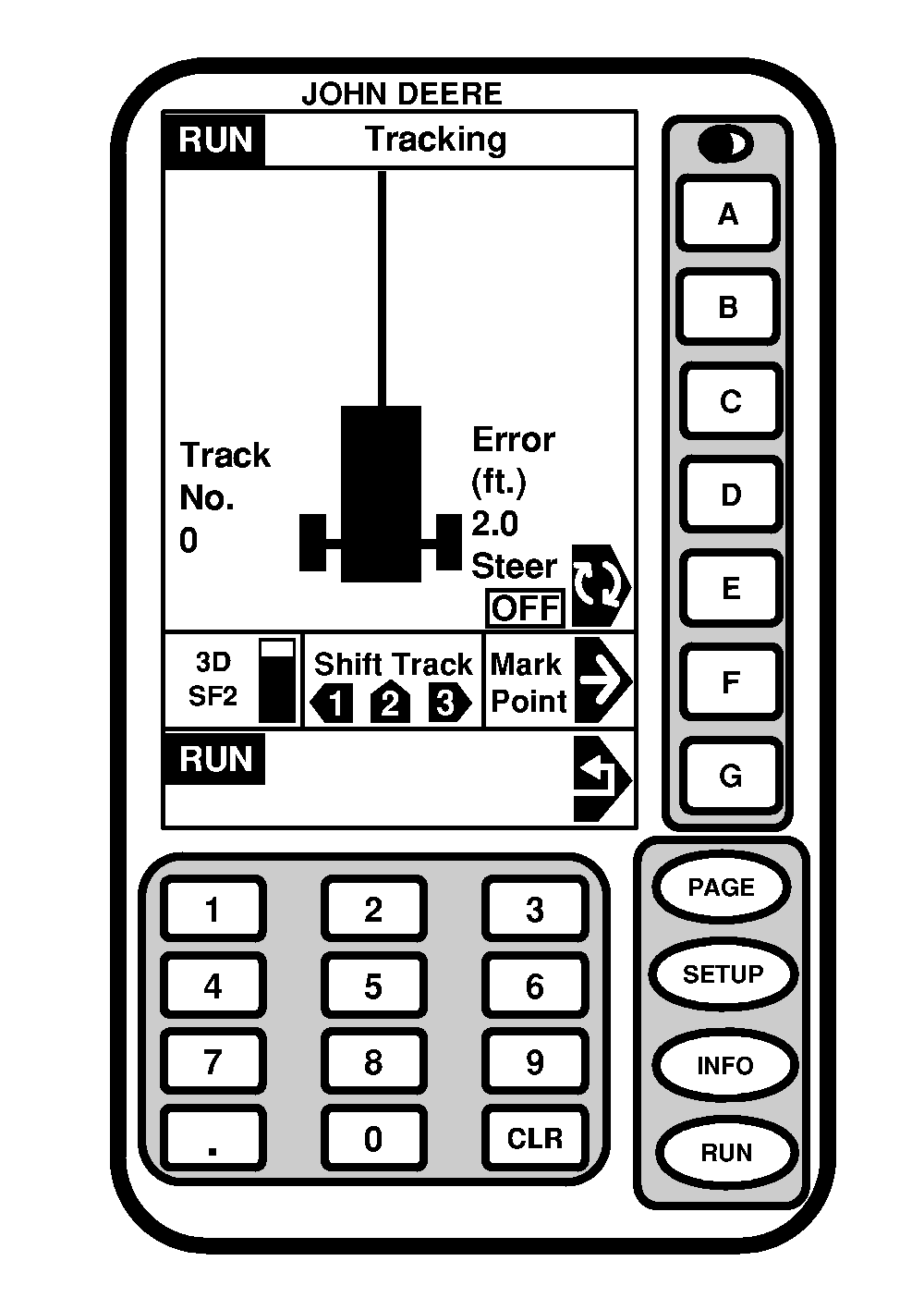
The system is enabled when ON is shown under STEER. System is disabled when OFF is shown under STEER. Press letter button next to STEER to toggle between enable/disable AutoTrac.

PC7973

OUO6050,0002370 -19-28NOV06-1/2


To enable system, all of the following criteria must be met:

  • AutoTrac KeyCard has been inserted into mobile processor.
  • Tracking has been setup (see Setup Tracking).
  • Tracking is ON.
  • SF2 signal status is present.
  • SSU is in normal operating mode.
  • TCM is turned ON (See StarFire iTC Receiver section for TCM calibration and more information).
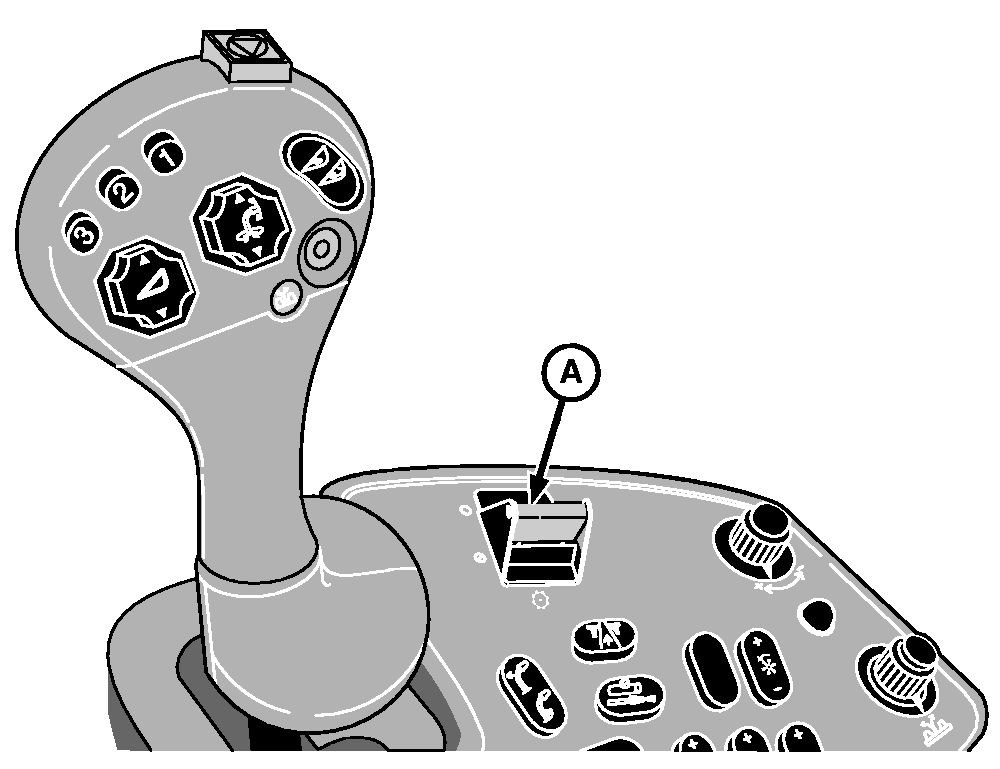
  • Clutch switch (A) is engaged.
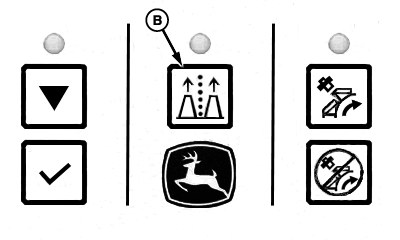
  • AutoTrac/Row Guidance button (B) is ON.


A-Clutch Engage Switch
B-AutoTrac/Row Guidance Button

PC8987
PC8989

OUO6050,0002370 -19-28NOV06-2/2