Engaging the Row Sensors
|
|
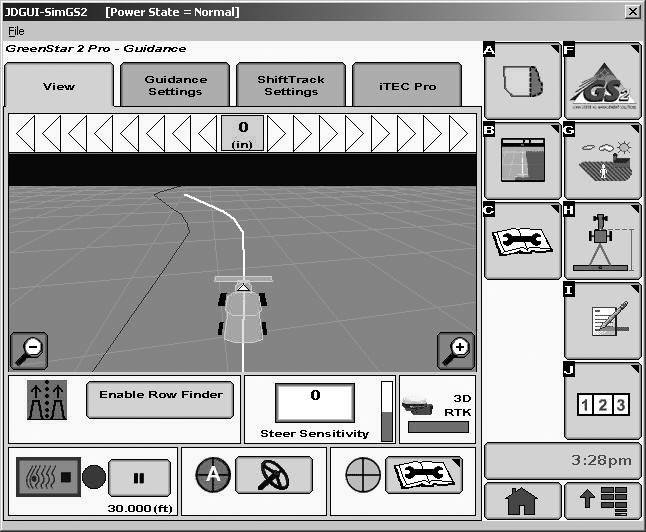
The row sensors guide the combine whenever they can determine a row position. The operator will know that row sensors are guiding the combine by the AutoTrac RowSense icon changing to green and showing motion. Once the initial path has been set (an AB line or an initial recorded Curve Track Pass), then the resume switch can be pressed when the combine is within half the track spacing and at an acceptable angle to the rows. The row sensors guide the combine as soon as there is activity on the row sensors. |
Making a Headland Turn Headland turns are accomplished the same as with GPS based AutoTrac. The operator drives to line up with the path they desire to follow. Pressing the resume switch will cause AutoTrac to drive to the guidance path. The row sensors will then detect the position of the row and follow it. The line extension feature of Adaptive Curves, Circle Track, and AB Curves can be used to extend the adjacent path projection into the headlands. |
OUO6050,0000F34 -19-03APR08-1/1 |