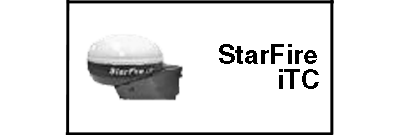
STARFIRE ITC softkeyThe STARFIRE ITC - MAIN screen contains four tabs: INFO tab SETUP tab ACTIVATIONS tab SERIAL PORT tab NOTE: If StarFire iTC is hooked into the CAN Bus with an Original GreenStar display and either a GSD2100 or 2600, the StarFire iTC will always be displayed on the GSD2100 or 2600. NOTE: If an Original StarFire receiver is hooked to a GSD2100 or 2600, the setup and information pages are displayed through Original GreenStar Monitor. MENU >> ORIGINAL GREENSTAR MONITOR. To view or change setup information, SETUP >> STARFIRE ITC. To view GPS information INFO >> STARFIRE ITC. |
|


JS56696,0000599 -19-13MAY09-1/1 |