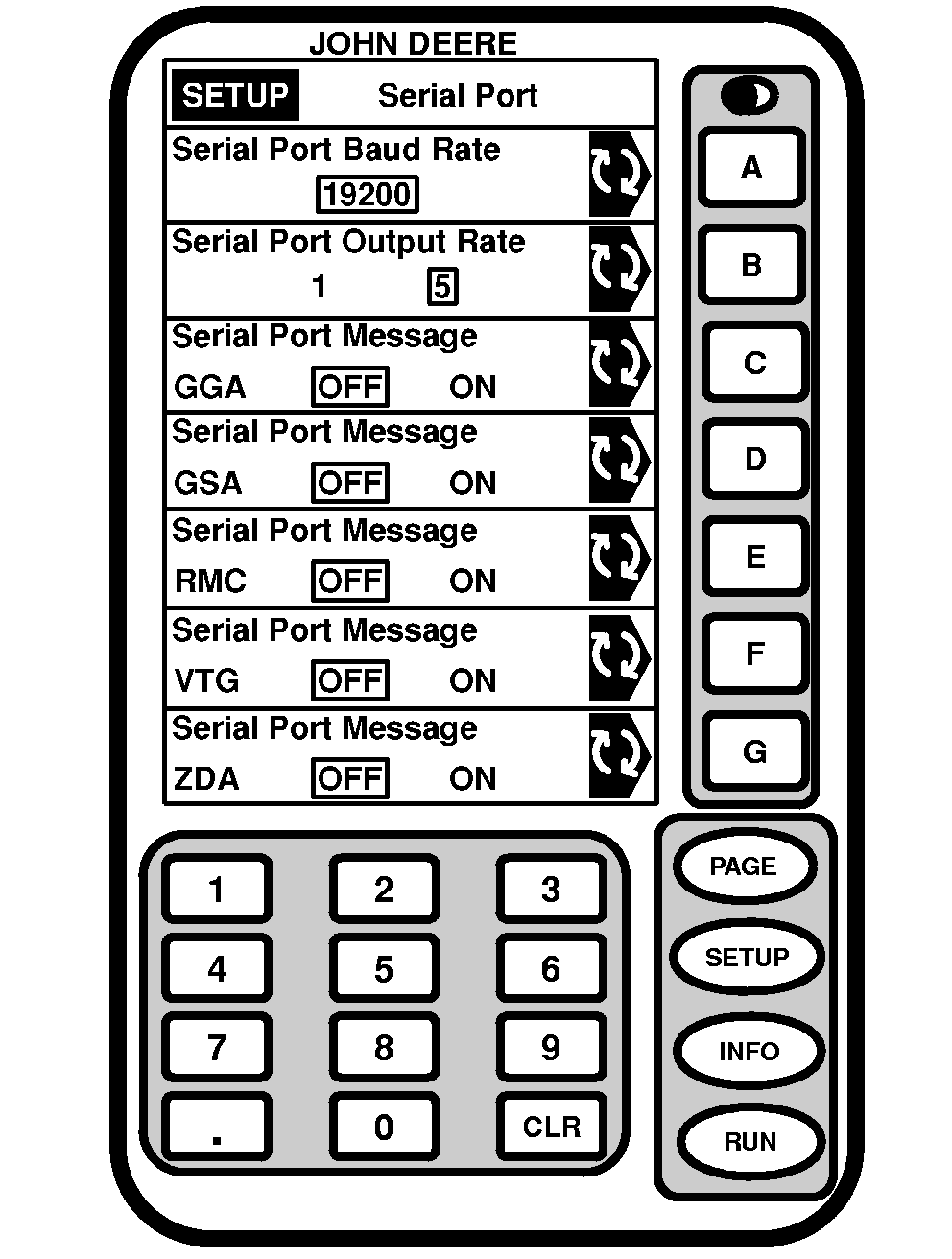
Serial RS232 OutputScreen: SETUP - SERIAL PORT Press: SETUP >> STARFIRE ITC >> SERIAL RS232 OUTPUT NOTE: NMEA serial port data is outputted for SF1 only when connected to a GreenStar system. NMEA serial port data is always outputted for SF2 and RTK. These settings are only for NMEA serial port messages for communication with non-GREENSTAR systems . Serial port baud output rates are: 4800, 9600, 19200, 38400, 57600 and 115200 The following items can be setup in SETUP - SERIAL PORT screen:
Press letter button next to desired cell, toggle to desired selection. Serial Port Output Rate NOTE: Serial port settings do not affect GreenStar applications. Press letter button next to SERIAL PORT OUTPUT RATE to toggle/select from 1 to 5 Hz. Serial Port Messages Press letter button next to SERIAL PORT MESSAGE to toggle/select between ON and OFF. |
|
JS56696,00005C4 -19-13MAY09-1/1 |