Task Controller Alarms
PC9745-UN-24SEP09
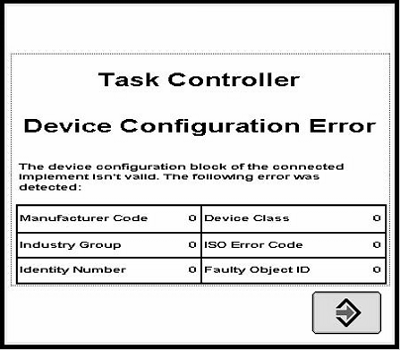
Device Configuration Error
Alarm, Task Controller, Device Configuration Error, The device configuration block of the connected implement isn’t valid. The following error was detected: Manufacturer Code:, Industry Group:, Identity Number:, Device Class:, ISO Error Code:, Faulty Object ID:
This alarm screen will be displayed whenever an error in the received Device Configuration Description of the ISO implement was detected. Please contact your John Deere Dealer or the manufacturer of the implement.
PC9746-UN-24SEP09
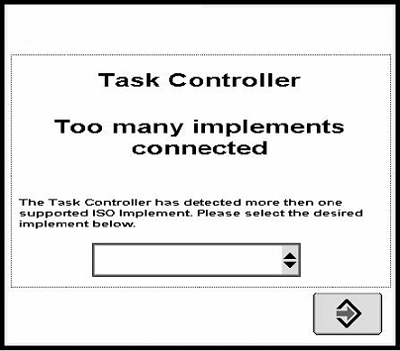
Too Many Implements Connected
Alarm, Task Controller, Too Many Implements Connected, The Task Controller has detected more than one supported ISO implements. Please select the desired implement below.
This alarm screen will be displayed whenever the ISO Task Controller unit detects more then one compatible ISO implement on the ISOBUS. The pull down list will contain all found ISO implements which can be used for documentation purposes. Each ISO Implement is listed in the following format: 10 chars of manufacturer name + 10 chars of the implement type + ISO network address in the hex format.
Example: John Deere Sprayer with ISO Network Address 0x81: John Deere-Sprayer-81x
PC9747-UN-24SEP09
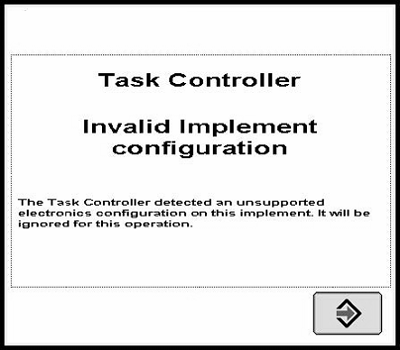
Invalid Implement Configuration
Alarm, Task Controller, Invalid Implement Configuration, The task controller detected an unsupported electronics configuration on this implement. It will be ignored for this operation.
This alarm screen will be displayed whenever an ISO implement is detected, which has member controllers. The John Deere Task controller does only support ISO implements with a master controller and no member controllers.
PC9748-UN-24SEP09
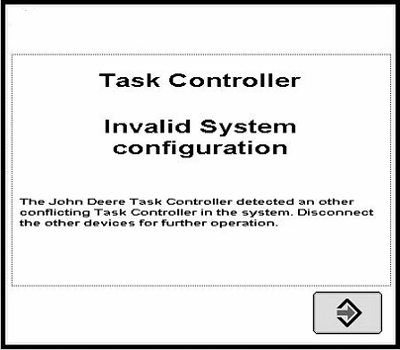
Invalid System Configuration
Alarm, Task Controller, Invalid System Configuration, The John Deere task controller detected an other conflicting task controller in the system. Disconnect the other device for further operation.
This alarm screen will be displayed whenever another ISO Task Controller is found on the ISOBUS. Disconnecting of the other Task Controllers is required because an ISO implement can only work with one Task Controller, which is in most cases the first one. When this alarm screen is displayed the John Deere Task Controller is not the first one, and cannot use the ISO implements for documentation purposes.
PC9749-UN-24SEP09
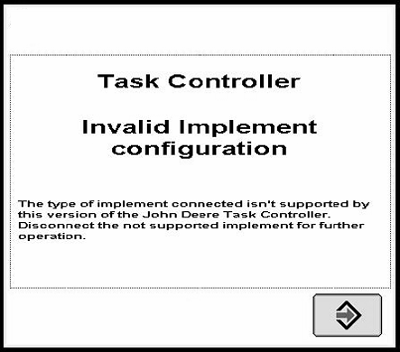
Invalid Implement Configuration
Alarm, Task Controller, Invalid Implement Configuration, The type of implement connected isn’t supported by this version of the John Deere task controller. Disconnect the not supported implement for further operation.
This alarm screen will be displayed whenever an ISO implement is detected which is not from type sprayer or seeder/planter. All other ISO implement types are ignored by the John Deere Task Controller and cannot be used for documentation purposes.
PC9750-UN-24SEP09
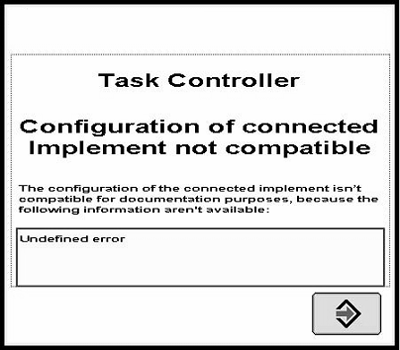
Configuration of Connected Implement Not Compatible
Task Controller, Configuration of the connected implement not compatible, The configuration of the connected implement isn’t compatible for the documentation purposes, because the following information isn’t available:
This alarm screen will be displayed whenever an implement is detected which is not compatible with Field Doc, because some information is missing from the ISO implement which is required for automatically setup of Field Doc for documentation purposes. The missed information is displayed in the message box of the alarm screen. Please contact your John Deere Dealer or the manufacturer of the implement.
OUO6050,0000CF8-19-20091013 |