Lightbar Settings
PC10857NI-UN-27APR09
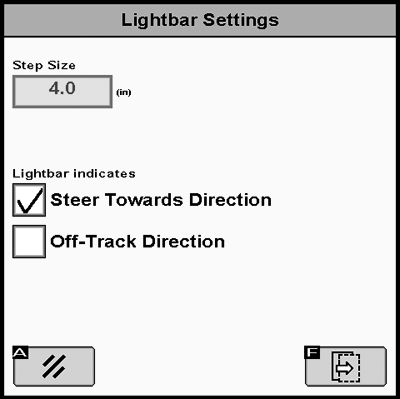
Step Size – is used to set the value of off-track distance each box on the Path Accuracy Indicator represents. If the display is used with an external GreenStar Lightbar, the Step Size will also set the off-track distance that each light represents on the Lightbar.
Steer Towards Direction – When this option is selected, the lights illuminated to the left on the Path Accuracy Indicator and external GreenStar Lightbar mean the vehicle must be steered to the left to align with the guidance track.
Off Track Direction – When this option is selected, the lights illuminated to the left on the Path Accuracy Indicator and external GreenStar Lightbar mean the vehicle must be steered to the right to align with the guidance track.
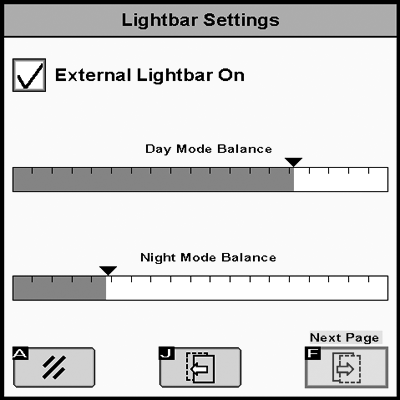
External Lightbar On – Check the box to turn ON the External Lightbar
PC10857NJ-UN-27APR09
PC10857NK-UN-27APR09
|
OUO6050,00010D5-19-20090428 |