Auxiliary Control Alerts
Auxiliary Control Not Available
PC10857SX-UN-01MAR10
PC10857SY-UN-01MAR10
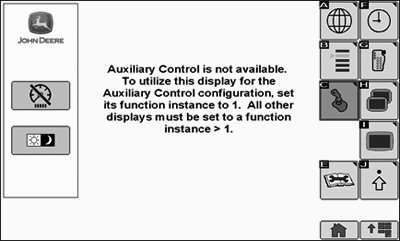
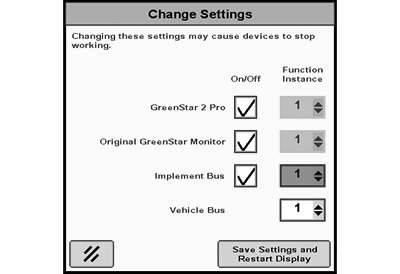
Auxiliary Control is not available. To utilize this display for the Auxiliary Control configuration, set its function instance to 1. All other displays must be set to a function instance >1.
This message occurs when the system detects that the display on which the Auxiliary Control function runs is not set as the primary Virtual Terminal (Function Instance 1).
Auxiliary Control Not Available
PC10857SZ-UN-01MAR10
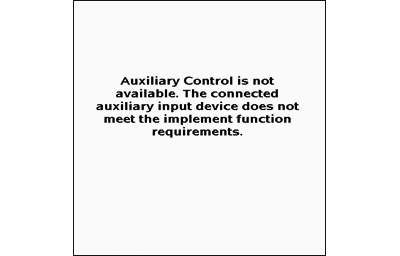
Auxiliary Control is not available. The connected auxiliary input device does not meet the implement function requirements.
This message occurs if an input device cannot control any of the requested implement functions due to an incompatibility (e.g. the input sends analog signals and the implement sends digital signals).
Communication Error
PC10857TA-UN-01MAR10
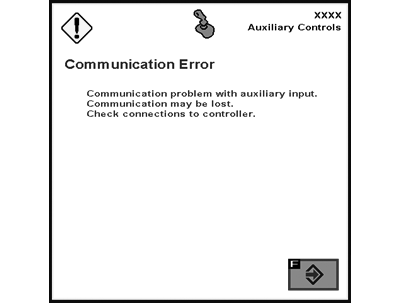
Communication Error
Communication problem with auxiliary input.
Communication may be lost.
Check connections to controller.
This message occurs when the system detects a communication problem with auxiliary input (i.e. the joystick is disconnected). Press ”Enter” key F to quit this error message, then check all connections.
|
OUO6050,0001240-19-20100302 |