Refilling Tank
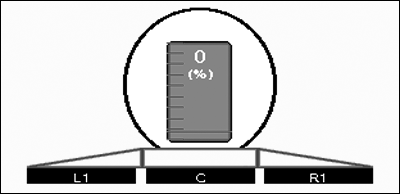
PC12283-UN-16SEP09
Volume Remaining/Refill Button
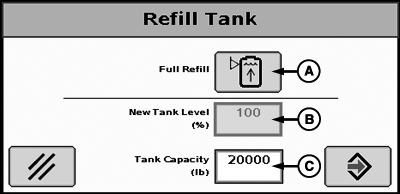
PC11347-UN-02OCT08
Refill Tank
A - Full Refill Button
B - New Tank Level Input Box
C - Tank Capacity Input Box
-
Reset estimated tank level after refilling.
-
Select estimated volume remaining/refill button.
-
If volume after refilling is full, select Full Refill (B). This sets tank level to defined tank capacity.
-
If only partially filling tank, enter new tank level by pressing new tank level button and input estimated value. If tank size has changed, enter new tank capacity.
|
HC94949,0000712-19-20150203 |