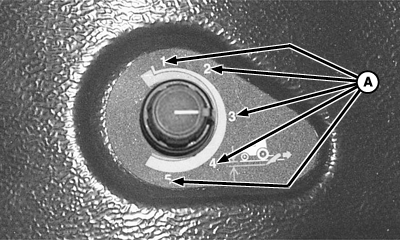
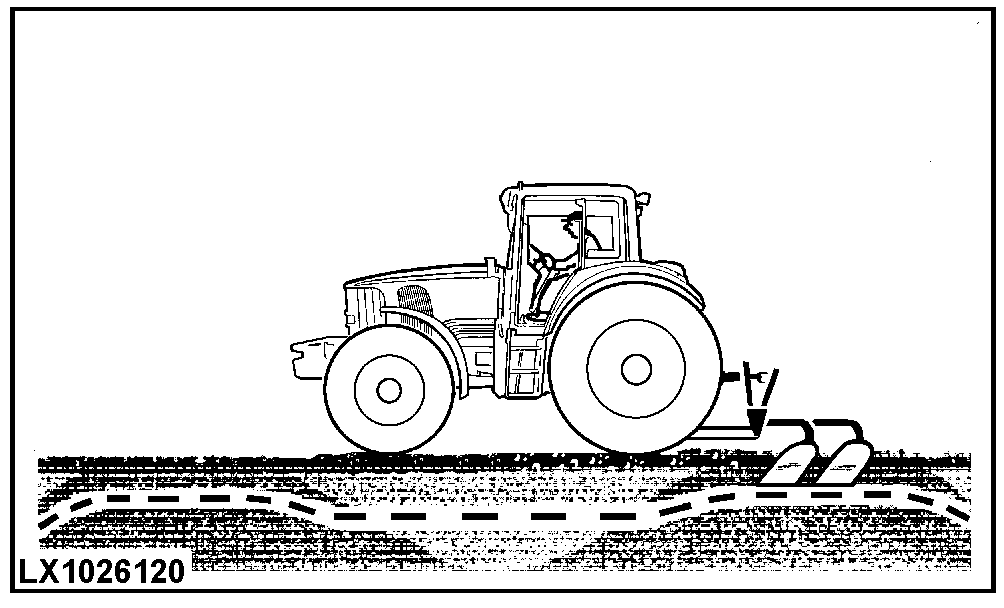
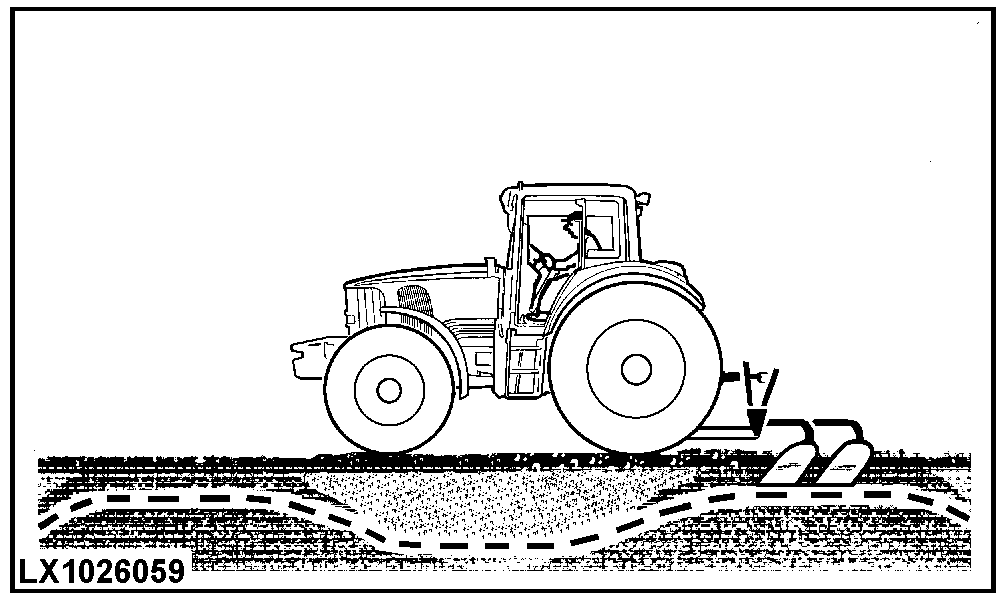
Using Draft ControlTurning load/depth knob to a numbered area (A), allows depth and load control to be varied as ground conditions require. The setting of the control depends on implement being used and field or soil conditions. Turning the control counterclockwise reduces draft response. Turning the control clockwise increases draft response. With the control turned to a higher number, the implement is raised as resistance (soil density) increases and lowered as resistance decreases. Typical settings are:
|
|
OUMX005,0001A64 -19-06SEP04-1/1 |