Delayed Egress Lighting (If Equipped)
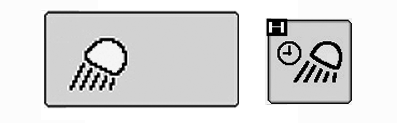
RXA0107021-UN-26MAR10
CommandCenter™ Main Menu Lights Icon → Delayed Egress Light Softkey
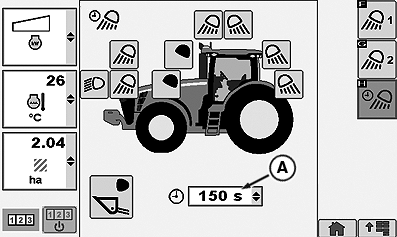
RXA0106072-UN-18AUG10
Lights Page (Delayed Egress Lighting)
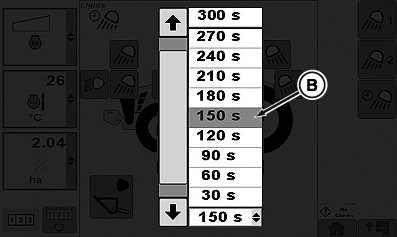
RXA0105959-UN-26MAR10
Delayed Egress Time Drop Down Box
A - Delayed Egress Time Drop Down Box
B - Delayed Egress Time
Programming Delayed Egress lighting allows operator to select which combination of road/flood lights will remain on and for the amount of time those selected lights will remain on after light selector knob is turned to the OFF position.
- At CommandCenter™ main menu, select Lights icon.
- Select Delayed Egress Light softkey.
- Select Delayed Egress Time drop down box (A).
- When drop-down box options appear, select desired Delayed Egress Time (B) before lights will automatically turn off. This could be from 10 to 300 seconds in 30 second increments.
CommandCenter is a trademark of Deere & Company | ZE59858,00003B4-19-20101105 |