Use Video Display Capability Properly (Touchscreen CommandCenter™ Only) (If Equipped)
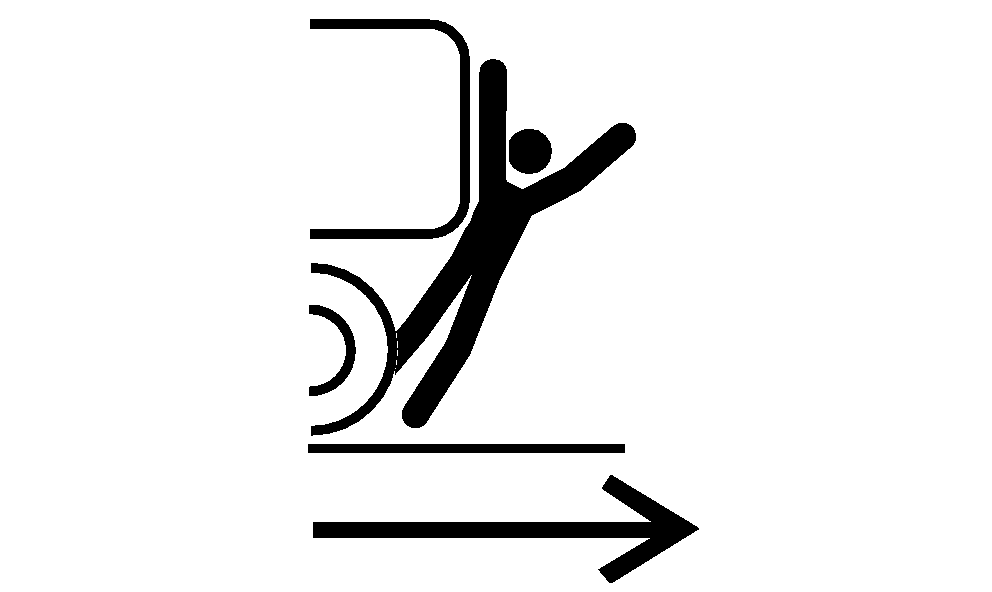
Avoid Backover Accidents
RXA0109491-UN-05AUG10
Avoid Backover Accidents
 CAUTION: Before moving machine, be sure that
all persons are clear of machine path. Give audible warning
by sounding horn. Turn around and look directly for best visibility.
Use mirrors to assist in checking all around machine. Keep windows
and mirrors clean, adjusted, and in good condition. Use a signal person
when backing if view is obstructed or when in close quarters.
CAUTION: Before moving machine, be sure that
all persons are clear of machine path. Give audible warning
by sounding horn. Turn around and look directly for best visibility.
Use mirrors to assist in checking all around machine. Keep windows
and mirrors clean, adjusted, and in good condition. Use a signal person
when backing if view is obstructed or when in close quarters.
Do not rely on a camera to determine if personnel or obstacles are behind the machine. The system can be limited by many factors including maintenance practices, environmental conditions, and operating range.
CAUTION: Do not rely on a camera for collision avoidance or
bystander detection. To avoid possible injury or death to operator
or others, always remain alert and aware of surroundings when operating
the machine. Read and understand AVOID BACKOVER ACCIDENTS in this
section.
IMPORTANT: Avoid damage to equipment. Correctly understand whether the camera is ”mirrored” and whether the video application is mirrored.
- Mount camera in a sturdy and secure location.
- Understand camera’s field of view.
- Keep camera properly serviced.
- Keep camera lens clean.
|
RW29387,000013D-19-20121130 |