Mechanical Front-Wheel Drive (MFWD)
RW13093-UN-07DEC88
RXA0138503-UN-21JAN14
CommandARM™ MFWD Controls
RXA0135821-UN-01OCT13
MFWD Indicator
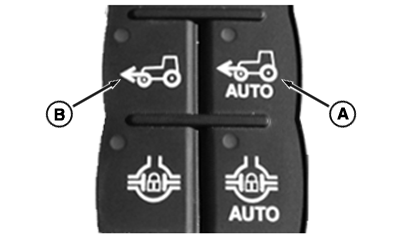
A - AUTO MFWD Switch
B - Manual MFWD Switch
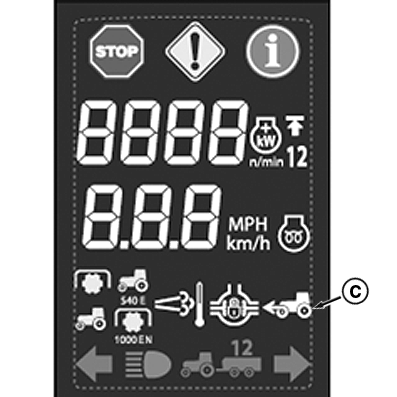
C - MFWD Indicator
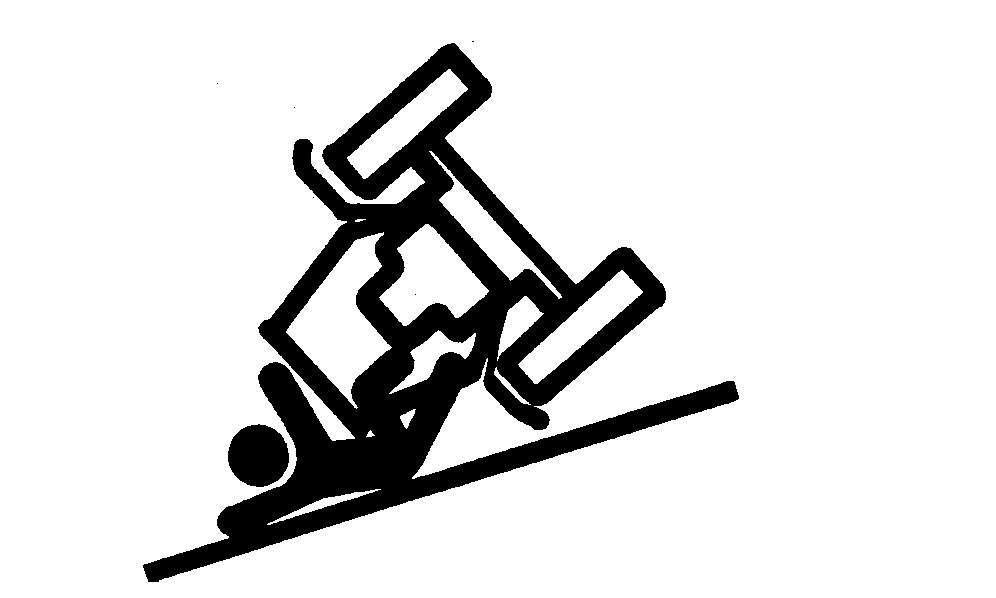
 CAUTION: Avoid personal injury or death. Reduce speed when driving
on icy, wet, or graveled surfaces.
CAUTION: Avoid personal injury or death. Reduce speed when driving
on icy, wet, or graveled surfaces.
Ballast tractor correctly to avoid skidding and loss of steering control. Engage front-wheel drive by using MFWD switch mode, rather than AUTO mode for four wheel braking.
IMPORTANT: Use AUTO MFWD or Brake Assist when transporting tractor.
MFWD allows the most power and traction for any road or field condition.
MFWD can be engaged and disengaged in all gears (forward and reverse) during operation and under full load. Select one of three operating modes:
AUTO MFWD — Enter Auto mode by pressing AUTO MFWD switch (A) on armrest. While in Auto mode, LED in AUTO switch illuminates. MFWD indicator (C) illuminates when MFWD is engaged. Following is how MFWD operates in AUTO position:
- MFWD automatically disengages when either brake pedal is pressed, at speeds above 23 km/h (14 mph) or steering angle is greater than selected value. For more information on how to change MFWD steering angle see Adjust Steering Angle to Disengage Mechanical Front-Wheel Drive (MFWD) in the section of this Operator’s Manual.
- MFWD automatically engages when speed falls below 19 km/h (12 mph) and steering angle is below selected value, or when BOTH brake pedals are depressed.
Manual MFWD — Enter Manual mode by pressing Manual MFWD switch (B). While in Manual mode, LED in Manual MFWD switch and MFWD indicator illuminate until disengaged. To disengage Manual MFWD mode, press illuminated Manual MFWD switch. MFWD is engaged when transmission is in PARK.
Brake Assist — If both Manual and Auto mode are deselected, MFWD will be in Brake Assist mode. In Brake Assist mode, MFWD will be off unless both brake pedals are depressed at speeds above 5 km/h (3 mph).
|
TO84419,00000D3-19-20140121 |