User Profiles
PC17265-UN-15JUL13
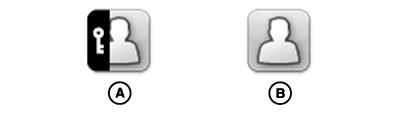
A - Administrator Profile
B - Operator Profile
Display can be set to one of two profiles, Administrator or Operator. The active profile is displayed above profile list.
Administrator Profile (A)
Administrator profile always set to Full Access Group. It allows unlimited access of all features, and ability to lock and unlock features in Operator Profile. A PIN can be set to lock users out of the Administrator Profile.
Operator Profile (B)
Operator profile always set to Limited Access Group. It is restricted to only features it is given access to. Operator Profile must be active profile and Administrator Profile must have a PIN for features to be locked.
PC17266-UN-15JUL13
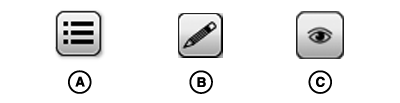
A - Change Profile Button
B - Edit Button
C - View Button
Change Active ProfileSelect Change Profile button (A) and select profile from list.
NOTE: If a PIN has been created for the administrator profile, it must be entered when switching from Operator Profile to Administrator Profile.
Add/Change PIN
Select Edit button (B) for Administrator Profile. Select Add/Change PIN button.
|
DX,PC,USERS,PROFILES-19-20151222 |