Activating Independent Mode
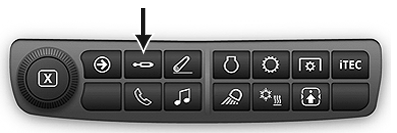
RXA0133709-UN-16JUL13
SCV Shortcut Button on Navigation Bar

RXA0130326-UN-11JAN13
Advanced Settings Icon
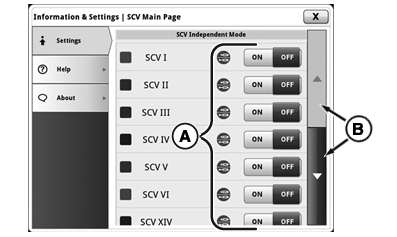
RXA0128422-UN-22AUG13
Information and Settings Page
A - SCV ON/OFF Toggles
B - Scroll Bar
SCVs in Independent Mode each have two detent flow settings and two detent time settings, one pair for extend and the other pair for retract.
Press SCV shortcut button on Navigation Bar.
- Press Advanced Settings Icon.
- Press Settings tab.
Use toggles (A) to switch Independent Mode ON or OFF for each SCV.
NOTE: If Independent Mode is off, the SCV is in Standard Mode.
|
RD47322,000049E-19-20150505 |