SCV and Joystick Flow Response Setting
SCV and Joystick response can be set to three different response curves: Linear, Progressive and Combination.
- Linear means that the flow rate of the SCV corresponds to the distance traveled by the SCV control lever/joystick lever.
- Progressive means that initially the flow rate of the SCV is less than that traveled by the SCV control lever/joystick lever (giving a more sensitive start to the movement).
- Combination is an intermediate stage between the two settings described above.
-
Press SCV Shortcut Button on Navigation Bar.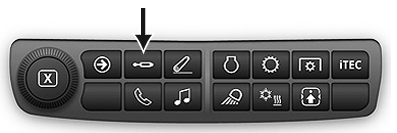
RXA0133709-UN-16JUL13 -
Press Advanced Settings Icon.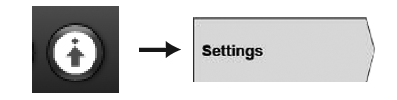
RXA0130326-UN-11JAN13 -
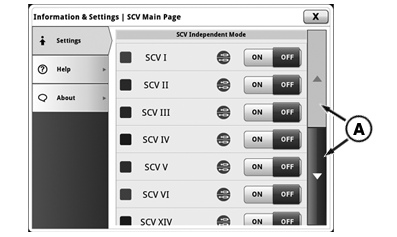
Press Settings Tab.
-
RXA0137874-UN-18DEC13
Using scroll bar (A), scroll down to flow adjustment sensitivity and press either SCV control lever (B) or joystick response (C) to adjust SCV response or joystick response.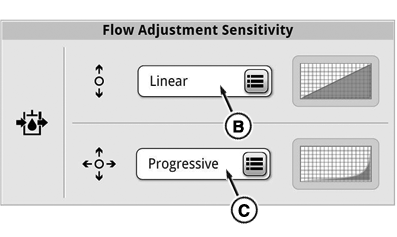
RXA0137875-UN-18DEC13 -
Then choose either Linear (D), Combination (E) or Progressive (F), then confirm using the OK button (G).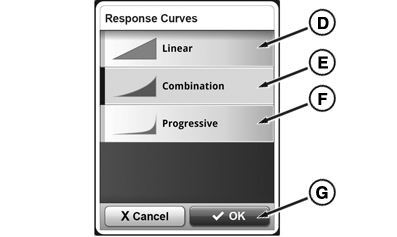
RXA0137876-UN-18DEC13
|
TS36762,00002A1-19-20161123 |