Displaying Diagnostic Gauge Software (Later Engines)
NOTE: The following steps can be used to display the software version of the diagnostic gauge if needed by your dealer for troubleshooting. This is a read only function.
-
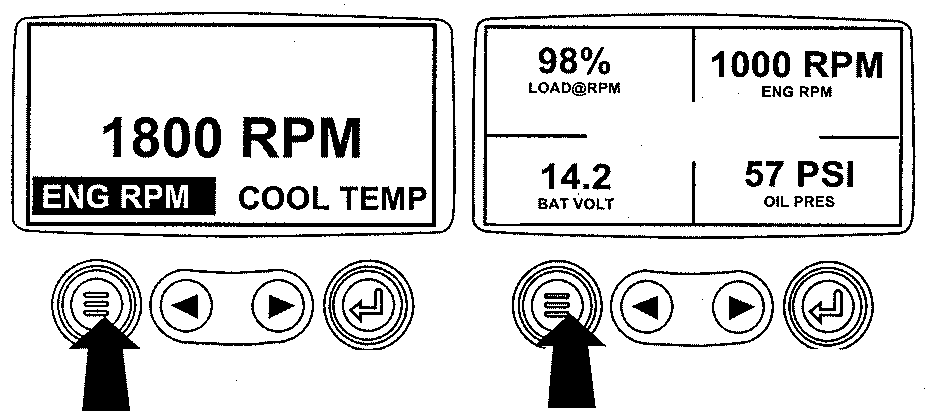
RG13159-UN-26SEP03Menu Key
Starting at the single or four engine parameter display, press the "Menu" key. -
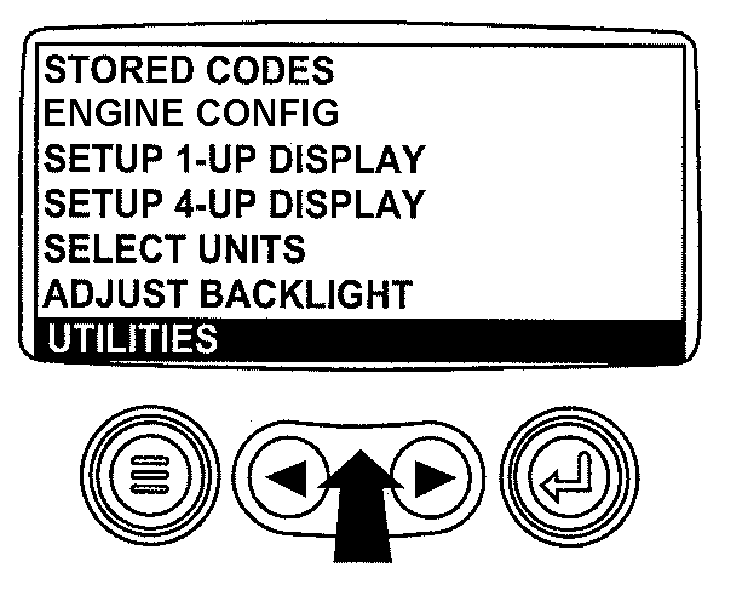
RG13234-UN-22OCT03Select Utilities
The main menu will be displayed. Use the "Arrow" key to scroll through the menu until "Utilities" is highlighted. -
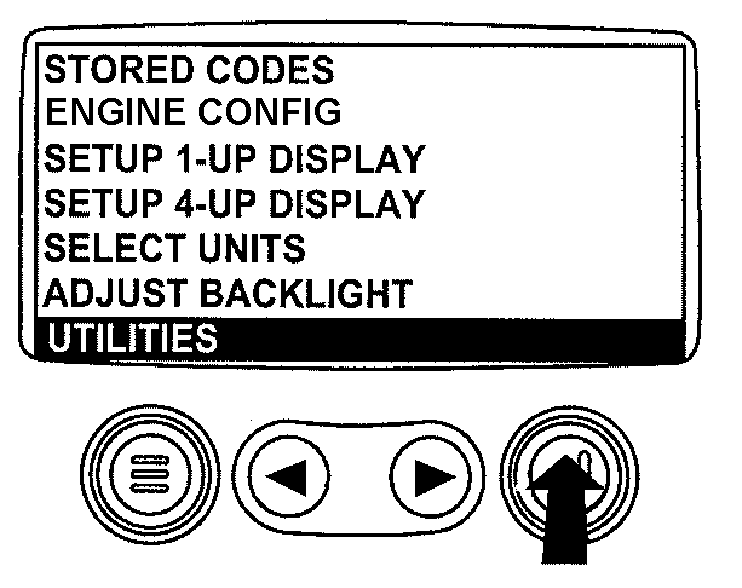
RG13237-UN-22OCT03Select Utilities
Once "Utilities" is highlighted, press "Enter" to activate the utilities function. -
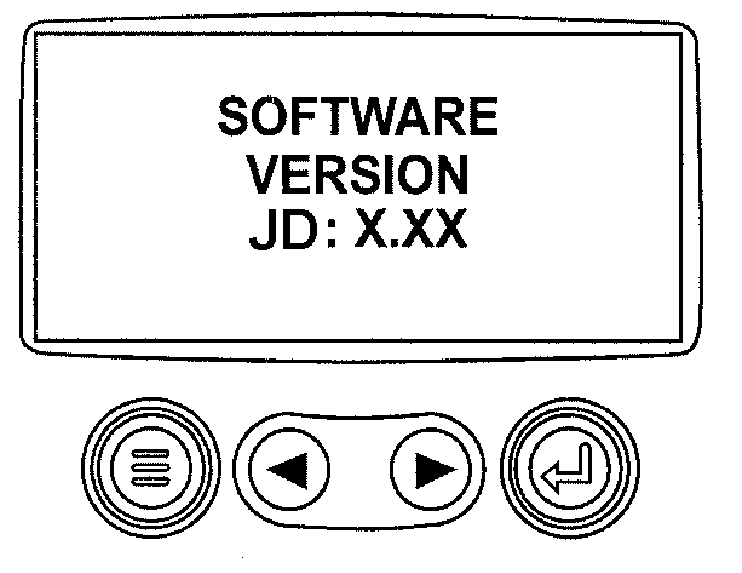
RG13236-UN-13OCT03Software Version
Scroll to the "Software Version". Press "Enter" to view the software version. Press the menu button twice to return to the main menu.
|
OURGP11,000012B-19-20060727 |