Adjusting Backlighting
NOTE: The backlight control on the instrument panel may also be used to adjust backlighting. This control will override any adjustment made on the diagnostic gauge.
NOTE: The engine does not need to be running to navigate the diagnostic gauge screens. If engine start up is desired, see Starting the Engine in the Engine Operation Section. All of the engine values illustrated on the diagnostic gauge indicate the engine is running.
-
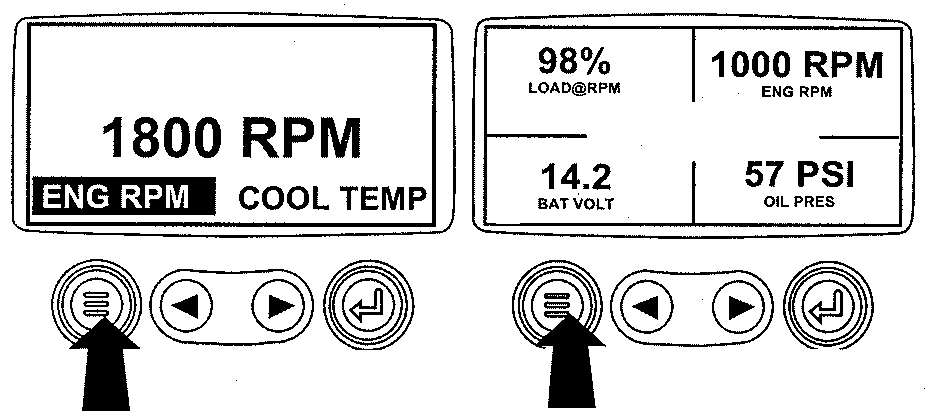
RG13159-UN-26SEP03Menu Key
Turn the key switch to the ON position. Starting at the single or four engine parameter display, press the "Menu" key. -
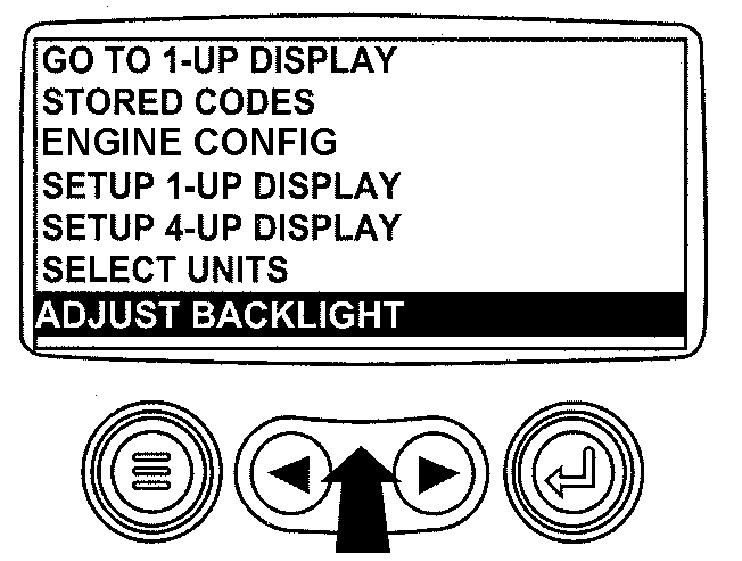
RG13181-UN-02OCT03Select Adjust Backlight
The main menu will be displayed. Use the "Arrow" keys to scroll through the menu until "Adjust Backlight" is highlighted. -
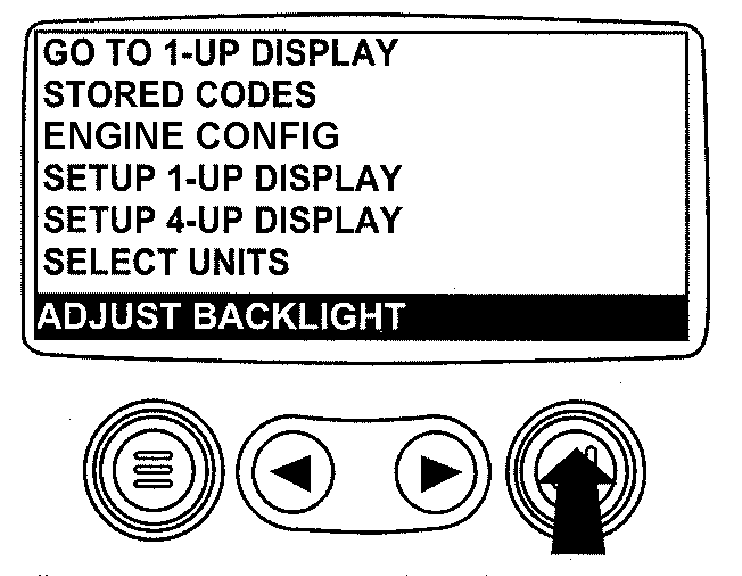
RG13182-UN-02OCT03Press Enter Key
Once the "Adjust Backlight" menu item has been highlighted, press the "Enter" key to activate the "Adjust Backlight" function. -
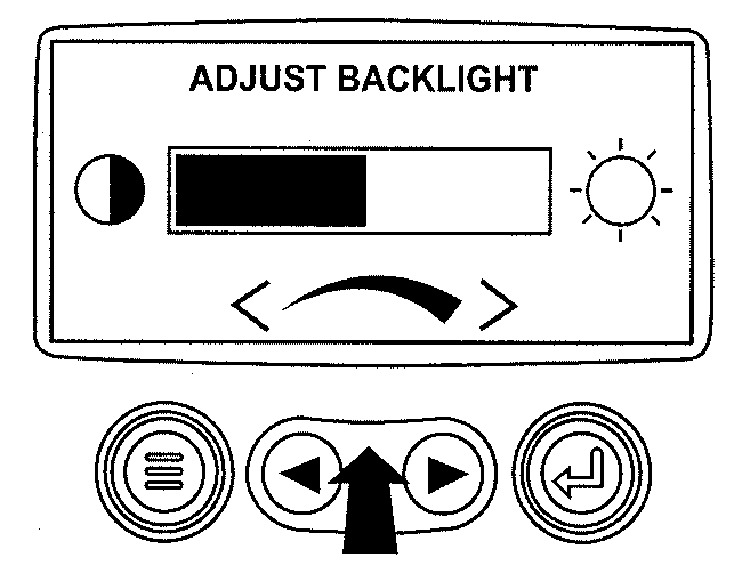
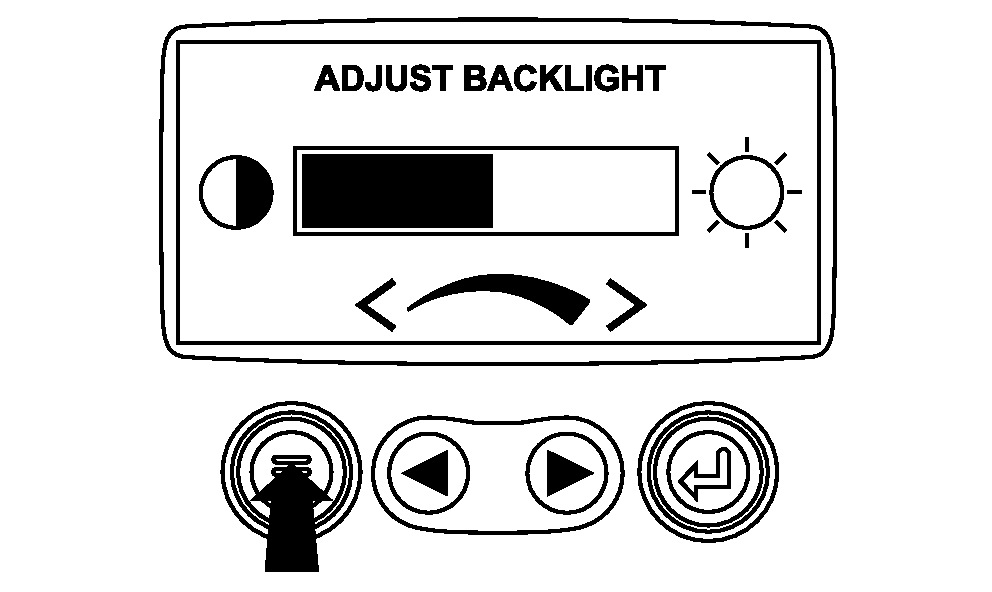
RG13183-UN-29SEP03Adjust Backlight Intensity
Use the "Arrow" keys to select the desired backlight intensity. -
RG19048-UN-23AUG10Return To Main Menu
Press the "Menu" key to return to the main menu. -
RG13159-UN-26SEP03Exit Main Menu
Press the "Menu" key to exit the main menu and return to the engine parameter display.
|
OURGP11,00000AA-19-20131106 |