Machine Selection (Navigation Drawer)
To change the selected machine open the machine list from the navigation drawer and select the desired machine from the list, slide and open the navigation drawer. It is not necessary to go back to main menu screen and select the machine.
Other way to select the machine by clicking (A) tab to open the machine list.
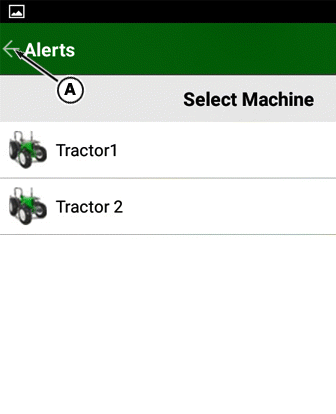
PY25295-UN-15MAR24
NOTE: For navigation drawer previously selected machine will be default for all the menus.
|
HK75640,000044D-19-20181009 |