Operate Mechanical Position Control
LV14194-UN-27APR11
Cab
LV16352-UN-29NOV12
Open Operator Station
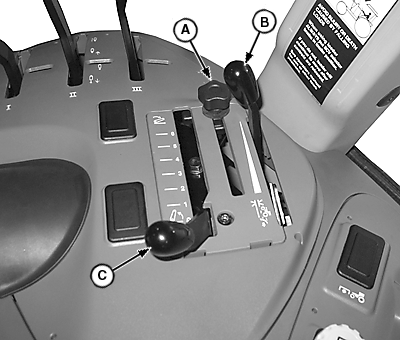
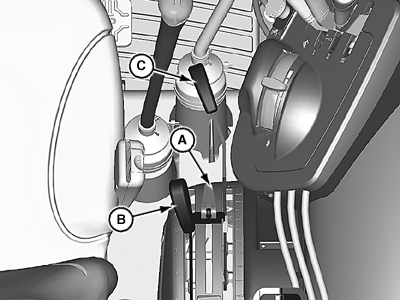
A - Control Lever Stop
B - Draft Control Lever
C - Position Control Lever
 CAUTION: Prevent unexpected movement of rear hitch. Put draft
control knob (C) in full forward position before attaching implement.
CAUTION: Prevent unexpected movement of rear hitch. Put draft
control knob (C) in full forward position before attaching implement.
Push draft control lever (B) fully forward when you DO NOT want rear hitch to adjust automatically to draft load, such as when attaching an implement to the tractor.
Use position control lever (C) to control hitch movement and depth:
Transport
For transport of implements and end of field turn-around, pull control lever (C) fully rearward for both load and non-load sensing usage.
Constant Depth
LV09233-UN-26JUL04
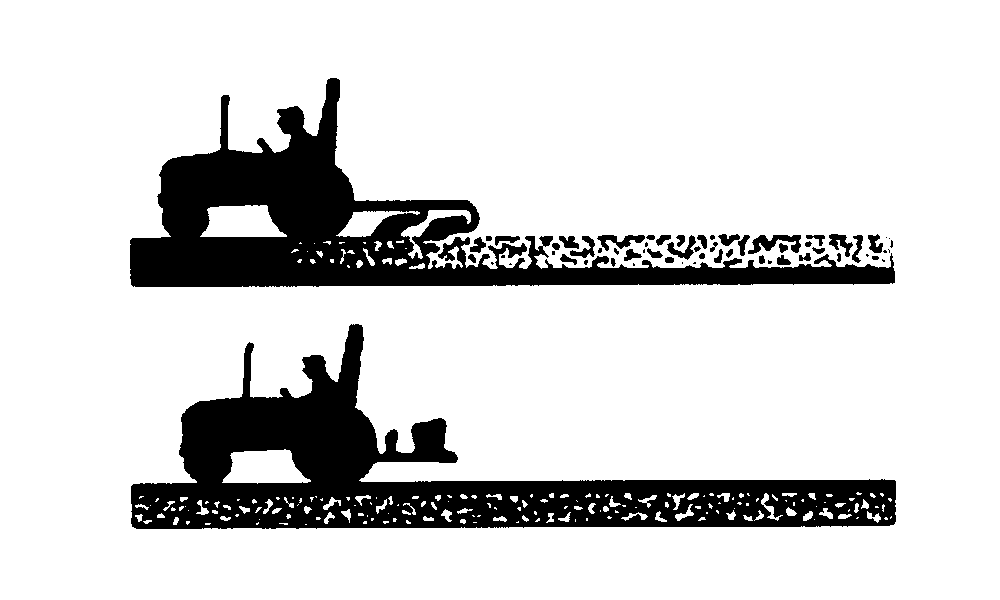
- For constant depth of implements on level terrain and for non-ground engaging implements such as spreaders or sprayers, put position control lever (C) at desired depth.
- Operate implement for a few minutes to determine proper depth or height.
- Set control lever stop (A) against position control lever. Rear hitch will return to the same position each time control lever contacts the stop.
Float
LV9457-UN-26JUL04
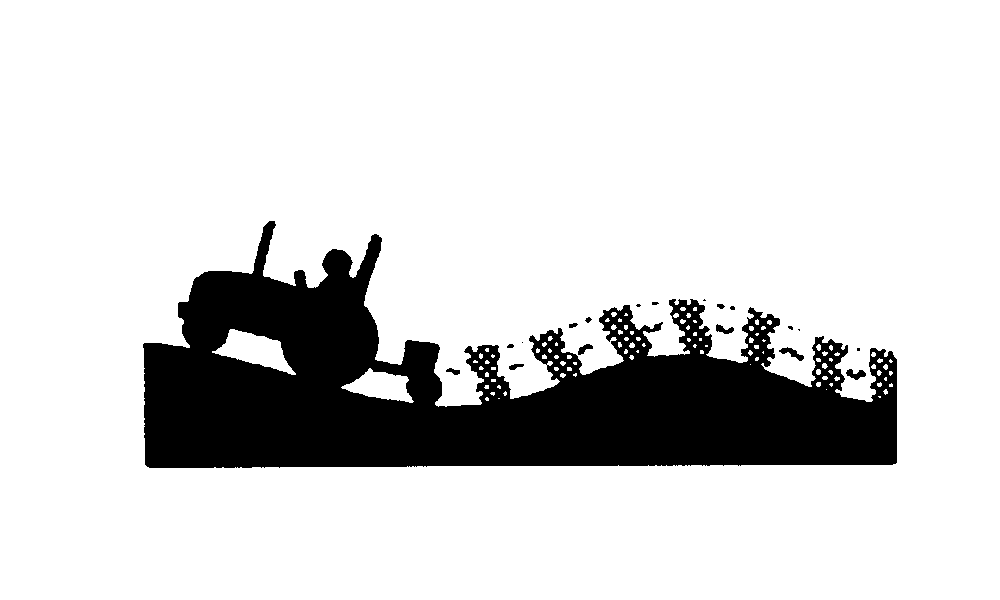
For float operation for implements with skids or depth gauge wheels designed to carry full implement weight, push both position control lever (C) and draft control lever (B) all the way forward, so implement can follow ground contour.
NOTE: Lift links can be adjusted for lateral float. (See Adjusting Lateral Float in 3-Point Hitch section.)
|
JZ81662,0000F48-19-20121126 |