Information Display Navigation Controls
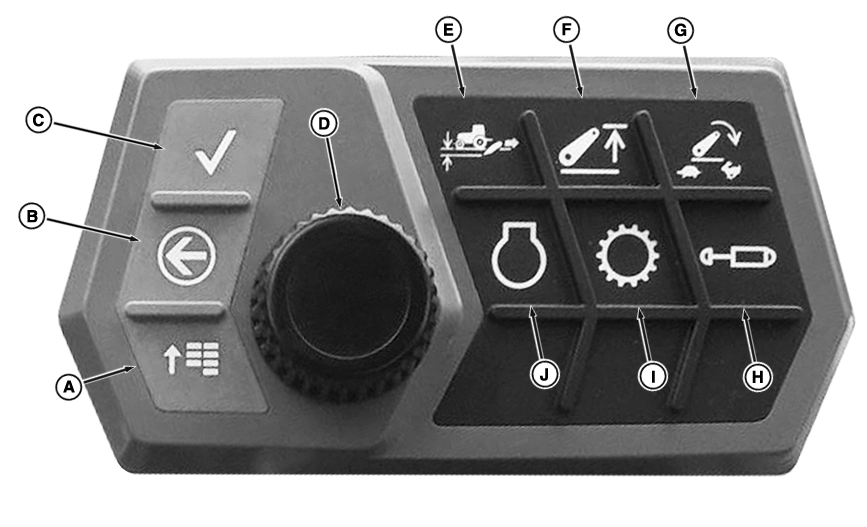
The information display utilizes the buttons and dial on the navigation pad to move through the screens and selections. See “Basic Menu Navigation” in this section for more information.
For more information about specific machine functional systems (hitch, transmission, and so on), see the relevant operational section in this manual.
RXA0152677-UN-12JUL16
A - Main Menu Button
B - Back Button
C - Enter/Accept Button
D - Navigation Dial
E - Hitch Load Depth Settings Button
F - Hitch Upper Limit Settings Button
G - Hitch Drop Rate Settings Button
H - SCV Settings Button
I - Transmission Settings Button
J - Engine Settings Button
RXA0152991-UN-21JUL16
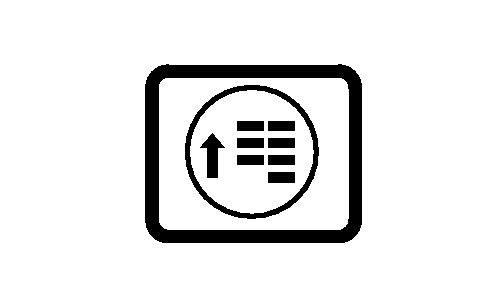
Main Menu Button
RXA0152970-UN-21JUL16
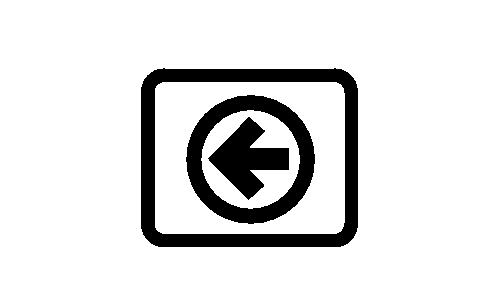
Back Button

RXA0152979-UN-29JUL16
Enter/Accept Button
RXA0152978-UN-28JUL16
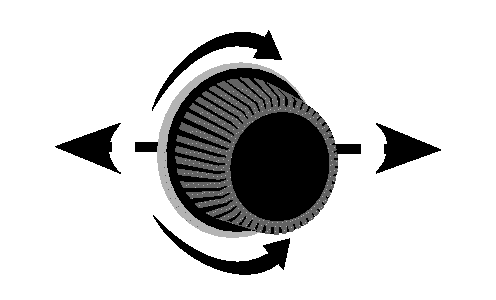
Navigation Dial
Main Menu Button (A): Depress the main menu button to navigate from the run pages to other pages or back to the main menu at anytime.
Back Button (B): Depress the back button to return to the previous screen.
Enter/Accept Button (C): Depress the enter/accept button to make selections or store settings.
Navigation Dial (D): Rotate the navigation dial to navigate from page to page or through a specific page to change selections. The currently selected choice is highlighted in yellow. As the navigation dial is rotated the selected choice changes and depending on the screen, allows scrolling left and right or up and down. Rotating the dial in the opposite direction reverses the navigation allowing the operator to back up if a selection is missed.
Quick Setting Buttons (E-J): Depress any of these buttons to go directly to the settings menu for that particular function. For more information about settings, see the relevant topic in this section.
|
DP51502,0002630-19-20160816 |