Basic Menu Navigation
This information is a general guide for basic navigation through the various menus and selections of the information display. Use the following controls on the navigation pad to find and customize the settings within each of systems. More detailed information about each of the settings is in the operational section for the relevant system.
NOTE: Some menus and selections show up, but prevent access if the feature is not available at that point in time. Other menus do not show up at all if the feature is not installed, which generally requires the purchase of additional software.
-
RXA0152991-UN-21JUL16Main Menu Button
Depress the main menu button. -
NOTE: Information display screens use a yellow highlight where the current selection is or a white arrow where scrolling is possible. White outlined areas are typically items which are available for selection by the operator.
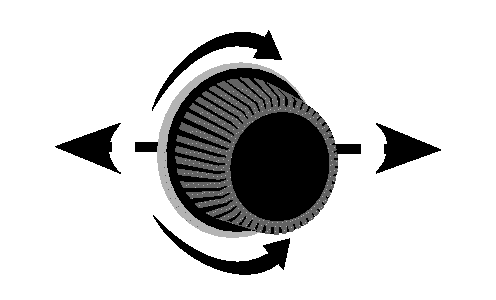
RXA0152978-UN-28JUL16Navigation Dial

RXA0152958-UN-21JUL16Example (Engine Menu)
Use the navigation dial to locate the relevant or desired system menu:- Rear Hitch
- SCV
- Transmission
- Engine
- iTEC™ Basic
- Maintenance
- Brake System
- Diagnostics
- Display Settings
- Layout Manager
-

RXA0152979-UN-29JUL16Enter/Accept Button
Depress the enter/accept button to enter the system menu. -
RXA0152978-UN-28JUL16Navigation Dial
RXA0152959-UN-21JUL16Example (FieldCruise)
Use the navigation dial to select the desired setting. -
RXA0152979-UN-29JUL16Enter/Accept Button
Depress the enter/accept button to enter the setting. -
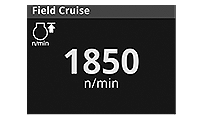
RXA0153398-UN-16AUG16Example (FieldCruise Setting)
Use the navigation dial to change the setting or select a subsetting. -
RXA0152979-UN-29JUL16Enter/Accept Button
Depress the enter/accept button to save changes to the settings.
|
DP51502,000263E-19-20161215 |