Diagnostic Address Mode
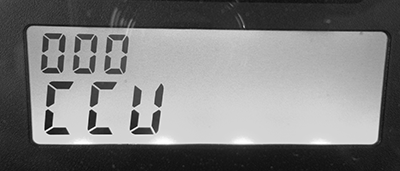
P17950-UN-28APR16
Control Unit Address Menu
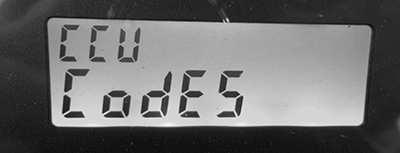
P17951-UN-28APR16
Address 001 - Codes
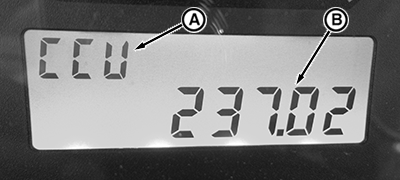
P17952-UN-28APR16
Diagnostic Trouble Codes
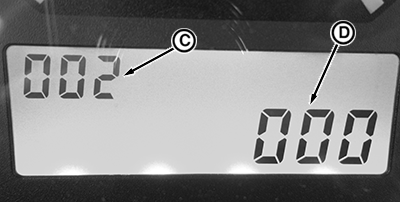
P17953-UN-28APR16
Diagnostic Addresses
NOTE: See On-Board Diagnostic Tool page for directions to enter Diagnostic Address mode.
-
Press roll mode switch to select and enter Control Unit Address menu.
-
Use turn signal lever to scroll through Control Unit Address list.
-
Address 001 is shown as “Codes”. Enter the Codes Address to see and scroll through stored Diagnostic Trouble Codes.
DISPLAY
DESCRIPTION
A - Control Unit
CCU, ICC, PR
B - DTC
Record code XXXXXX.XX and contact John Deere™ dealer.
CLR?
CLEAR command. To clear DTC, press roll mode switch.
DONE
Deletion of DTC is done.
-
Addresses 002-XXX show status, configuration, and operational information of various functional systems controlled by the CCU, ICC, or PTR.
DISPLAY
DESCRIPTION
C - Diagnostic Address
Record address number.
D - Diagnostic Address Value
Record address value XXXXXX and contact John Deere™ dealer.
|
PX07220,0000366-19-20160511 |