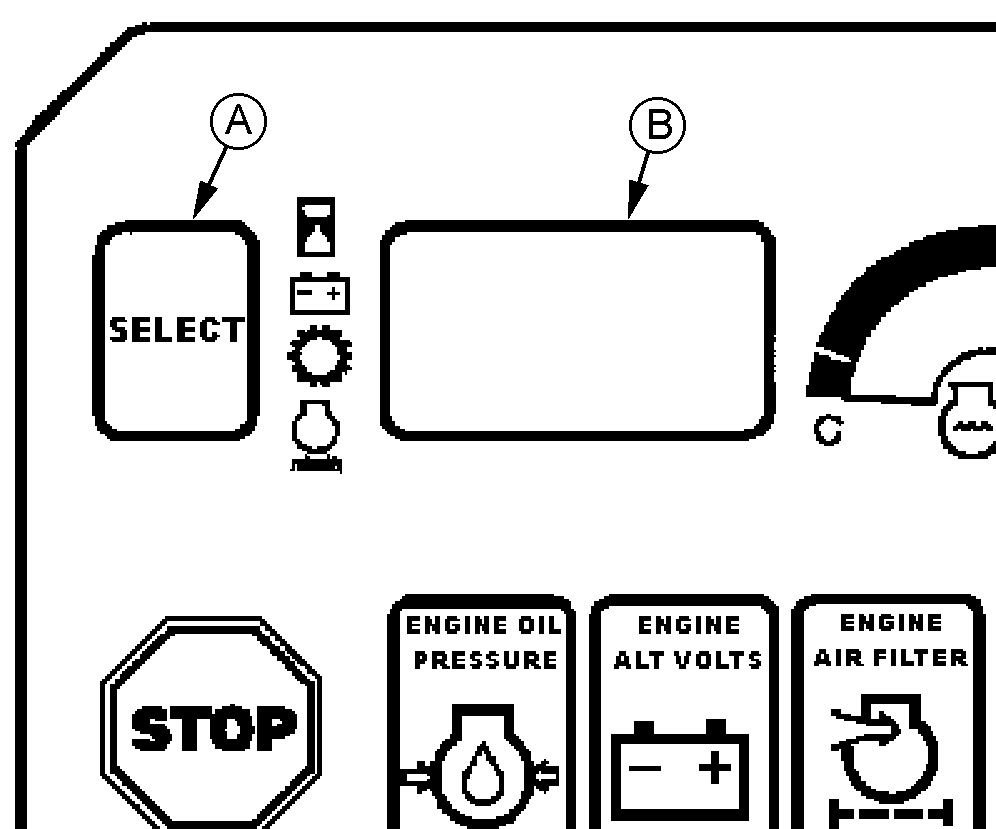
Monitor Display WindowPress the monitor select button (A) to view the following information in the monitor display window (B):
The monitor display window also displays transmission service codes when they occur. NOTE: If a service code is displayed (F3XX or ERR), see your authorized dealer. Each time monitor is started and engine is running, display window will show engine rpm. If engine is not running, display window will default to hour meter. |
|
TX,10,RB110 -19-05MAY00-1/1 |