Reading Diagnostic Trouble Codes
Reading DTCs on Standard Controls Machines with Engagement and Monitor Unit (EMU)
The diagnostic trouble codes can be viewed from the engagement and monitor unit. The engagement and monitor unit displays both engine and machine diagnostic trouble codes. To access the diagnostic trouble codes:
-
Press MENU on the engagement and monitor unit until “CODES” appears in the engagement and monitor unit display.
-
Press SELECT to enter the “CODES” menu.
-
Pressing SELECT again will scroll through the diagnostic trouble codes if any are present in the machine.
-
If no diagnostic trouble codes are present, or when the end of the diagnostic trouble code list is reached, “END” will appear in the engagement and monitor unit display.
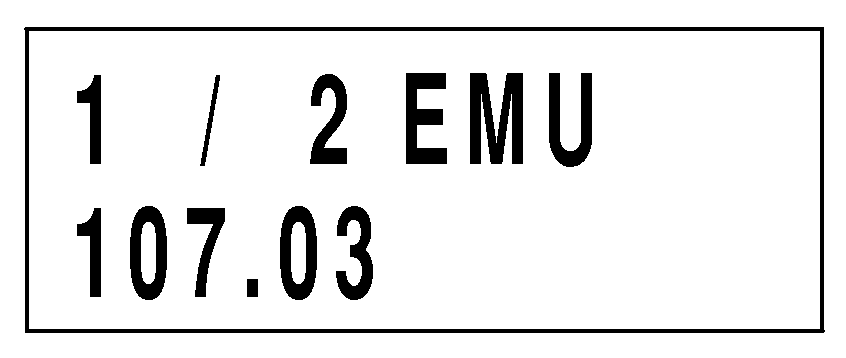
TX1034940-UN-17JAN08
Monitor Screen, DTC
Reading DTCs on EH Controls Machines with Engagement and Monitor Unit (EMU)-
Turn machine key switch ON to power up EMU.
-
Press the NEXT button, as required, until EMU displays “Main Menu Codes”. Press the SELECT button.
-
Press the SELECT button at “Codes Active” display to view active DTCs, or press the NEXT button and then the SELECT button at “Codes Stored” display to view stored DTCs.
-
View DTC info, as required:
- Press the NEXT button to scroll through list of codes.
- Press the SELECT button to view DTC details.
- Press the BACK button to move up one menu level.
|
ER93822,00000EF-19-20080206 |