Using Service Menu Displays
TCT012438-UN-23MAR15
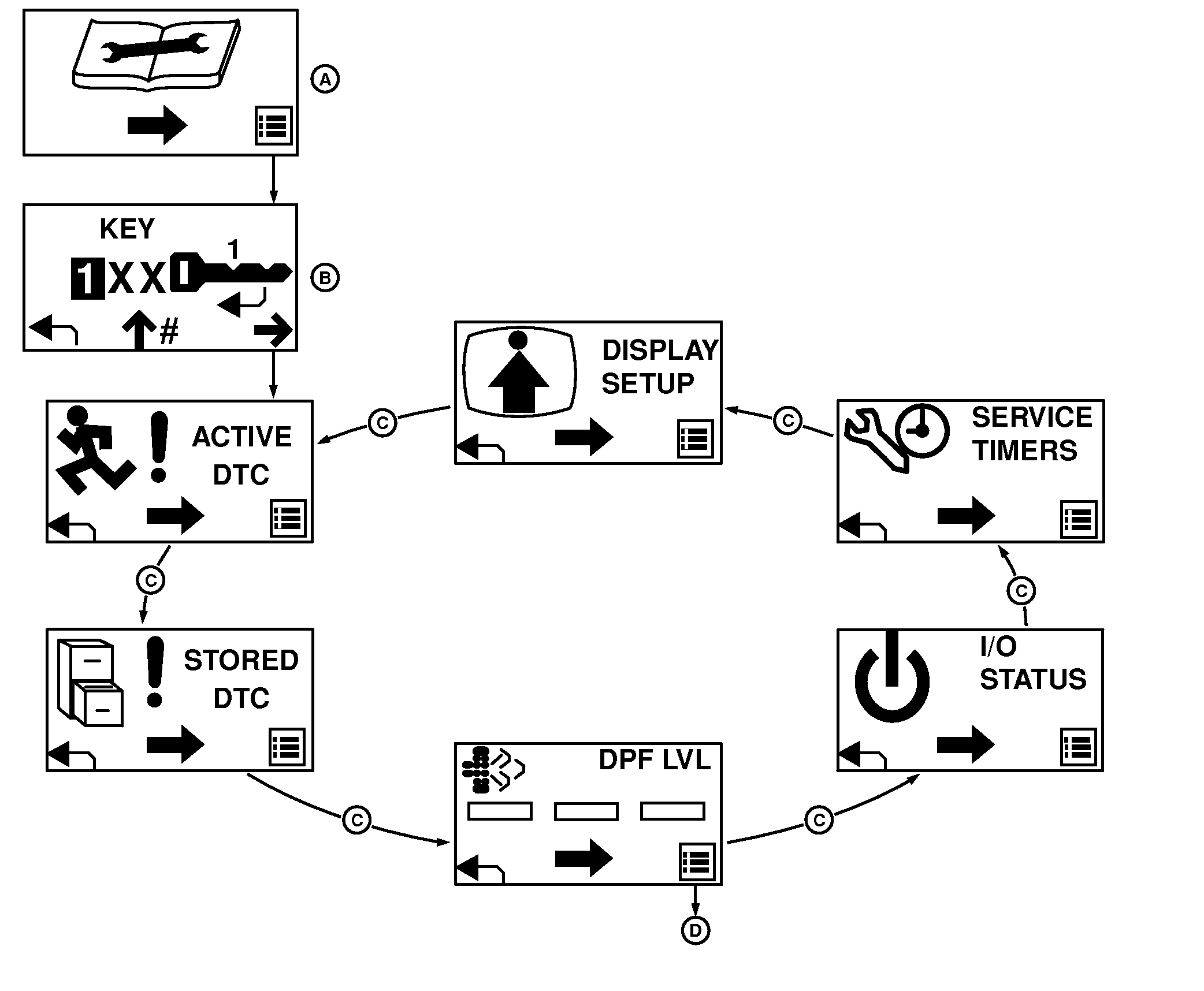
A - Service Mode Screen
B - Pass Code Entry Screen
C - Center Button Cycle
D - Right Button to DPF Menus
Pressing the right button from the Service Mode screen (A) displays the Pass Code Entry screen (B).Entering the pass code (See Pass Codes to set), and then pressing the right button, displays the service menu screens:
- Active DTC
- Stored DTC
- DPF Level
- Input-Output Status
- Service Timers
- Display Setup
The screens cycle through (C) by pressing the center button. The left return arrow button on each screen returns to the Service Mode screen (A).
Pressing the right button at any of the service sublevel screens give you the menus for that service function.
|
MX00654,0000080-19-20151027 |