|
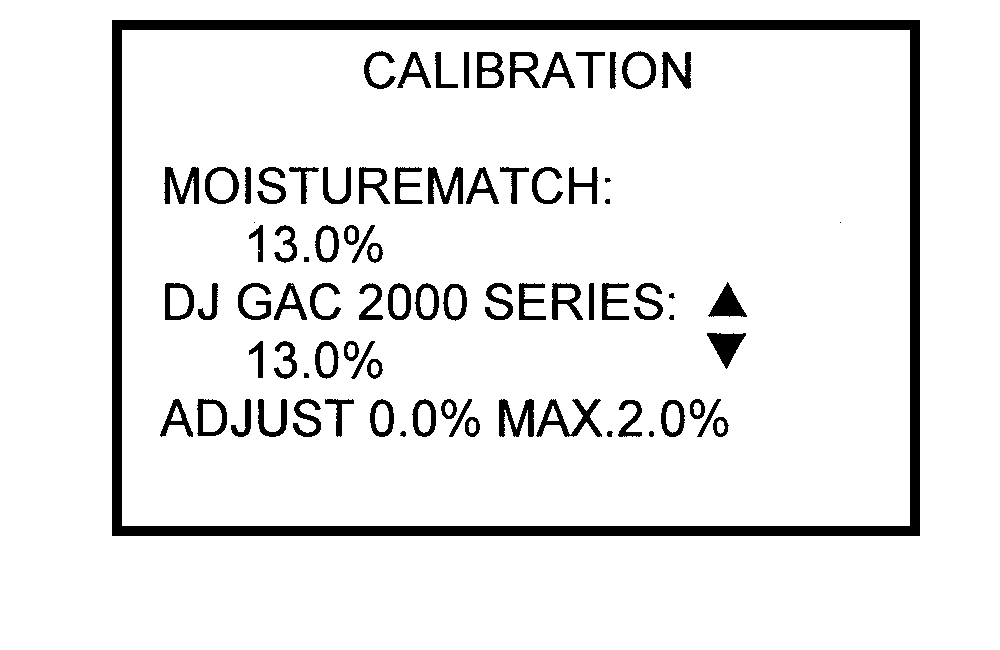
ADJUST 1. Enter the CALIBRATION menu by pressing the CAL button while the grain moisture is being displayed from a recent test. NOTE: A calibration can not be set that is beyond the limits for the selected grain. 2. Four (4) readings will be displayed:
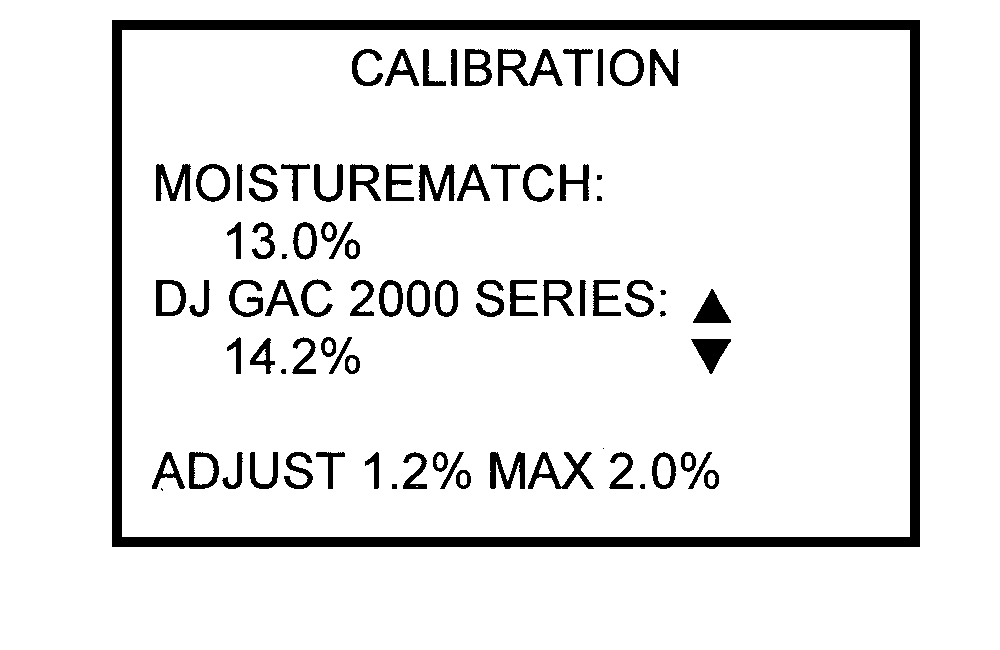
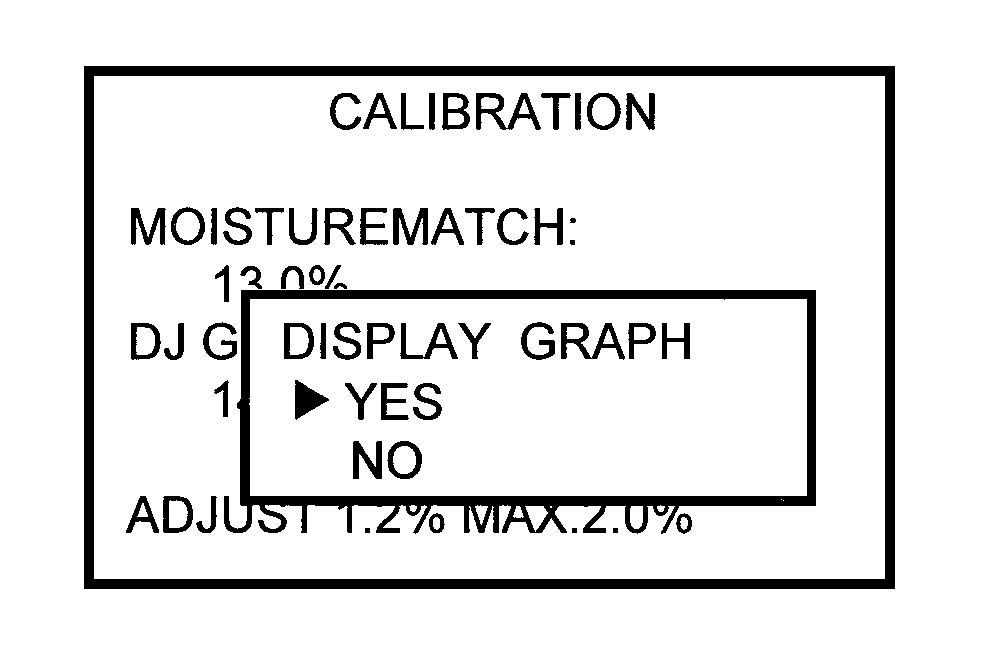
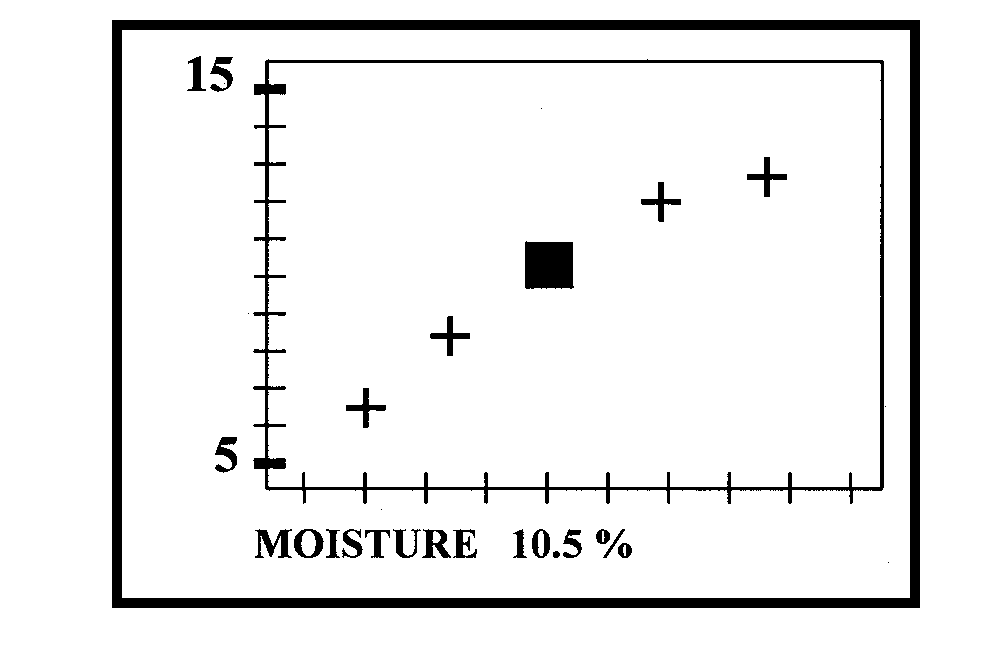
3. Use the Up/Down Arrow to enter the moisture reading of the commercial tester. 4. The adjusted value will change as you change the commercial tester reading. 5. After entering the adjusted commercial tester reading, push the ENTER button and the user will be prompted to display the calibration curve. Select YES or NO and push ENTER. 6. Press ENTER to exit the Graph Display and return to the Main Display. |
|
AG,OUOD002,1556 -19-15JUN00-1/1 |