|
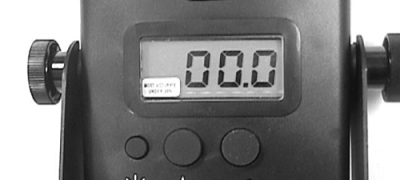
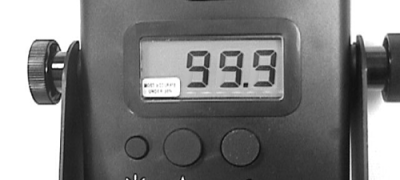
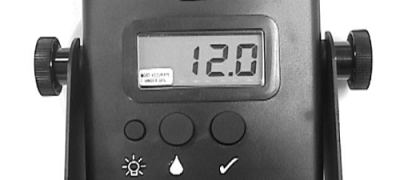
NOTE: The tester takes several readings before displaying the average of these readings every two seconds. 2. BACKLIGHTING: When the unit is on, press the light button (A) to turn on or off backlighting of the display. When the module is turned off and later turned on, it will remember the backlighting mode of when it was last operating. 3. CALIBRATION CHECK and RESET: When the unit is on, press the Check button (C) to recalibrate the moisture circuit to the current conditions of the sensor and its environment. The tester will automatically adjust to dirty sensor contacts and the relative humidity inside the chamber. We suggest that it be common practice to recalibrate the meter every time the unit is turned on. 4. If the bale chamber is empty, the unit will display approximately 12.0 after recalibration, signifying correct calibration. 5. If there is an obstruction, such as a bale, in the chamber or if the sensor electrodes are very dirty, the unit will display 99.9. If the bale is removed, and the meter still reads 99.9, the electrodes must be cleaned. (See Care and Maintenance.) If the meter must be used before the electrodes can be cleaned, the unit will still operate using its last calibration points. 6. TO TURN OFF: Press Moisture button and hold down for approximately 4 seconds. |
|
AG,OUOD002,36 -19-02JUN99-1/1 |