Speed Sensor CalibrationThe speed sensor must be calibrated to be able to indicate the correct speed and surface sprayed. The value to be programmed is the number of pulses counted by the wheel sensor or radar sensor over a distance of 100 meters. This value can be obtained by driving exactly 100 meters or by inputting the value manually. During automatic calibration of the speed sensor the spraying computer will automatically recognize the presence of a wheel sensor or a radar sensor. |
AG,WZ00009,83 -19-03AUG00-1/4 |
|
Automatic Wheel Sensor Pulse Value Calibration
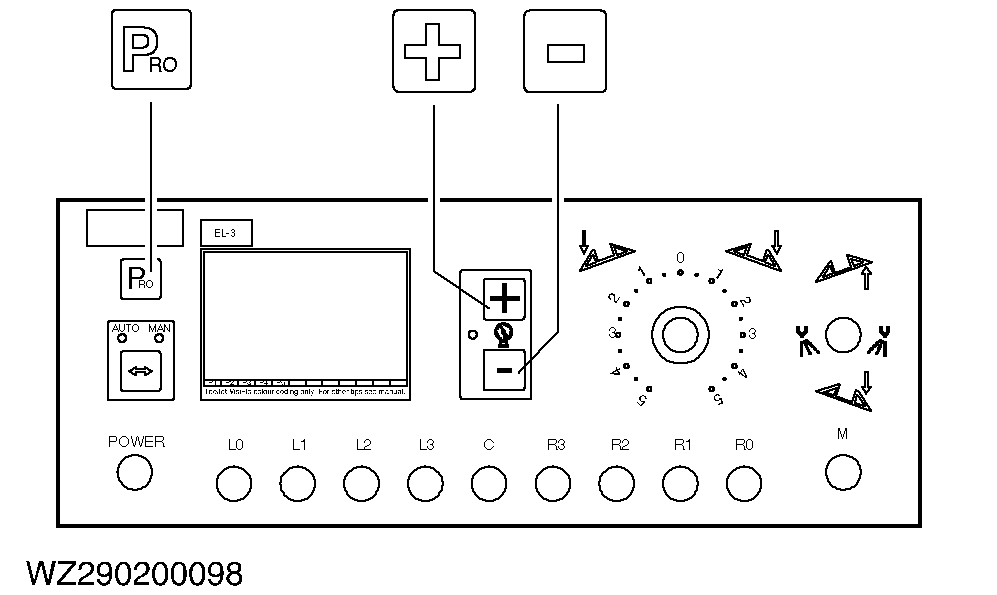
NOTE: Once automatic calibration has been activated, no other functions are possible until the computer receives pulses from the sensor. Press the "+" key twice to stop automatic calibration. For automatic calibration of the number of pulses per 100 m of the wheel sensor, a distance of exactly 100 meters must be measured out on the field. Fill the half the tank of the machine with water and drive the machine to the starting point. Activate automatic calibration by pressing the "+" and "-" keys simultaneously. In the right-hand bottom corner of the display "CAL" appears to indicate the start of the automatic calibration. Press the "+" key to start automatic calibration. In the right-hand top corner of the display "CAL" appears and the right-hand bottom gives 0 (number of pulses). Drive the 100 meters measured out. During driving the computer will count the number of pulses. The speed at which this takes place is not important. Stop the tractor after exactly 100 meters and press the "PRO" key to confirm the value in the display. The speed sensor is now correctly calibrated. |
|
AG,WZ00009,83 -19-03AUG00-2/4 |
|
Manual Wheel Sensor Pulse Value Calibration
The calibration value of the speed sensor can be verified by manual calculation. This requires that you know the wheel circumference of the wheel for which the sensor is fitted. This can be measured by marking the wheel, driving one full rotation and subsequently measuring the distance covered. Use the following formula to calculate the pulse value:
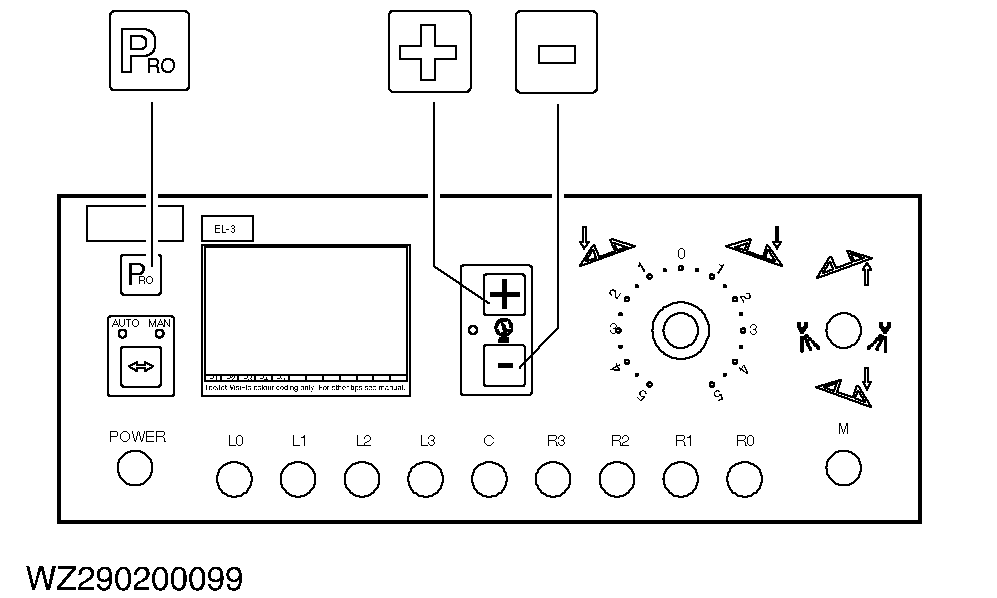
The result can be input with the "+" and "-" keys alternatively to the automatic calibration. Press the "PRO" key to confirm the value. |
|
AG,WZ00009,83 -19-03AUG00-3/4 |
|
Radar Sensor
Automatic calibration of the radar sensor is similar to that of the wheel sensor. If the computer detects a radar sensor, it will show so by means of "RAD" in the left-hand bottom corner of the display. To input the radar sensor calibration value manually, first press the "AUTO/MAN" key to set the computer to radar sensor calibration. The left-hand bottom corner of the display will show "RAD". Use the "+" and "-" keys to set the correct value and press "PRO" to confirm it. |
|
AG,WZ00009,83 -19-03AUG00-4/4 |