Special FunctionsThere are a number of special functions that can be accessed from the working menu. |
WZ00085,0000158 -19-09OCT03-1/6 |
|
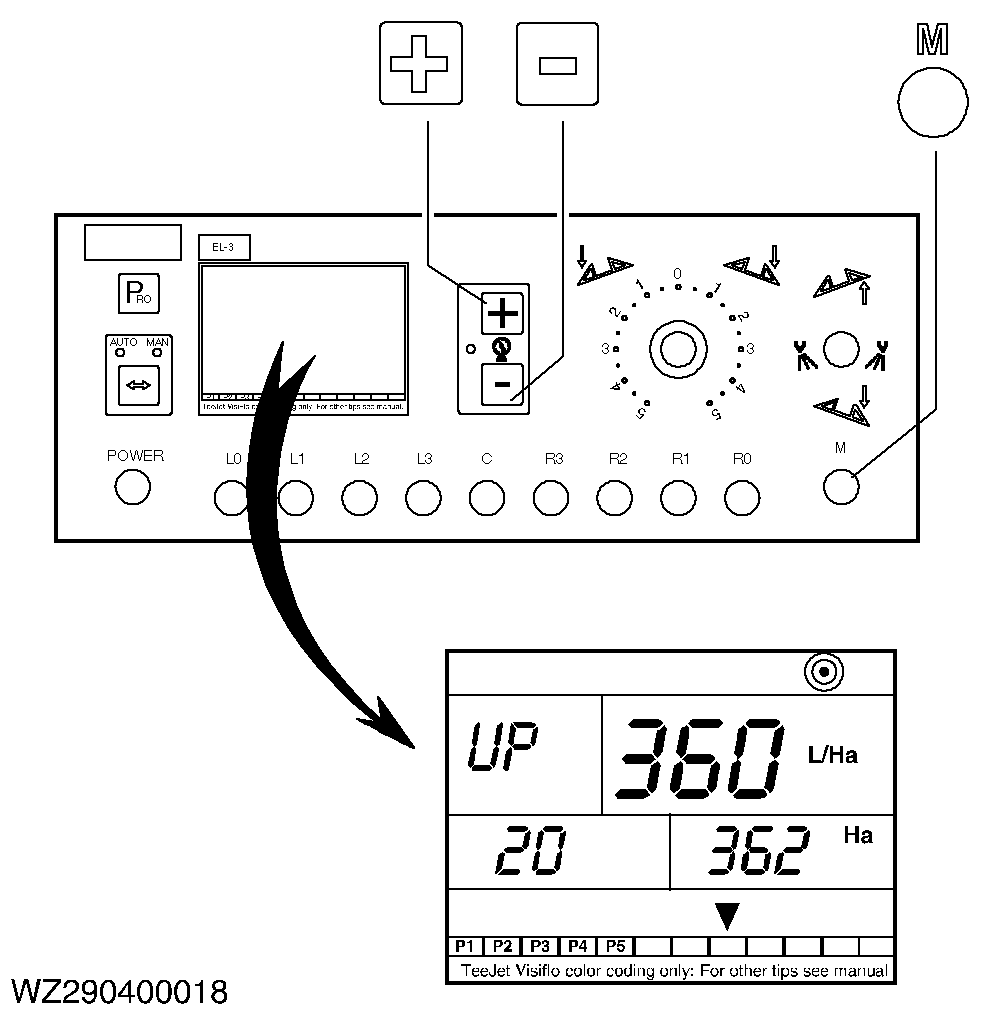
Temporary over/underdosage (+/- 10% key)
Percentage of over/underdosage (boost mode) in relation to the target application rate in liters per hectare. This function can only be accessed in Auto mode by pressing the "+" or "-" key, with switch "M" of the master shut-off valve in the on position. Press the "+" or "-" key once, to display the target application rate. Each subsequent press on the key will increment ("+" key) or decrement ("-" key) the target rate by 10%. By pressing the "+" and "-" keys simultaneously, you will return to the standard target rate. |
|
WZ00085,0000158 -19-09OCT03-2/6 |
|
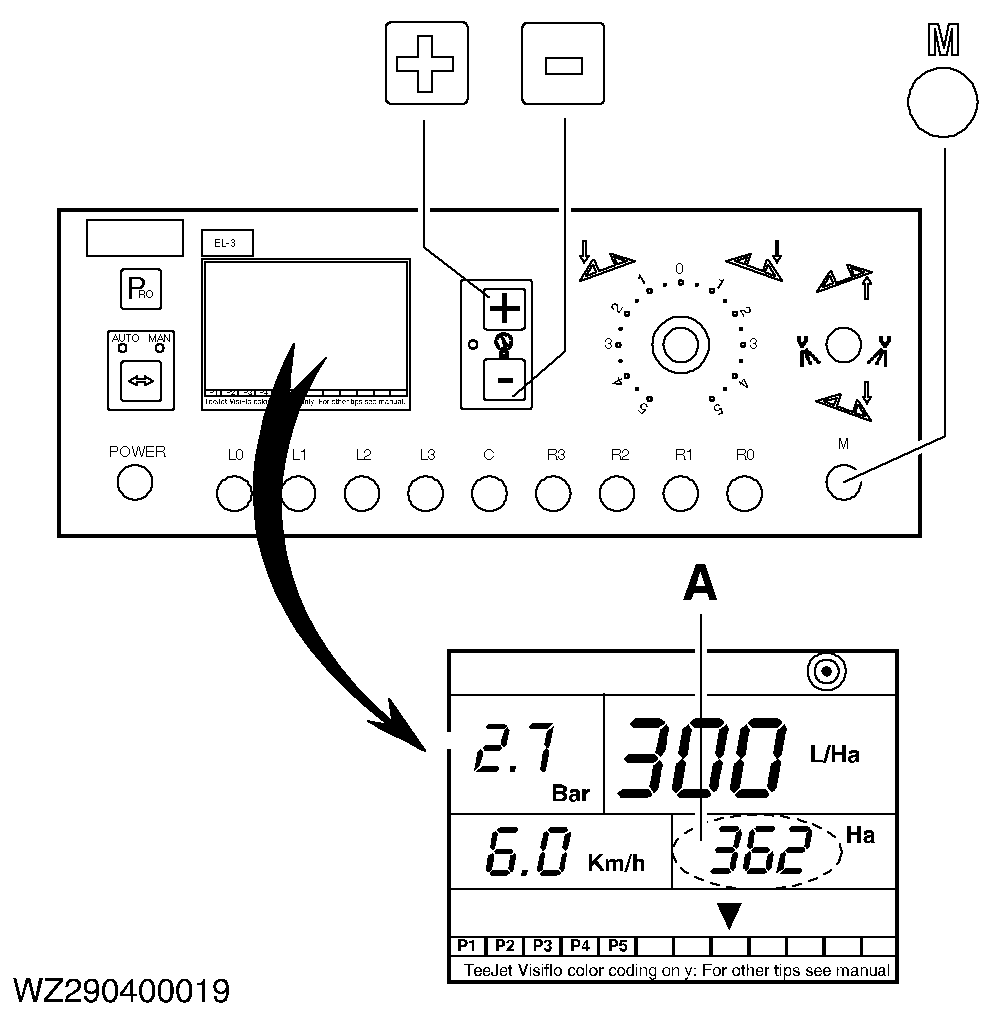
Surface sprayed and quantity sprayed in liters
The surface sprayed (ha) and the quantity of liquid sprayed (l) are displayed alternately in field (A) in the right-hand bottom corner. To reset both values to zero, press and hold down the "+" and "-" keys simultaneously for three seconds, with switch "M" of the master shut-off valve in the off position. |
|
WZ00085,0000158 -19-09OCT03-3/6 |
|
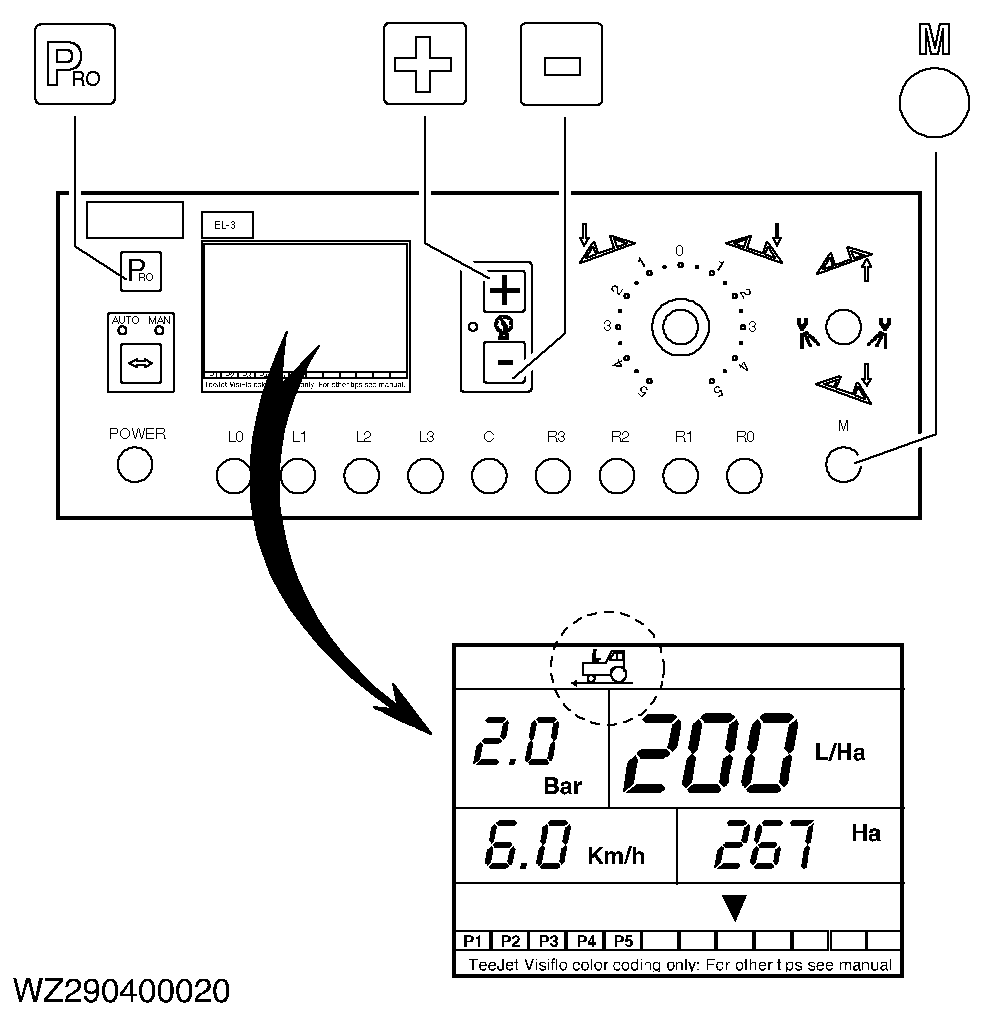
Simulation speed
Simulation speed for machine testing or calibration. To select the low simulation speed, hold down the "PRO" key and press the "- " key, with switch "M" of the master shut-off valve in the on position. To select the high simulation speed, hold down the "PRO" key and press the "+" key, with switch "M" of the master shut-off valve in the on position. To switch from low to high simulation speed, hold down the "PRO" key and next press the "+" key or from high to low simulation speed, hold down the "PRO" key and next press the "-" key. The simulation speed will automatically be cancelled when you start driving at a speed greater than 1.5 km/h. |
|
WZ00085,0000158 -19-09OCT03-4/6 |
|
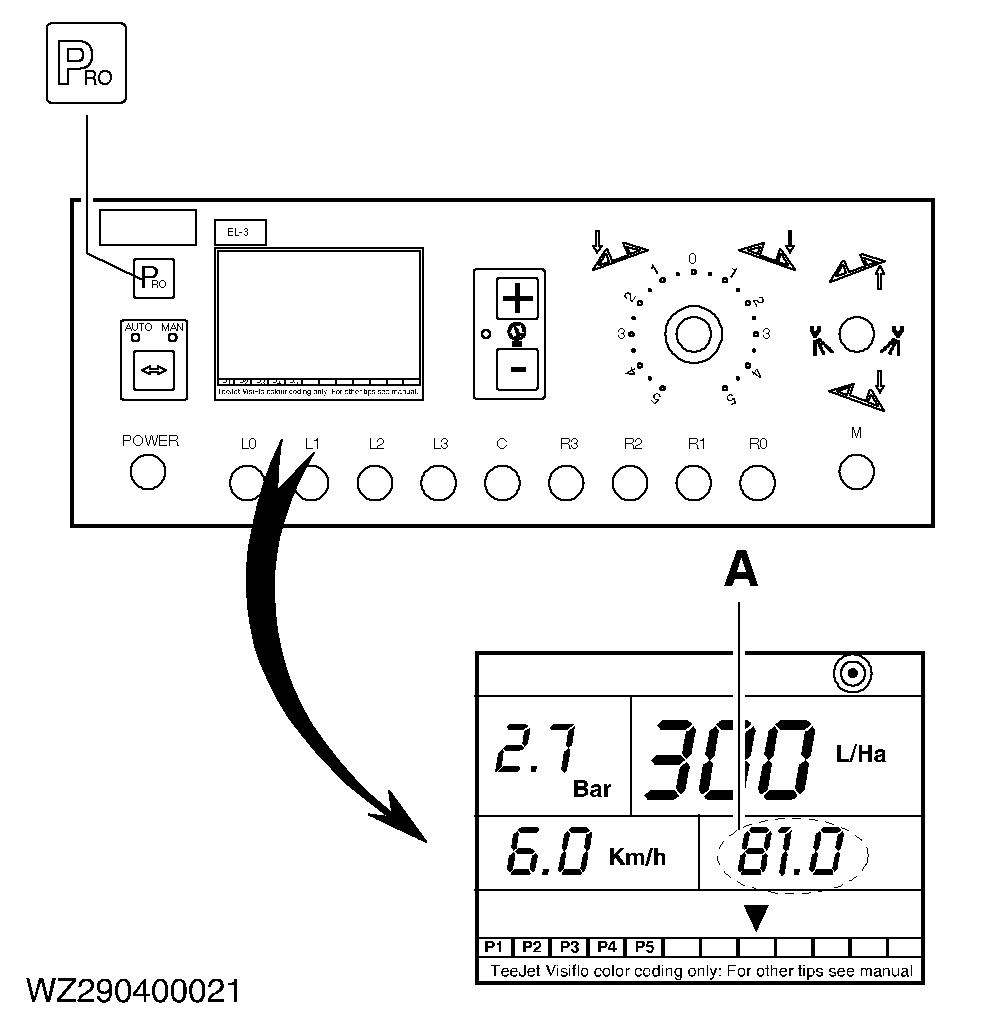
Liters per minute
By pressing the "PRO" key during spraying, the current total output in l/min (A) will be shown in the right-hand bottom corner of the display as long as the "PRO" key is held down. After releasing the key, the display will return to alternately giving the surface sprayed (ha) and the quantity sprayed (l). |
|
WZ00085,0000158 -19-09OCT03-5/6 |
|
Switching off the computer
The computer will automatically switch off after 10 minutes when the master shut- off valve has been closed. To switch the computer off manually, press and hold down the "-" key, press the "PRO" key and release both keys simultaneously. In this case, switch "M" must be in the off position and the computer in operating mode. After approximately 5 seconds the computer will switch off. |
|

WZ00085,0000158 -19-09OCT03-6/6 |