SETUP Factory Settings
"SETUP Factory Setup" can be entered as follows:
1.
Press SETUP to display "SETUP" menu.
2.
Press key A to select "SETUP JD Sprayer" menu.
3.
Press key C to select "SETUP Machine Settings" menu.
4.
Press key C to enter "SETUP Machine settings" menu.
5.
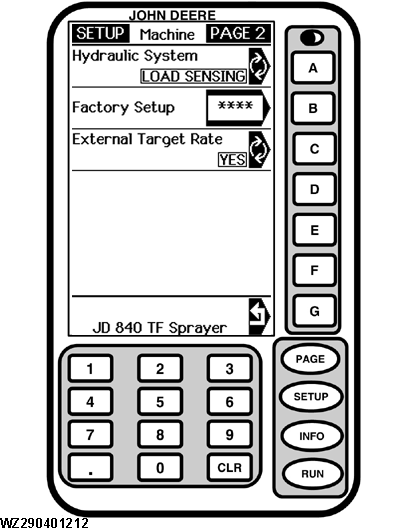
Press the PAGE key to go to Page 2
Line B
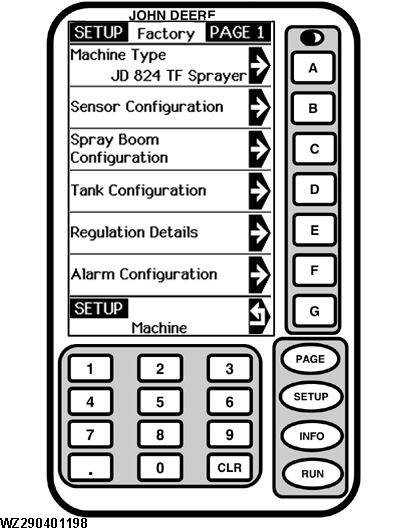
"Enter Factory Access Code": the factory settings are only accessible through a special access code (only for factory and / or sales branch). The access code should be entered with the numeric keys and confirmed by pressing key B afterwards. If the correct access code is entered with the numeric keys, the screen will go to "SETUP Factory PAGE 1". The factory access code only has to be entered once but must be re-entered when the power has been switched off.
Line G
The display returns to menu "SETUP JD Sprayer".
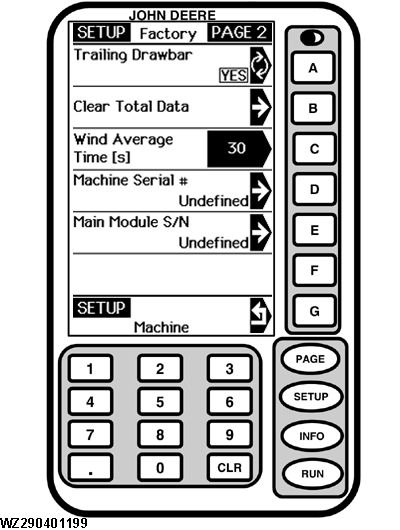
The factory settings configure the GreenStar sprayer control system for this particular type of sprayer and determine which information will appear on the display.
|