Machine Settings |
|
|
NOTE: The machine settings cannot be entered when:
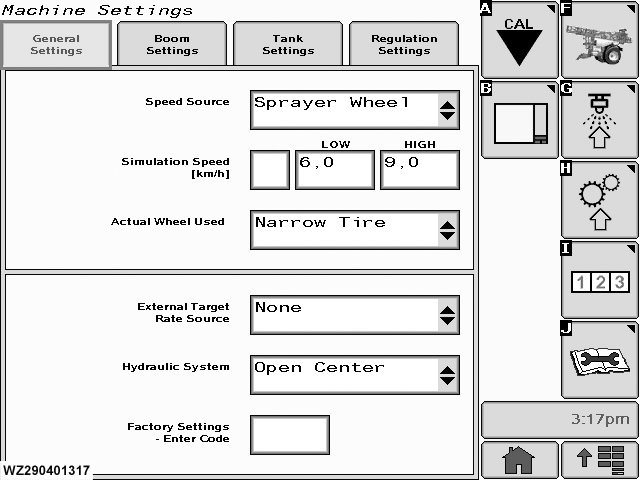
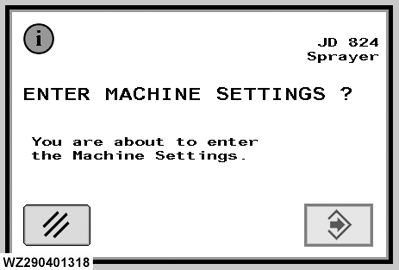
To enter "Machine Settings" select softkey H. A confirmation screen will appear, press enter to go into the menu. The following screen consists of four tabs: "General Settings", Boom Settings", "Tank Settings" and "Regulation Settings". In addition two new softkeys are present: |
|
WZ00232,000002B -19-27SEP06-1/1 |