Calibration |
|
|
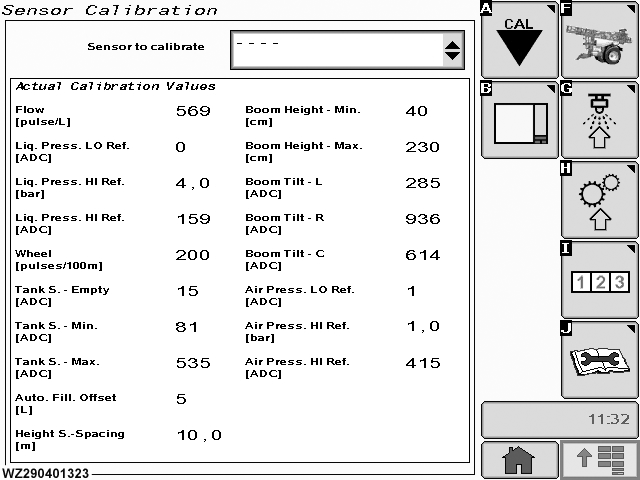
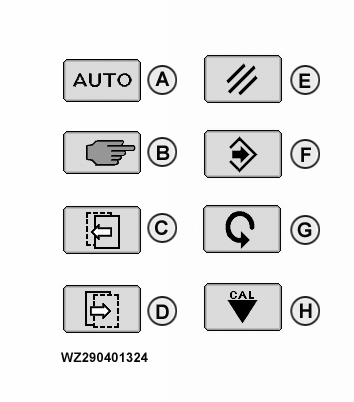
The "Sensor Calibration" menu is entered via softkey A from "Machine Settings". All calibration values of embodied sensors will be displayed here. In the following calibration screens new buttons will be present. The lower illustration on the right shows the new types, and the legend describes their function.
|
|
WZ00232,0000031 -19-11OCT06-1/1 |