|
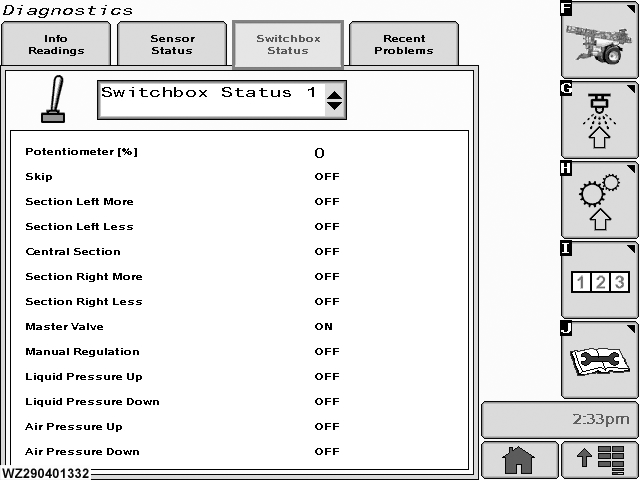
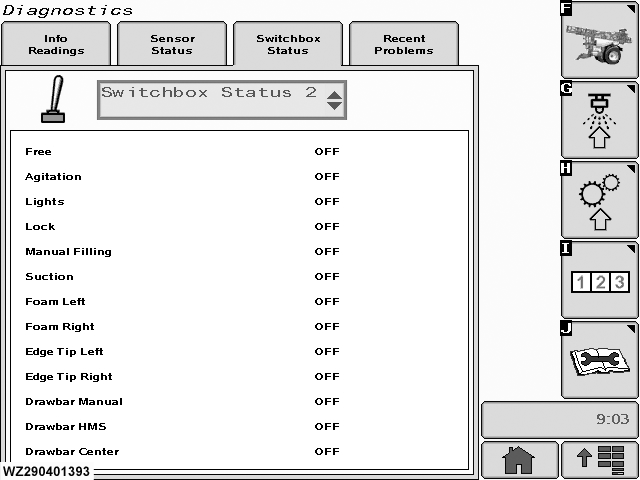
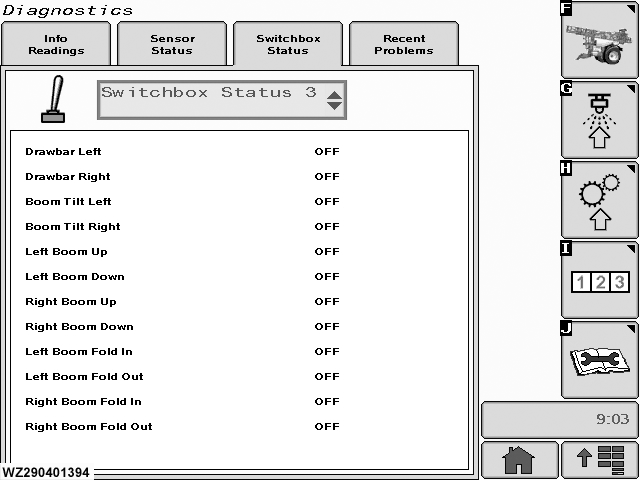
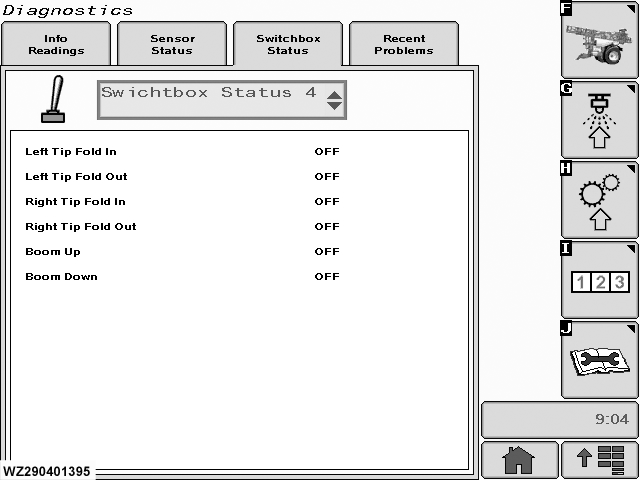
"Switchbox Status" can be found by selecting the (Switchbox Status) tab in "Diagnostics" (softkey J).
In these screens all switch functions can be monitored:
1.
Select the "Switchbox Status" page from the drop down list, there are four in all.
2.
Turn the desired switch on and off and monitor the display to see if Switch Status corresponds with switch setting.
|
3.
If Switch Status does not correspond with switch setting, check switch fuse in the receiver box and replace if necessary. If Switch Status and setting still do not correspond, check wiring and switch and replace as necessary.
|