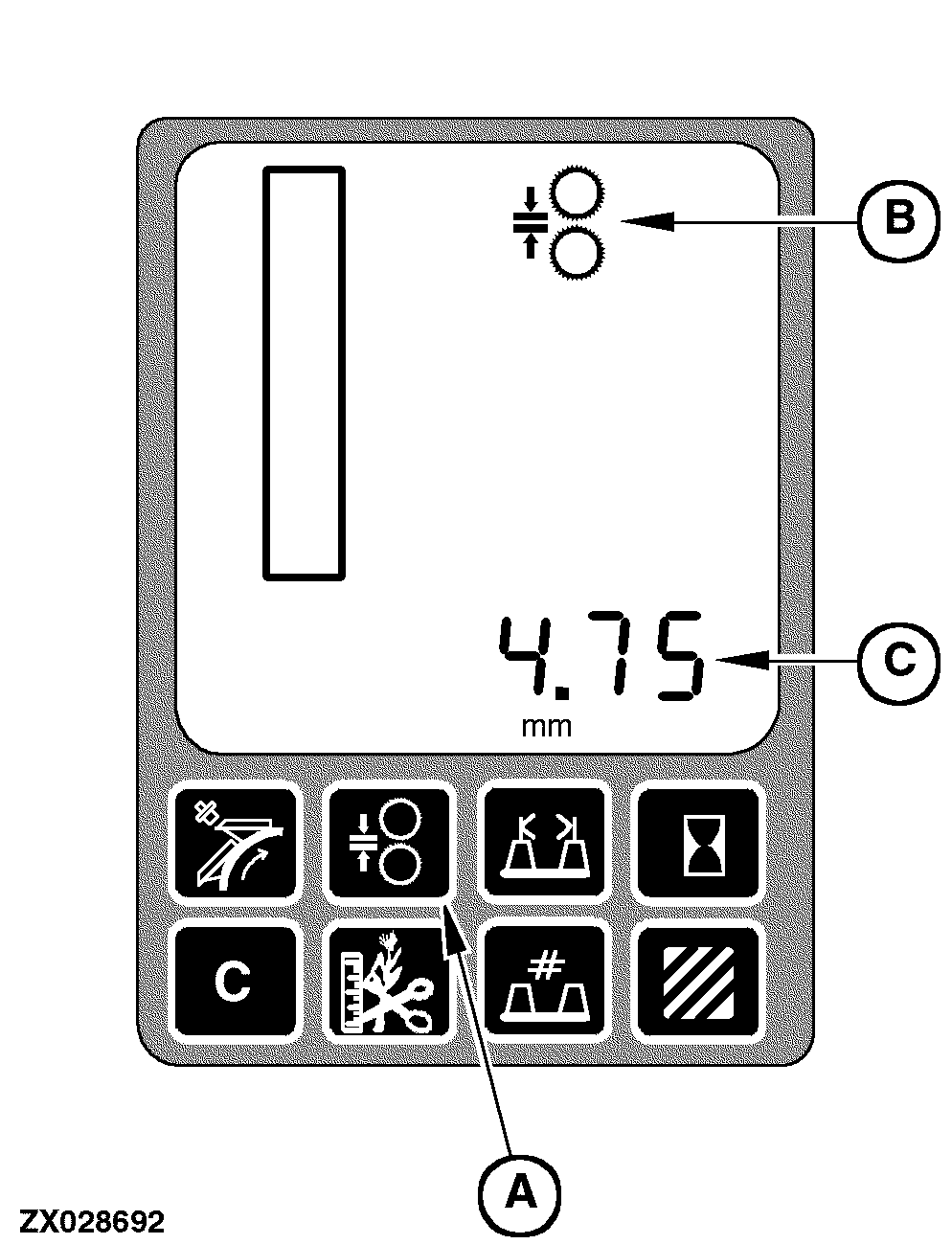
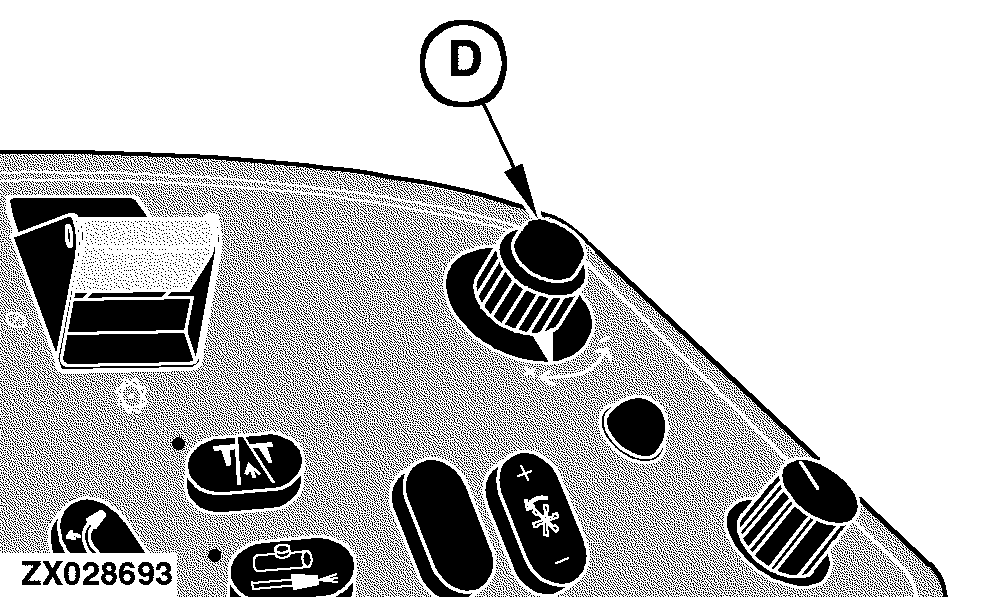
Powr-Savr DisplayKernel Processor Adjustment NOTE: Kernel processor adjustment is only possible if engine and cutterhead are running (main clutch engaged). The kernel processor adjust display has two modes of operation. The first mode is to display the kernel processor roll clearance setting and allow that setting to be adjusted. The second mode is to actually display the adjusting process. To activate the kernel processor roll clearance setting mode, press the kernel processor adjust switch (A) located on the performance monitor. After pressing this switch the kernel processor icon (B) will be displayed (flashing) and the current roll clearance setting will be displayed on the digital display line (C) with the appropriate units (mm / inch) for a maximum of 10 seconds. To change this setting use the input control knob (D) located on the armrest. While the input control knob is rotated the roll clearance setting should change on the digital display line (C). This will be the desired roll clearance setting.
|
|
AG,OUZXMAY,623 -19-01NOV03-1/14 |
|
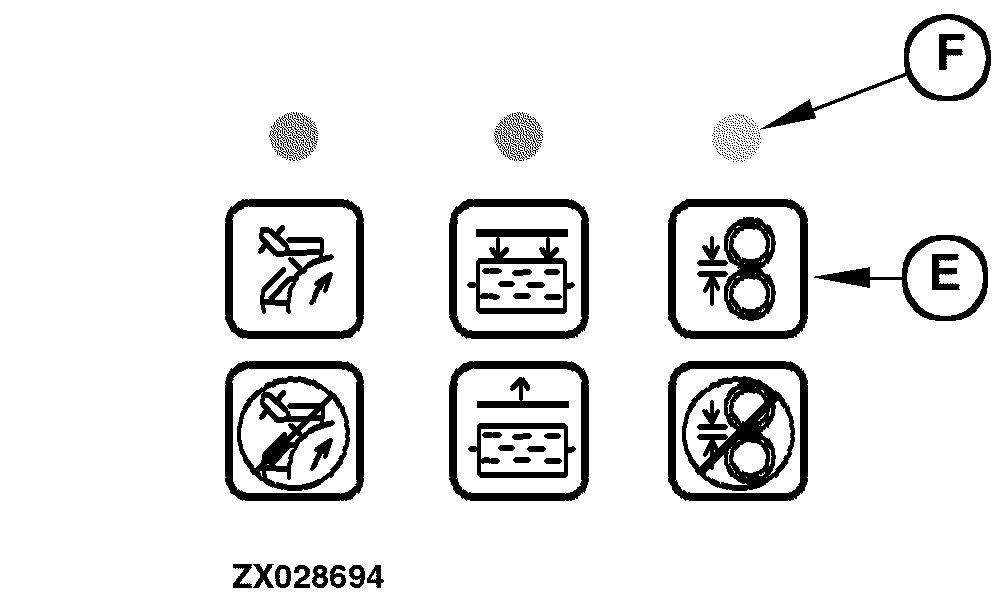
While this display is still active select the kernel processor adjust display mode by momentarily pressing the kernel processor adjust mode switch (E) located on the automatic function control panel. If the kernel processor adjust mode is active (indicated by indicator light (F), the kernel processor icon (B) will be on continuosly. During the kernel processor adjust mode, the digital display line will display the current kernel processor roll clearance. The display units will be in millimeters or inches and over the range from 1 to 5 mm (0.039 to 0.197 in.) the display resolution will be ± 0.25 mm (0.01 in.). Beyond 5 mm (0.197 in.) the display resolution will be 1 mm (0.039 in.). Once the kernel processor adjust mode is complete, the kernel processor icon (B) will remain steady and the digital display line will display the final kernel processor roll clearance setting for a maximum of two seconds. After two seconds, the kernel processor icon will no longer be displayed and the digital display line will revert to the default information (header pressure/height).
|
|
AG,OUZXMAY,623 -19-01NOV03-2/14 |
|
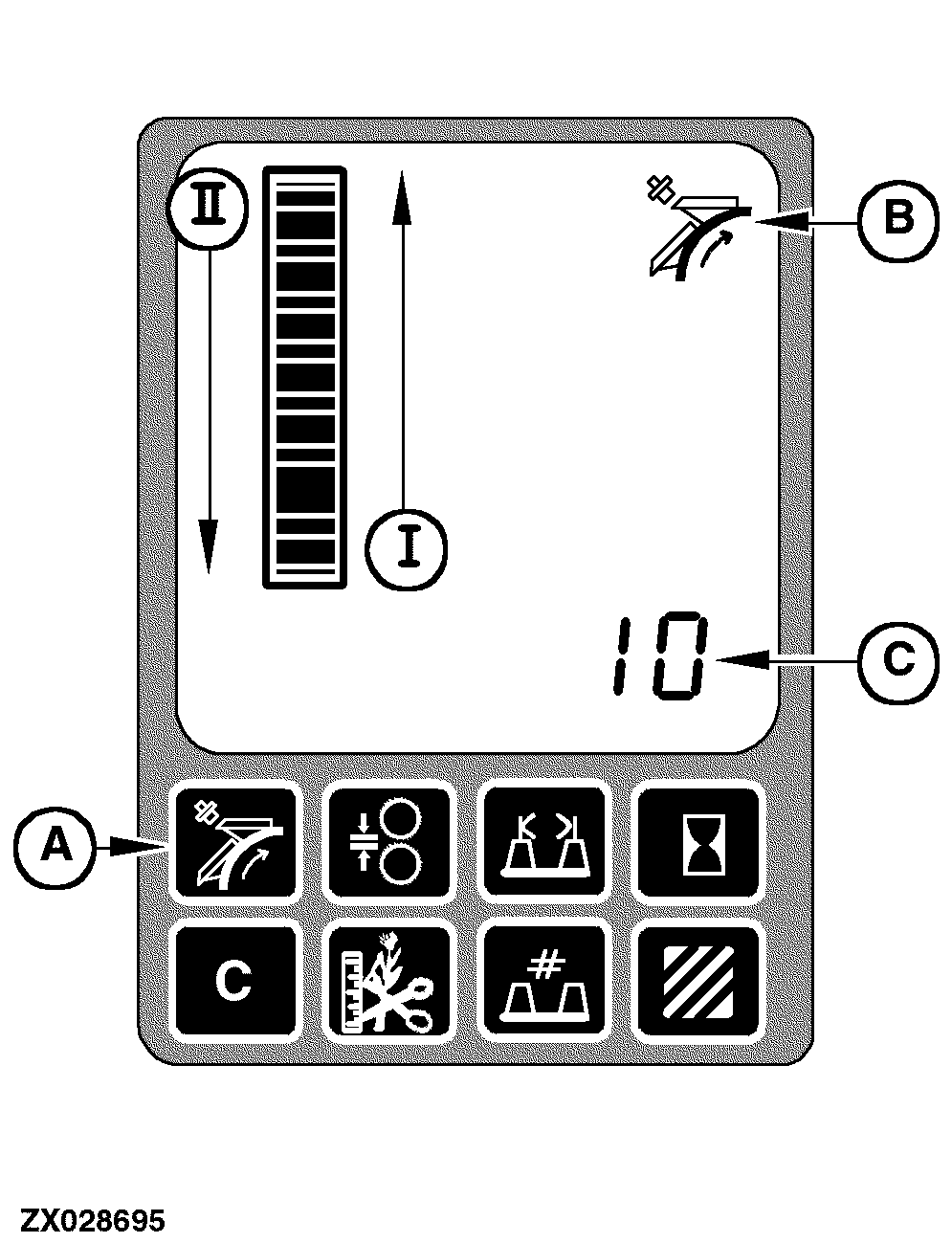
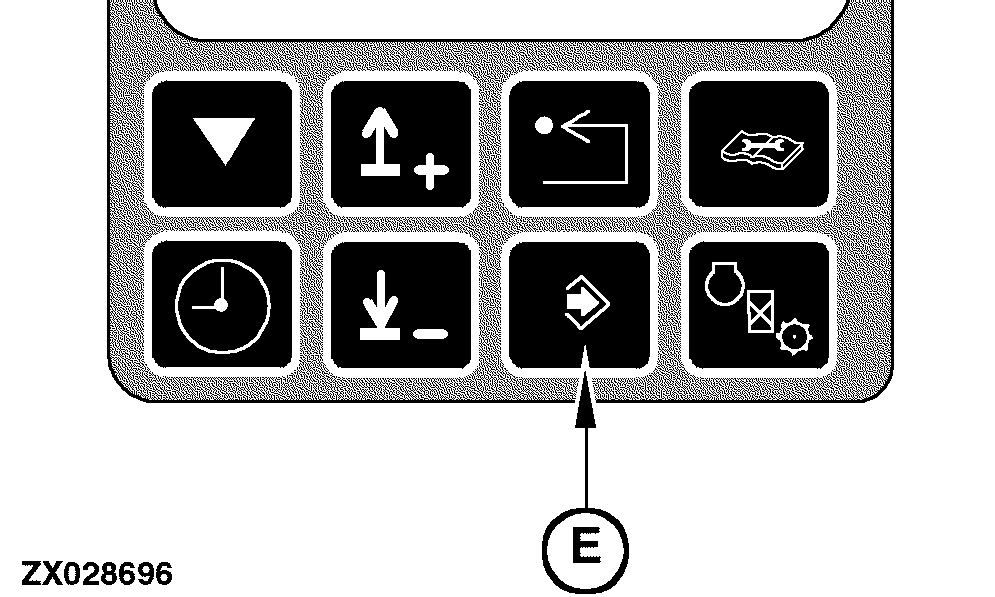
Knife Sharpening The knife sharpening display will have two modes of operation. The first mode is to display the number of knife sharpening sweeps setting and allow that setting to be adjusted. The second mode will be to actually display the knife sharpening process. To activate the number of knife sharpening sweeps setting mode, press the knife sharpening switch (A) located on the performance monitor. After pressing this switch the knife sharpening icon (B) will be displayed (flashing) and the current number of knife sharpening sweeps will be displayed on the digital display line (C) for a maximum of 10 seconds. While this information is being displayed, change this setting by using the input control knob (D) located on the armrest. While rotating the input control knob (D), the number of knife sharpening sweeps will change on the digital display. This will be the desired number of knife sharpening sweeps. A minimum of 3 and a maximum of 30 sharpening sweeps may be adjusted. Store this new setting permanently by momentarily pressing the enter switch (E) located on the digital tachometer.
|
|
AG,OUZXMAY,623 -19-01NOV03-3/14 |
|
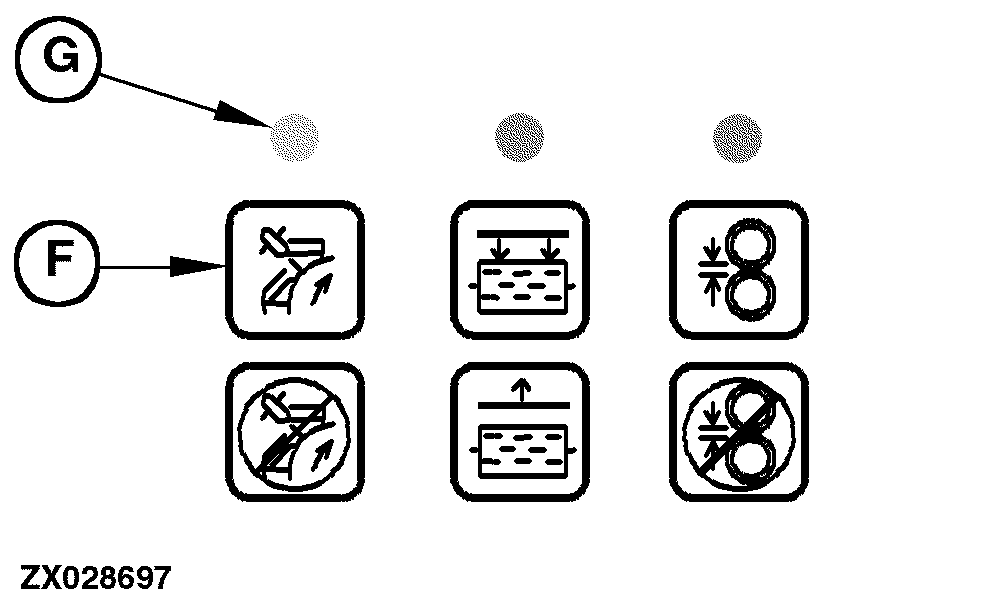
If this new setting shall not be permanently stored, but this setting is used one-time only to perform a knife sharpening process, just press the knife sharpening mode switch (F) located on the automatic function control panel to start the knife sharpening process. The knife sharpening process display mode is only active during the knife sharpening process. When the knife sharpening process is active (indicated by indicator light (G), the knife sharpening icon (B) will be on continuously. Additionally, the digital display line (C) will display the current number of knife sharpening sweeps remaining. At the start of the automatic knife sharpening process the sharpen door will open, indicated at the inner bar graph (I). The current number of knife sharpening sweeps remaining will be dependent on what is being displayed on the digital display line prior to initiation of the knife sharpening process mode. If the number of knife sharpening sweeps display mode was active, then the initial current number of knife sharpening sweeps remaining will be same as what is being displayed. However, if the number of knife sharpening sweeps display mode is not active, then the initial current number of knife sharpening sweeps will be equal to the value permanently stored. Once the knife sharpening process mode is complete, the sharpen door will close, indicated at the inner bar graph (II). The knife sharpening icon (B) will remain steady and the digital display line (C) will display zero knife sharpening sweeps remaining for a maximum of two seconds. After two seconds, the knife sharpening icon will no longer be displayed and the digital display line will revert to the default information (header pressure). |
|
AG,OUZXMAY,623 -19-01NOV03-4/14 |
|
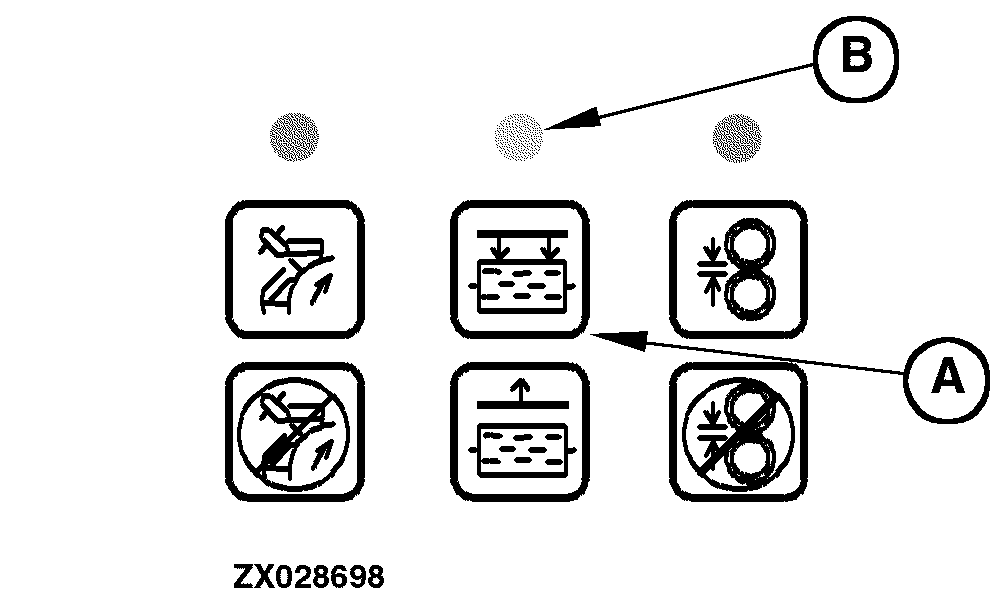
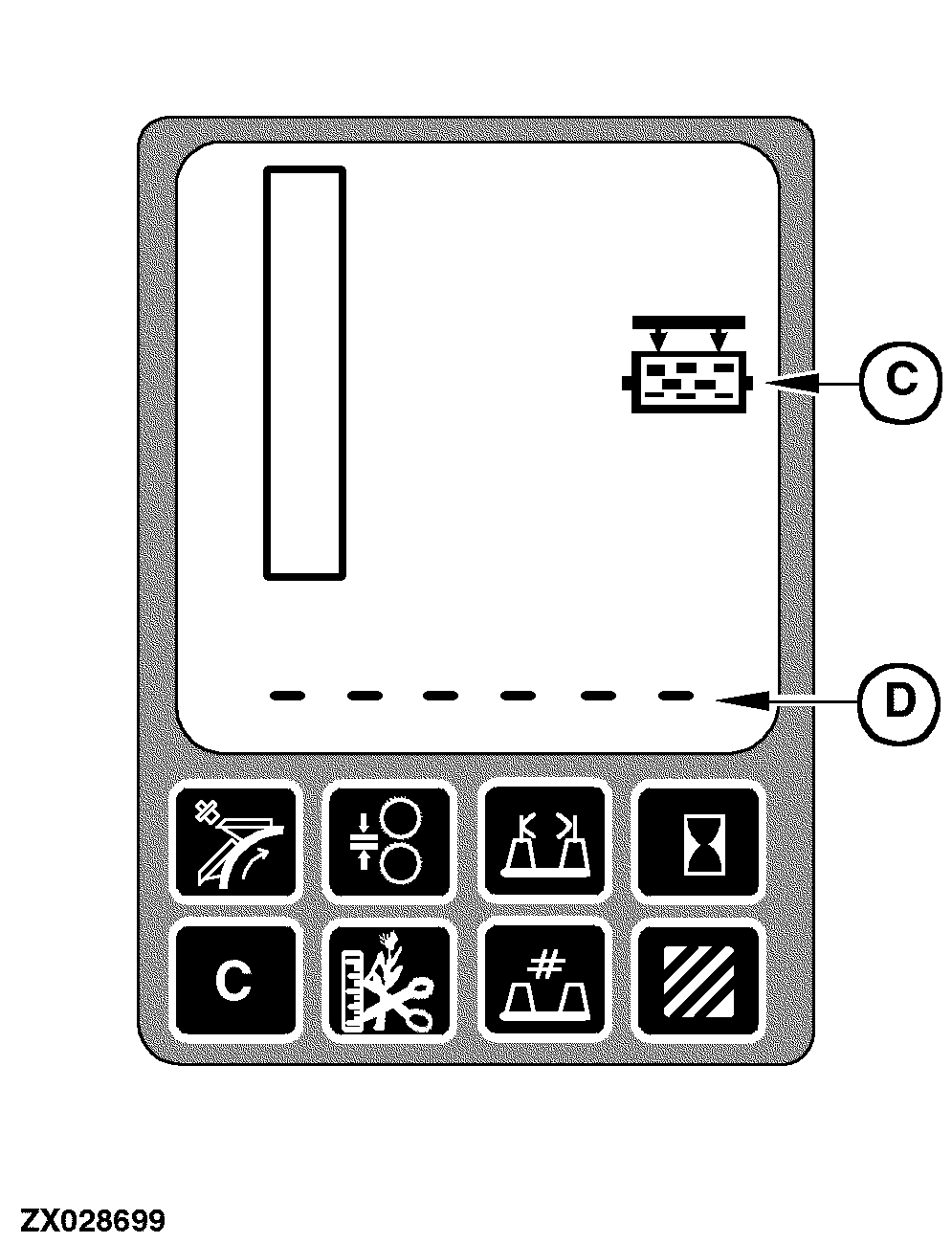
Stationary Knife Adjustment The stationary knife adjust display mode will only be active during the automatic stationary knife adjusting process. When the automatic stationary knife adjusting process is active, after pressing the stationary knife mode switch (A) located on the automatic function control panel and indicated by indicator light (B), the stationary knife icon (C) will be displayed. Additionally, the digital display line (D) will display information indicating the status of the automatic stationary knife adjusting process:
|
|
AG,OUZXMAY,623 -19-01NOV03-5/14 |
|
1.
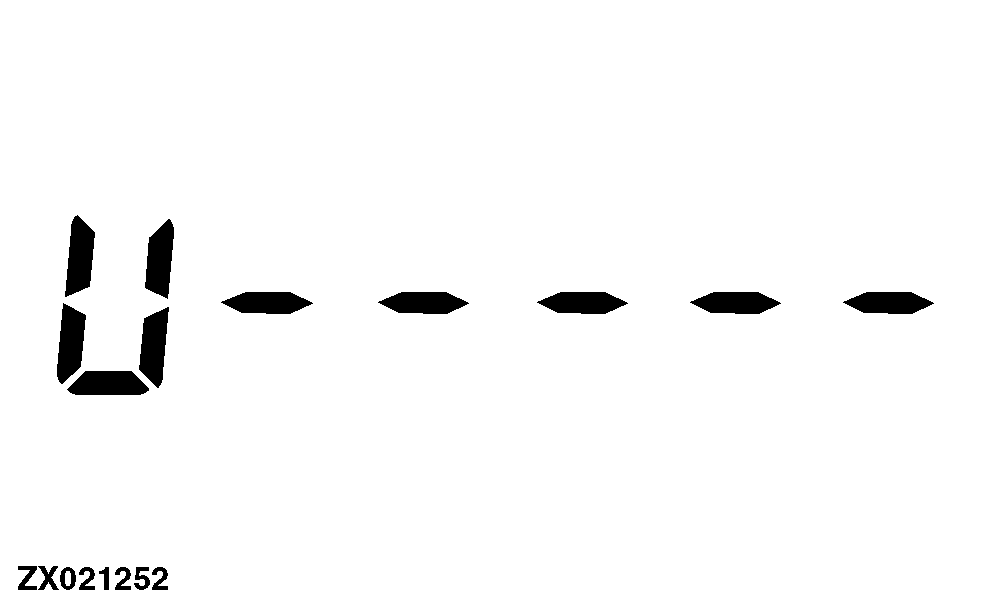
Large stationary knife clearance setting - l.h.
The left stationary knife motor adjusts the stationary knife towards the cutterhead knives (the large U-shaped LCD segment will be on continuously) until the stationary knife touches the knives (the other LCD segments will flash). |
|
AG,OUZXMAY,623 -19-01NOV03-6/14 |
|
2.
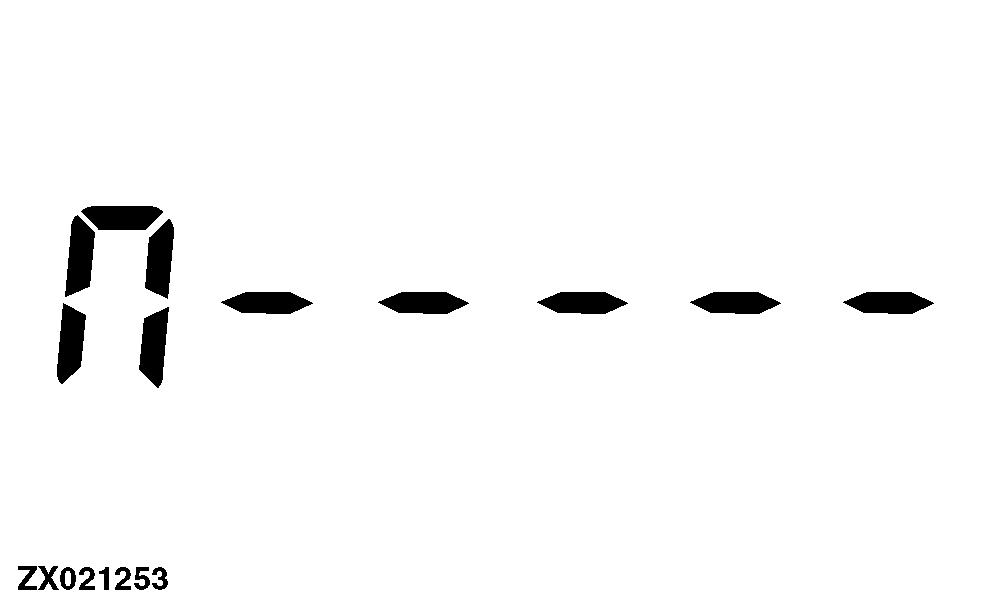
Large stationary knife Clearance setting - l.h.
The left stationary knife motor adjusts the stationary knife away from the cutterhead knives (the large U-shaped LCD segment will be on continuously) until the stationary knife no longer touches the knives (the other LCD segments will be on continuously too) and drives it further out. |
|
AG,OUZXMAY,623 -19-01NOV03-7/14 |
|
3.
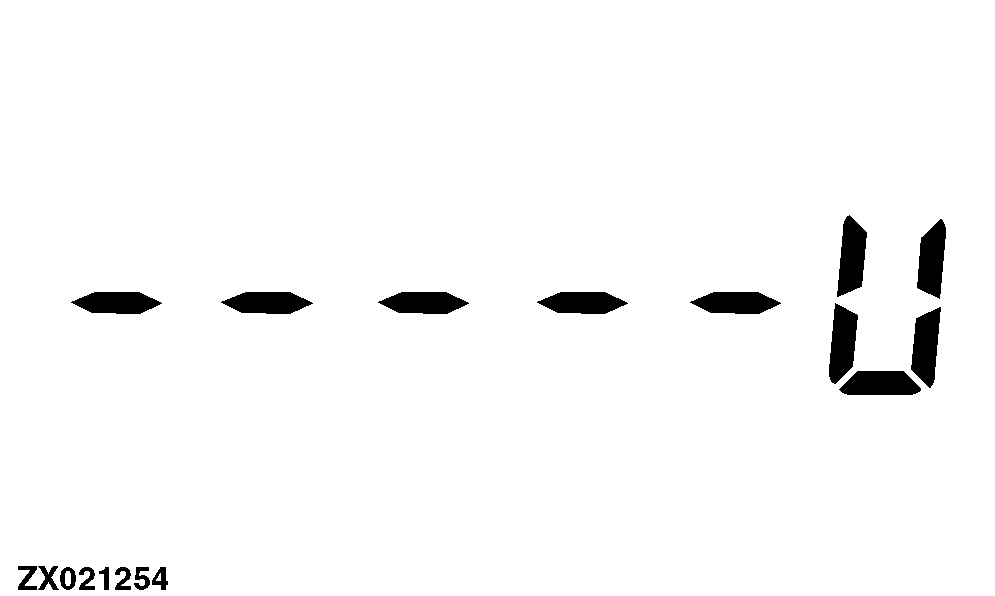
Large stationary knife clearance setting - r.h.
The right stationary knife motor adjusts the stationary knife towards the cutterhead knives (the large U-shaped LCD segment will be on continuously) until the stationary knife touches the knives (the other LCD segments will flash). |
|
AG,OUZXMAY,623 -19-01NOV03-8/14 |
|
4.
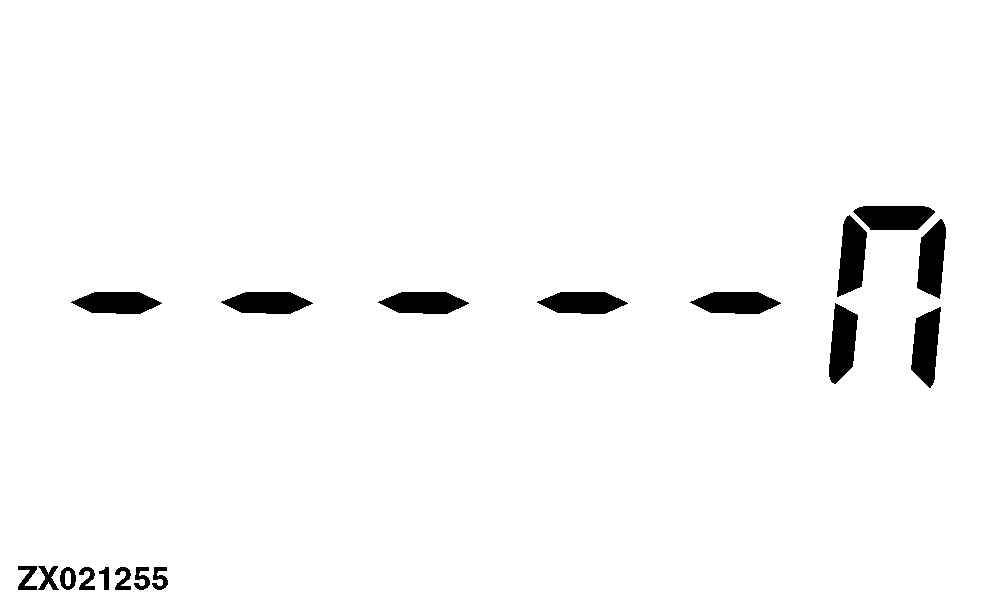
Large stationary knife clearance setting - r.h.
The right stationary knife motor adjusts the stationary knife away from the cutterhead knives (the large U-shaped LCD segment will be on continuously) until the stationary knife no longer touches the knives (the other LCD segments will be on continuously too) and drives it further out. |
|
AG,OUZXMAY,623 -19-01NOV03-9/14 |
|
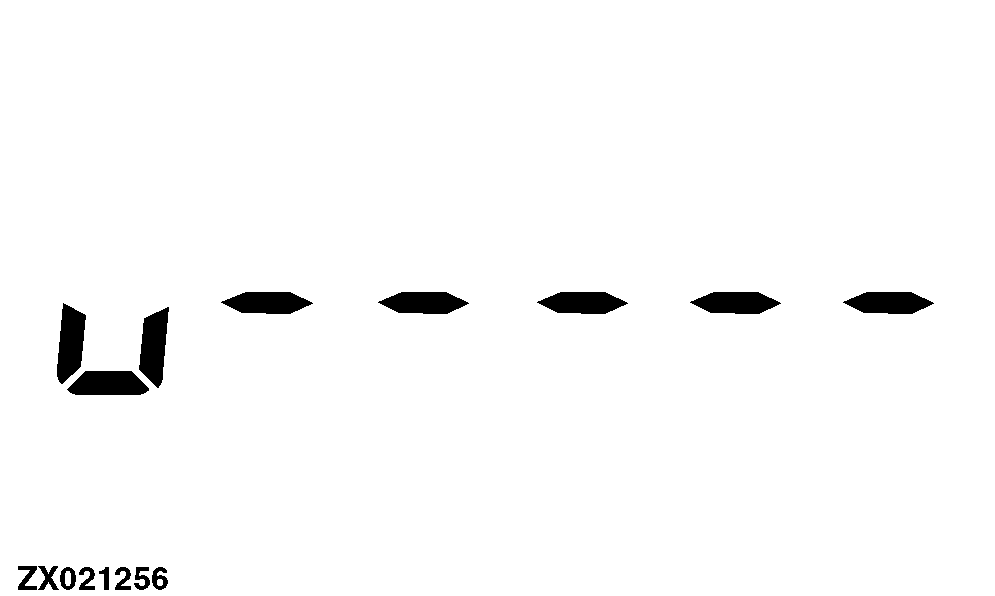
5.
Small stationary knife clearance setting - l.h.
The left stationary knife motor adjusts the stationary knife towards the cutterhead knives (the small U-shaped LCD segment will be on continuously) until the stationary knife touches the knives (the other LCD segments will flash). |
|
AG,OUZXMAY,623 -19-01NOV03-10/14 |
|
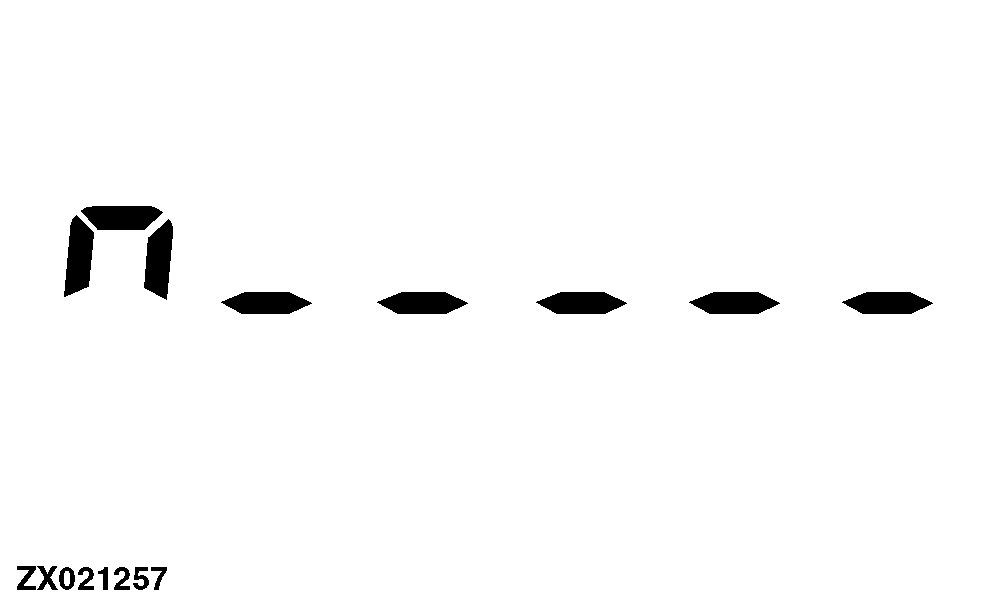
6.
Small stationary knife clearance setting - l.h.
The left stationary knife motor adjusts the stationary knife away from the cutterhead knives (the small U-shaped LCD segment will be on continuously) until the stationary knife no longer touches the knives (the other LCD segments will be on continuously too) and sets the clearance. |
|
AG,OUZXMAY,623 -19-01NOV03-11/14 |
|
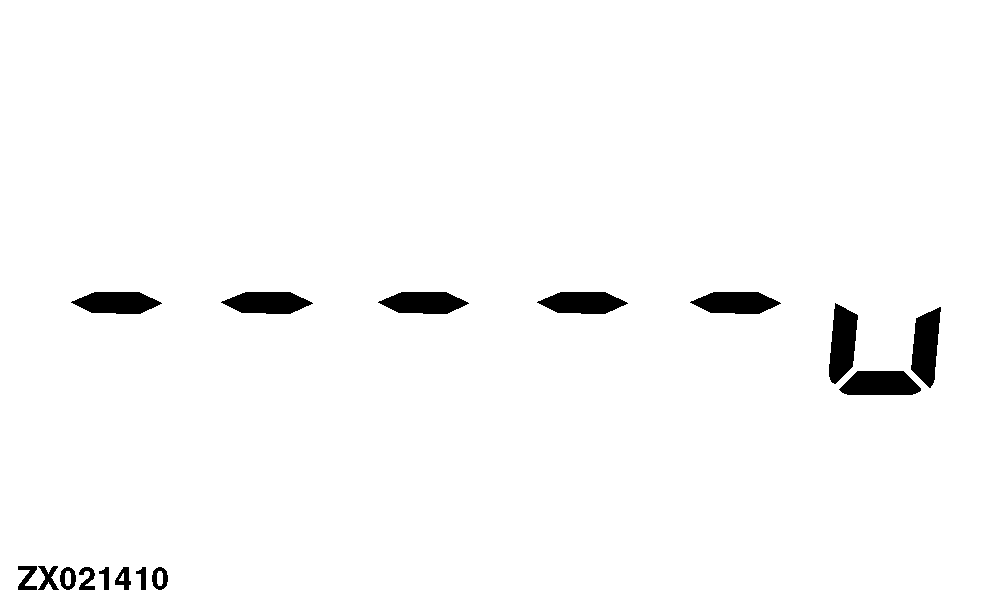
7.
Small stationary knife clearance setting - r.h.
The right stationary knife motor adjusts the stationary knife towards the cutterhead knives (the small U-shaped LCD segment will be on continuously) until the stationary knife touches the knives (the other LCD segments will flash). |
|
AG,OUZXMAY,623 -19-01NOV03-12/14 |
|
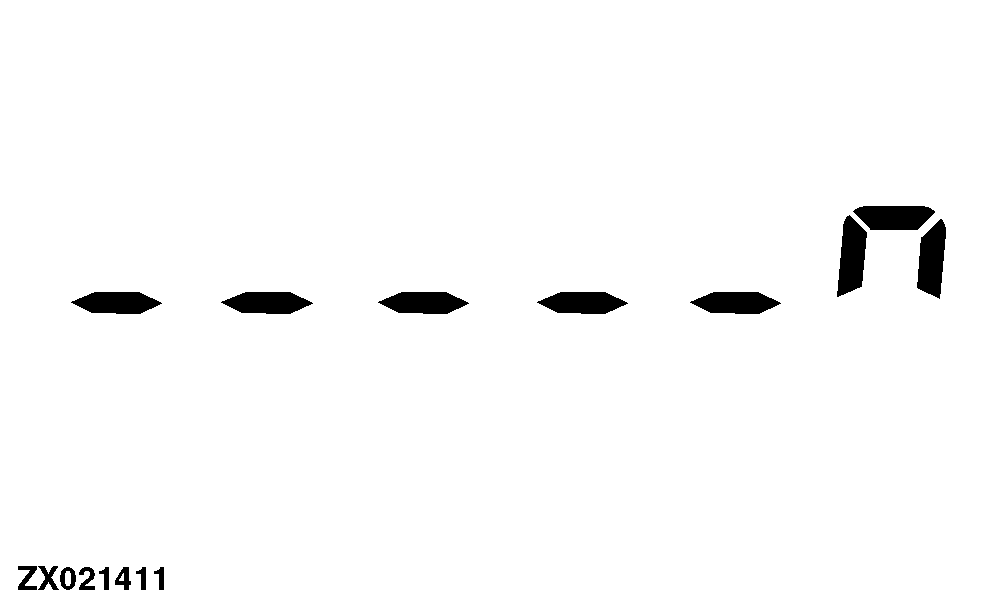
8.
Small stationary knife clearance setting - r.h.
The right stationary knife motor adjusts the stationary knife away from the cutterhead knives (the small U-shaped LCD segment will be on continuously) until the stationary knife no longer touches the knives (the other LCD segments will be on continuously too) and sets the clearance. |
|
AG,OUZXMAY,623 -19-01NOV03-13/14 |
|
Once the automatic stationary knife adjusting process is complete, the stationary knife icon (C) will remain steady and the digital display line (D) will display dashes for a maximum of two seconds. After two seconds, the stationary knife adjust icon will no longer be displayed and the digital display line will revert to the default information (header pressure).
|
|
AG,OUZXMAY,623 -19-01NOV03-14/14 |