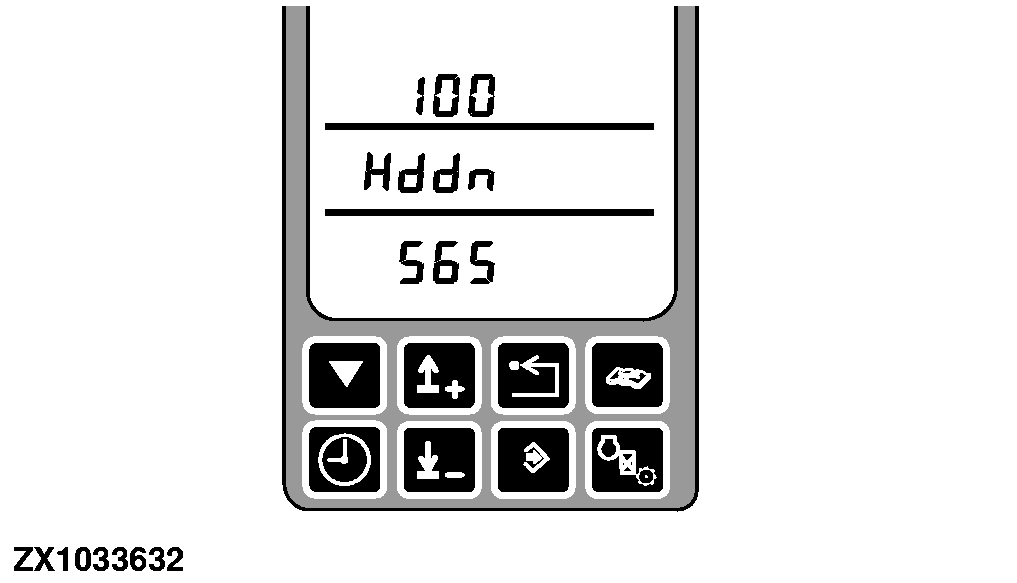
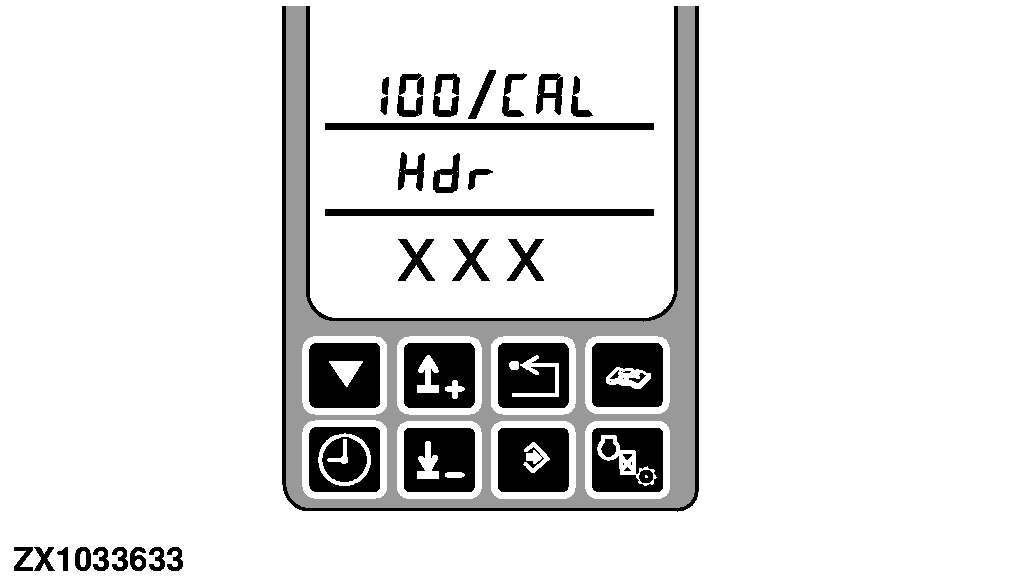
Address SPF 100 Calibration - Header
Manual Header Calibration
|
|
|
|
OUCC002,000009C -19-13OCT05-1/6
|
-
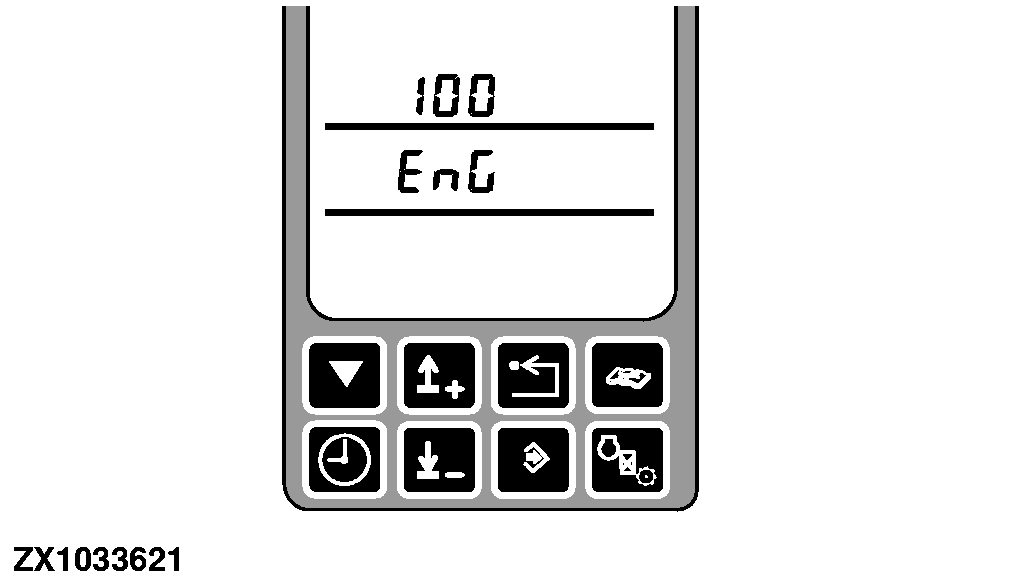
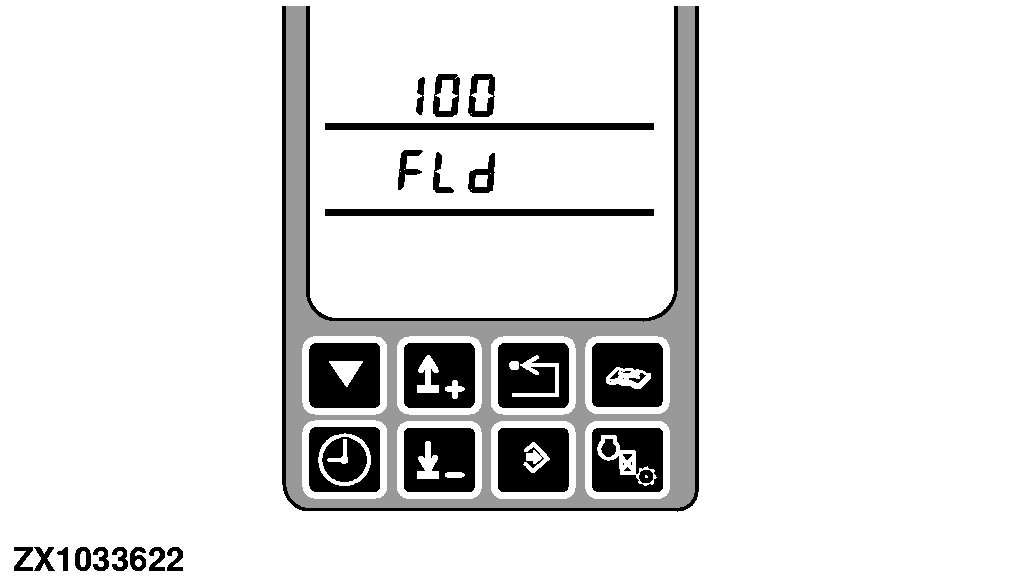
FLd, if field mode is not active - Press the road safety switch.
|
|
|
|
OUCC002,000009C -19-13OCT05-2/6
|
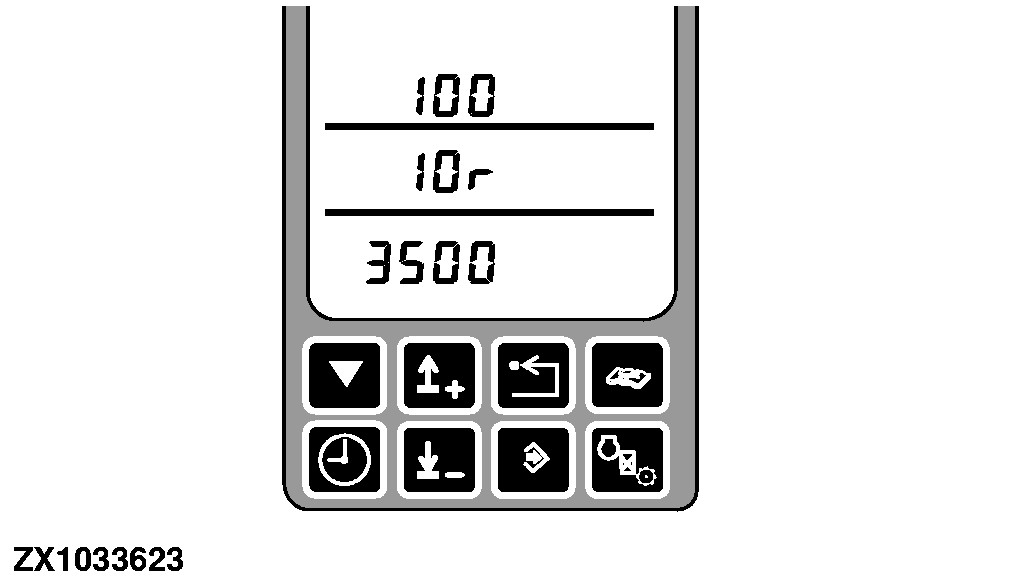
Use the input control knob to change the header type.
| Header Types |
| Display Middle Line |
Display Bottom Linea |
| no |
Hdr |
| HP |
950 |
| HP |
1350 |
| 4r |
1500 |
| 6r |
2200 |
| 8r |
2900 |
| 10r |
3800 |
| 676 |
Headb |
| 678 |
Headc |
| TMC |
4500 |
| aAll values in kg |
| bTypically 2100 kg (4850 lb) |
| cTypically 3000 kg (6610 lb) |
HP = Hay Pickup
Hrd = Header
IMPORTANT:
Although they are not listed on display middle line, the 600 Series cutting platforms can be calibrated by selecting the harvesting unit with a weight equal or just above the requested cutting platform model weight. For example, for a 615 cutting platform with a weight of 1501 kg (3309 lb), select 4r - 1500.
Refer to list hereafter for proper weight/model selection.
-
For
614
model: Select "
4r
".
-
For
615
model: Select "
4r
".
-
For
618
model: Select "
4r
".
-
For
620
model: Select "
6r
".
-
For
622
model: Select "
6r
".
-
For
625
model: Select "
6r
".
-
For
630
model: Select "
8r
".
|
|
|
|
OUCC002,000009C -19-13OCT05-3/6
|
Manual Header Calibration
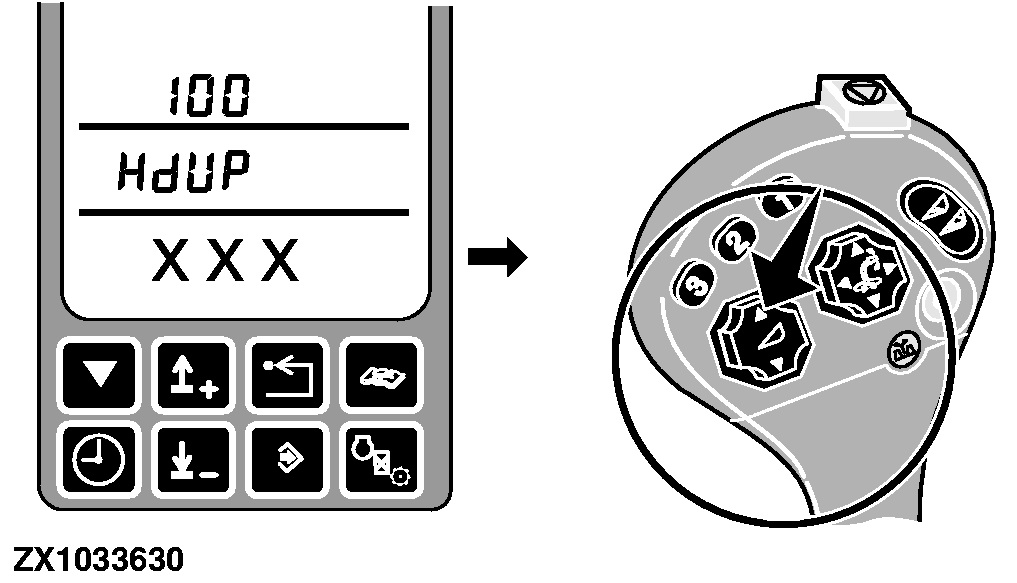
Whenever the above mentioned conditions are met, press the Cal switch for manual header calibration.
The display will show HdUP to indicate the header should move up - Press the header raise switch.
If the upper limit is reached, press the Cal switch.
|
|
|
|
OUCC002,000009C -19-13OCT05-4/6
|
|
|
OUCC002,000009C -19-13OCT05-5/6
|
|
|
OUCC002,000009C -19-13OCT05-6/6
|
|