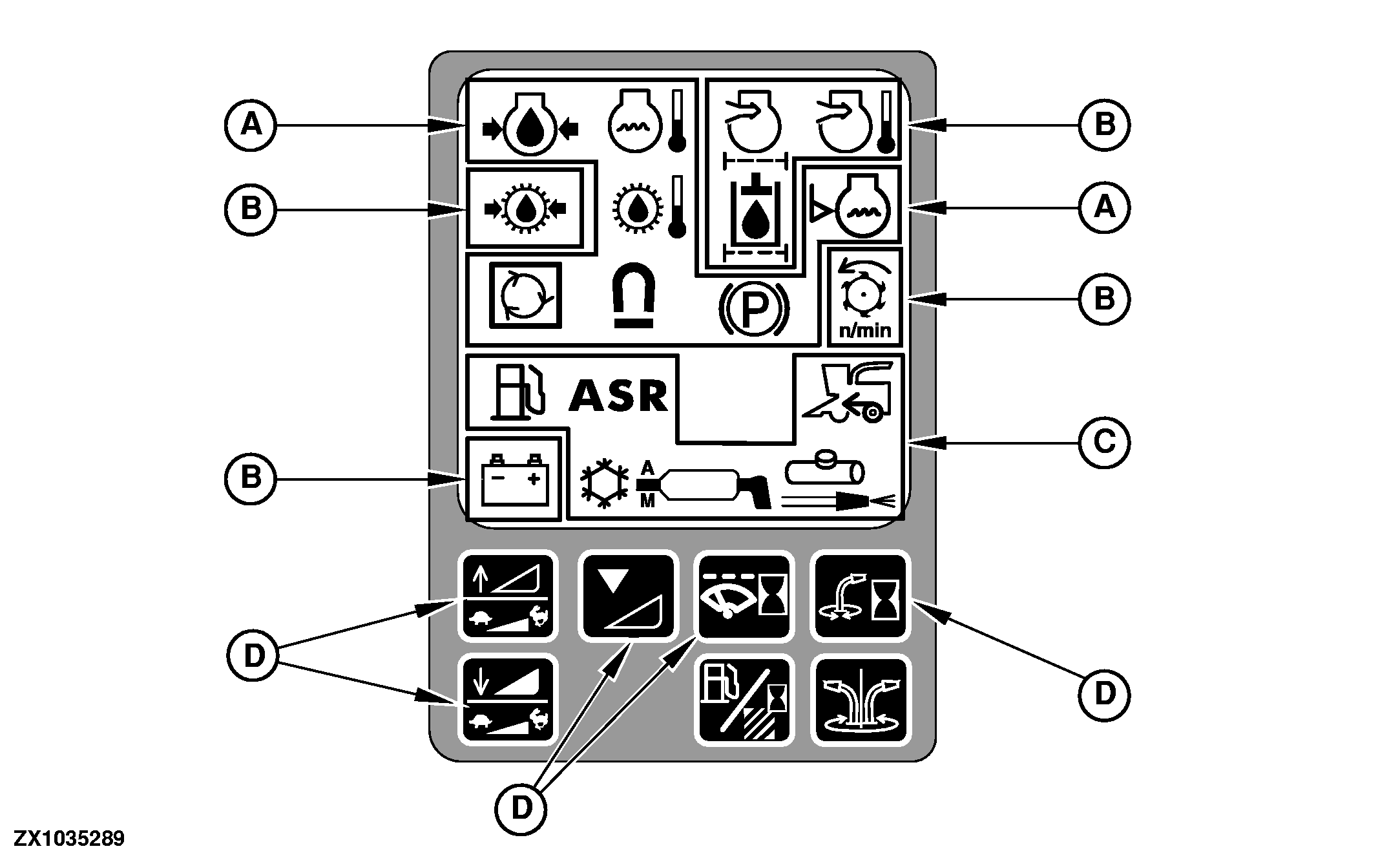
Corner Post - Indicator Icons And Quick Calibration Switches
|
|
|
|
|
|
NOTE: For detailed description of qiuck calibration switches see Section "Calibration Procedures"
|
OUCC020,0001EDE -19-26JUL04-1/4 |
|
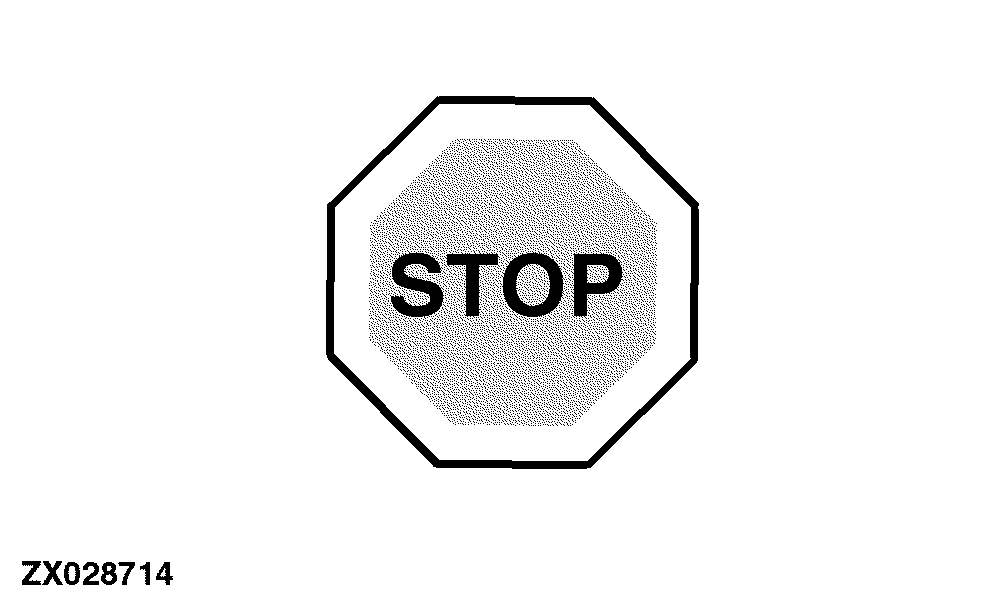
Priority 1 Indicator Icons - Stop These indicator icons are associated with the most important machine functions (road and operating safety, engine). When one of the priority 1 indicator icons comes on, the red STOP light appears simultaneously at the automatic function control panel and a continuous acoustic warning starts to sound. |
|
OUCC020,0001EDE -19-26JUL04-2/4 |
|
Priority 2 Indicator Icons - Warning These indicator icons are associated with functions that can impair vehicle performance but are not severe enough to immediately impact safety or the engine operations. When a priority 2 indicator icons comes on, the warning light at the automatic function control panel appears simultaneously and an acoustic warning sounds for 5 seconds. |
|

OUCC020,0001EDE -19-26JUL04-3/4 |
|
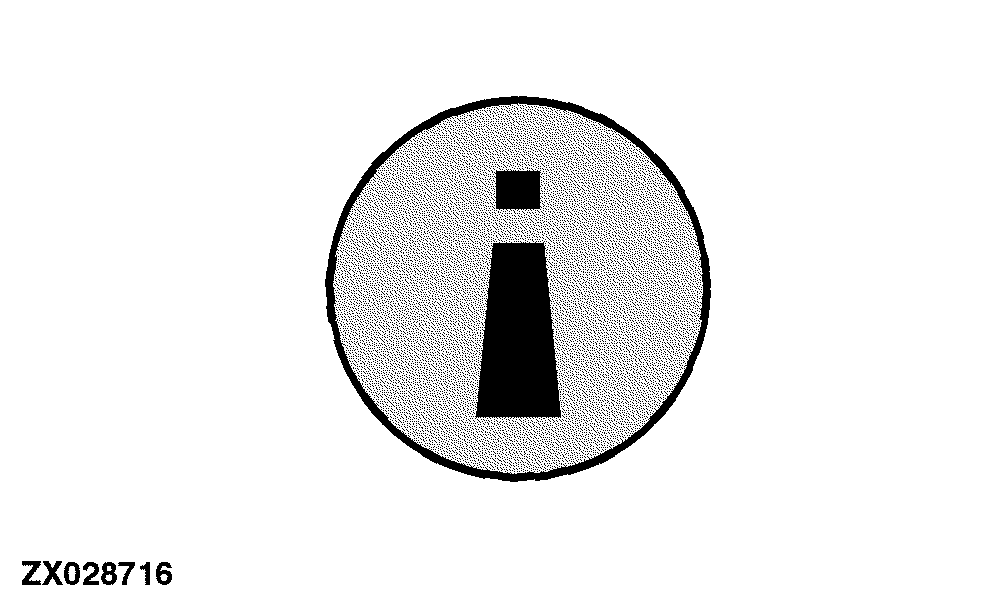
Priority 3 Indicator Icons - Protection These indicator icons are associated with functions that alert the operator that a function is active / engaged or has malfunctioned. When a priority 3 indicator icons comes on, the protection light at the automatic function control panel appears simultaneously. |
|
OUCC020,0001EDE -19-26JUL04-4/4 |