Address RCP 101 Calibration - Rear Wheel Drive Control Unit
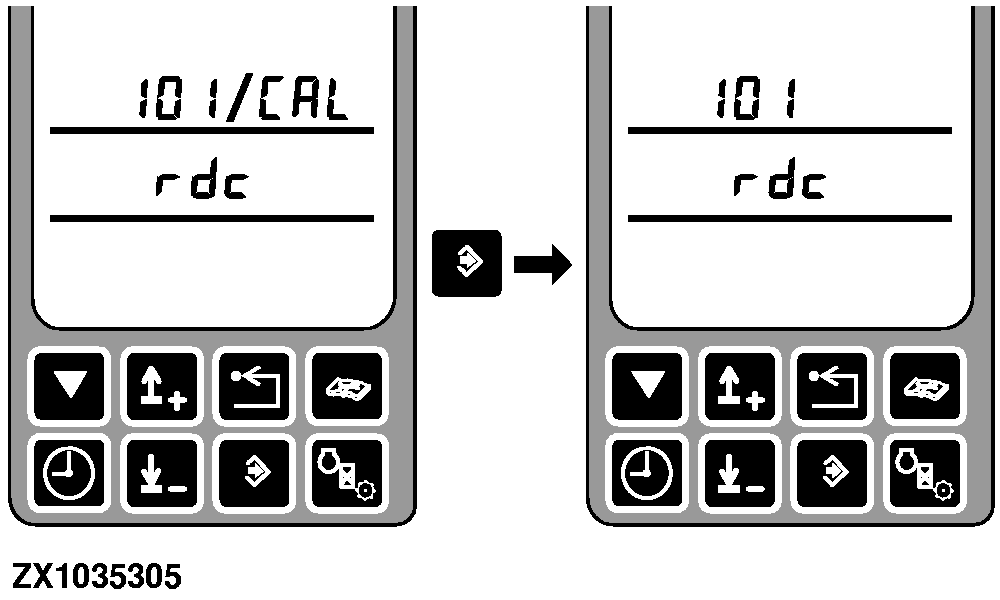
After entering this address, the corner post control unit shows the address and rdc.
|
|
|
|
OUCC020,0001EED -19-10AUG04-1/7
|
|
After pressing the enter switch the corner post control unit requests calibration.
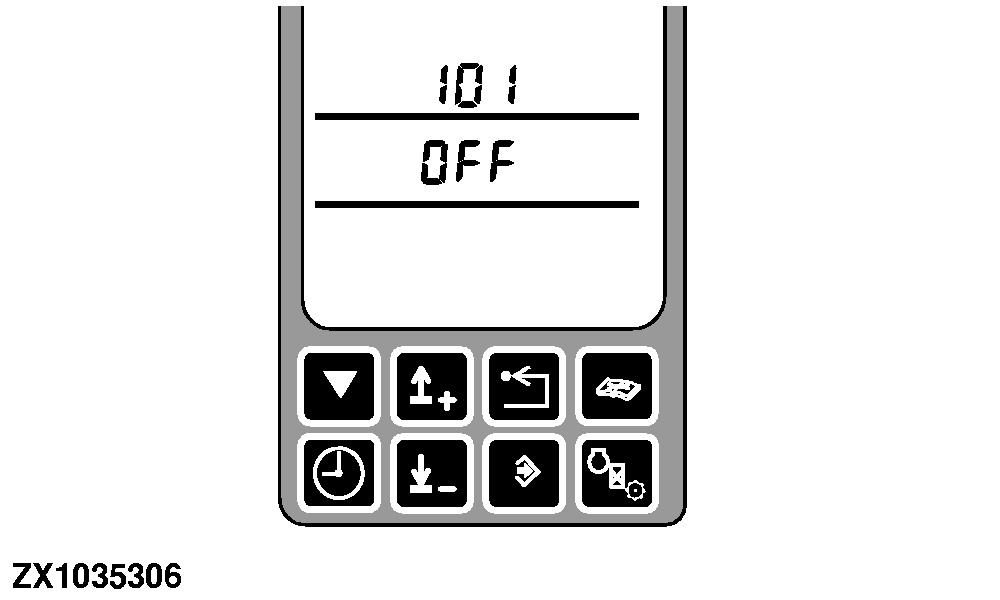
If the rear wheel drive control unit is disabled, the display shows alternately OFF and rdc.
Engage rear wheel drive.
|
|
|
|
OUCC020,0001EED -19-10AUG04-2/7
|
|
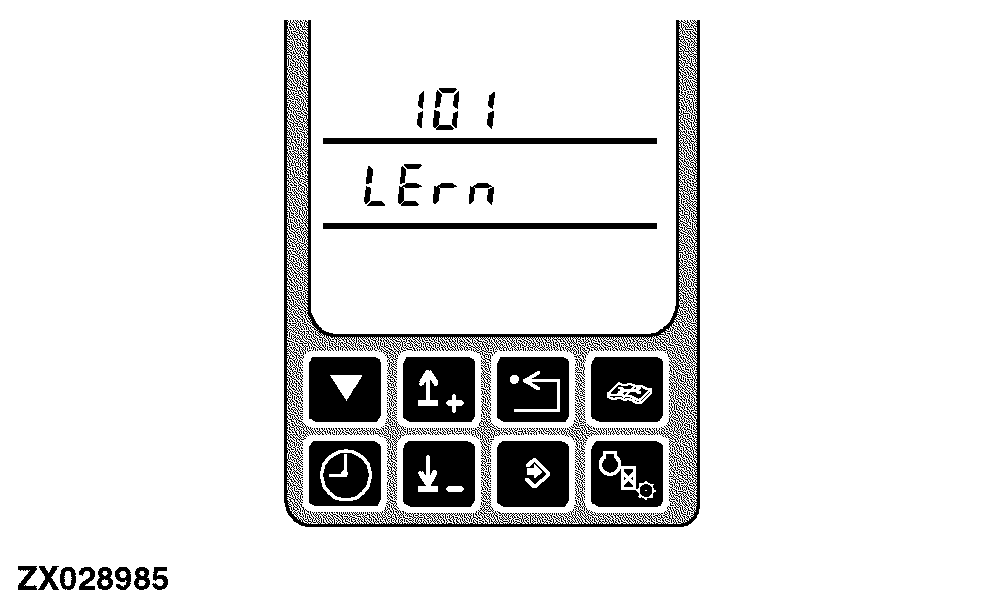
If the rear wheel drive control unit is enabled, the display shows LErn.
|
|
|
|
OUCC020,0001EED -19-10AUG04-3/7
|
|
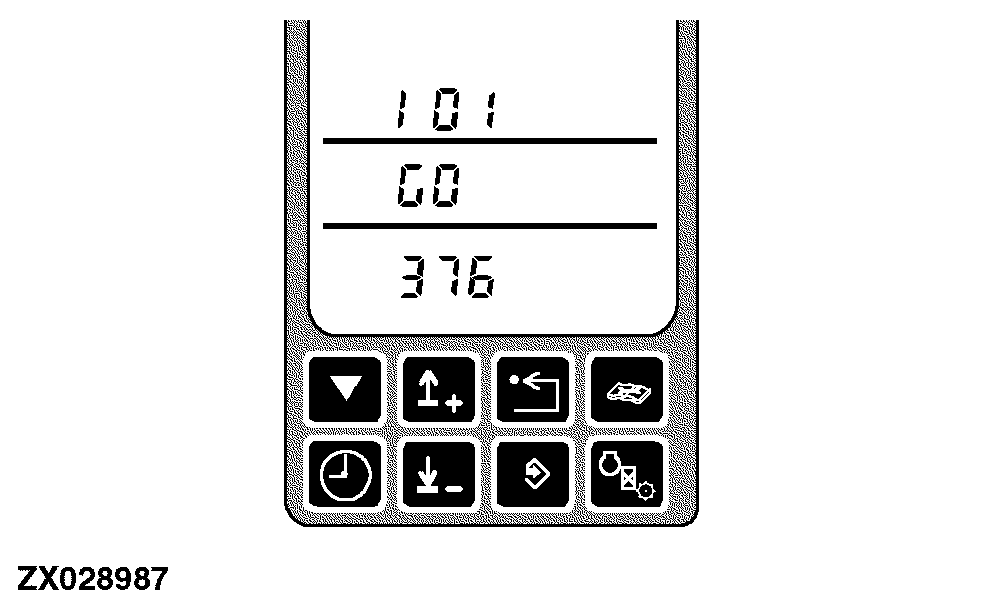
Once the rear wheel drive control unit begins the calibration, the display alternately displays GO and the current teaching ratio transmitted from the rear wheel drive control unit.
Start the engine and run the forage harvester, observing the following conditions:
-
drive the forage harvester in a straight line
-
drive the forage harvester forward with a speed of >5 km/h (3.1 m/h)
|
|
|
|
OUCC020,0001EED -19-10AUG04-4/7
|
|
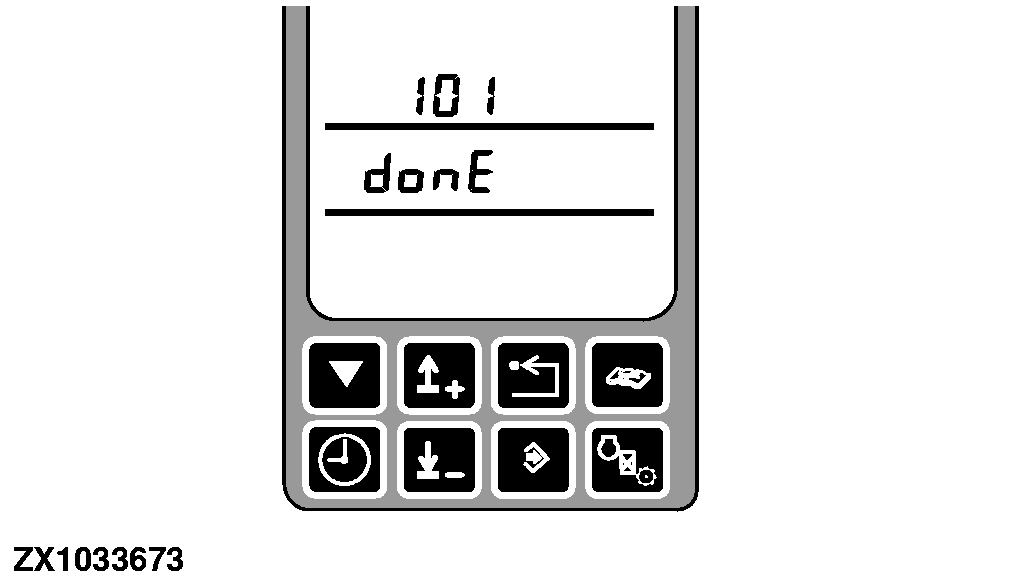
When calibration is complete, the display shows donE.
At this time, the rear wheel drive control unit has completed calibration.
Press the enter switch to store the current received teaching ratio in the right hand corner post memory.
This teaching ratio can be displayed with address RCP 102.
|
|
|
|
OUCC020,0001EED -19-10AUG04-5/7
|
|
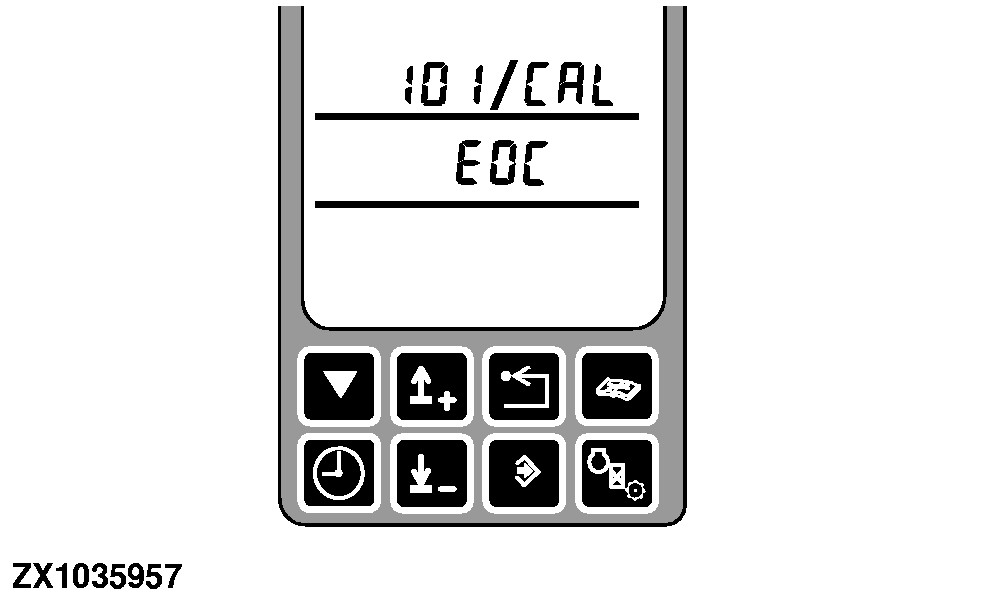
EOC will display the end of calibration mode.
|
|
|
|
OUCC020,0001EED -19-10AUG04-6/7
|
|
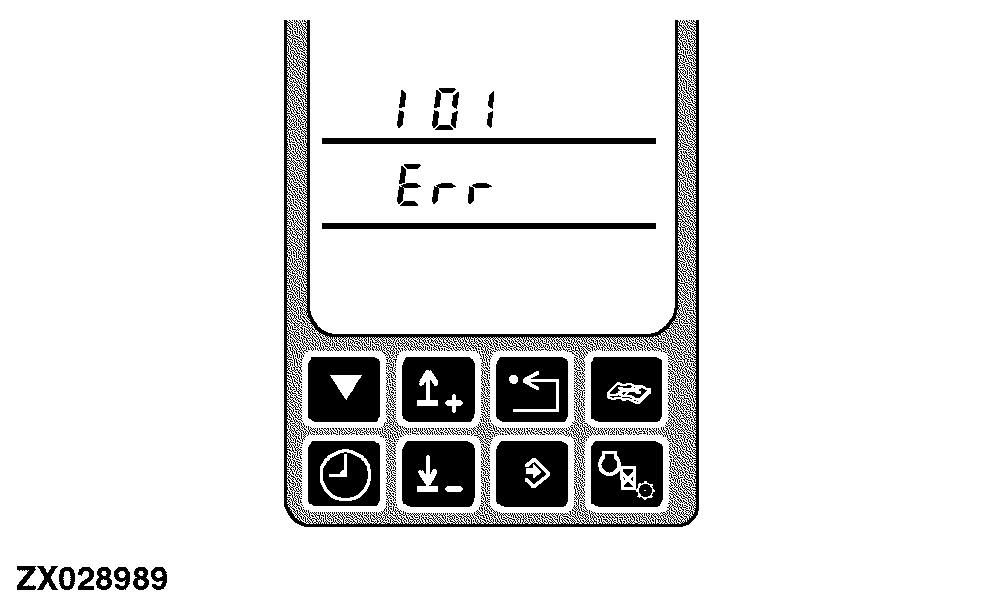
Err will be displayed if the calibration was not successful.
|
|
|
|
OUCC020,0001EED -19-10AUG04-7/7
|
|