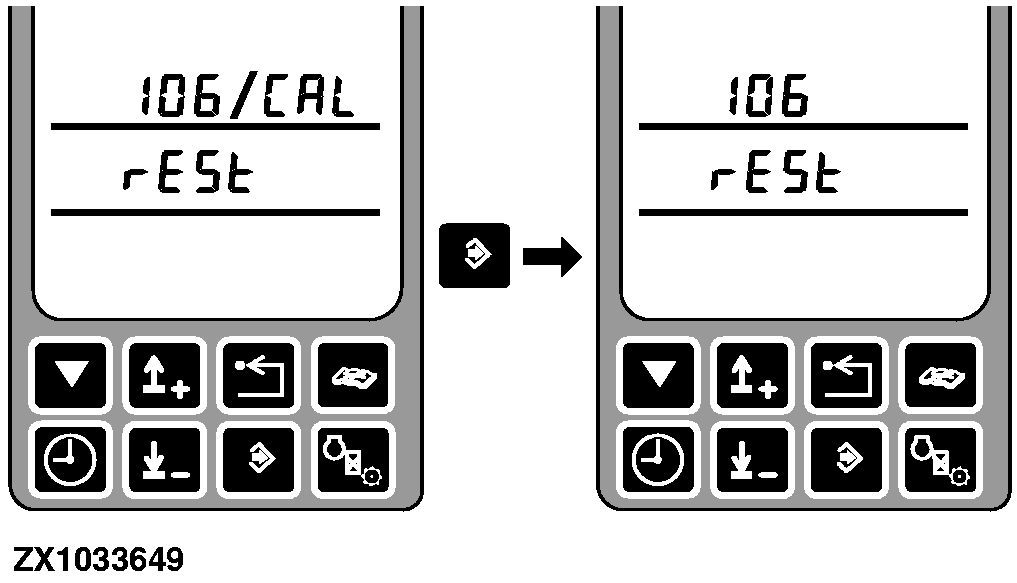
Address RGC 106 Calibration - Feeler Rest PositionAfter entering this address the display shows the address and rESt. |
|
OUCC020,0001EFD -19-12AUG04-1/5 |
|
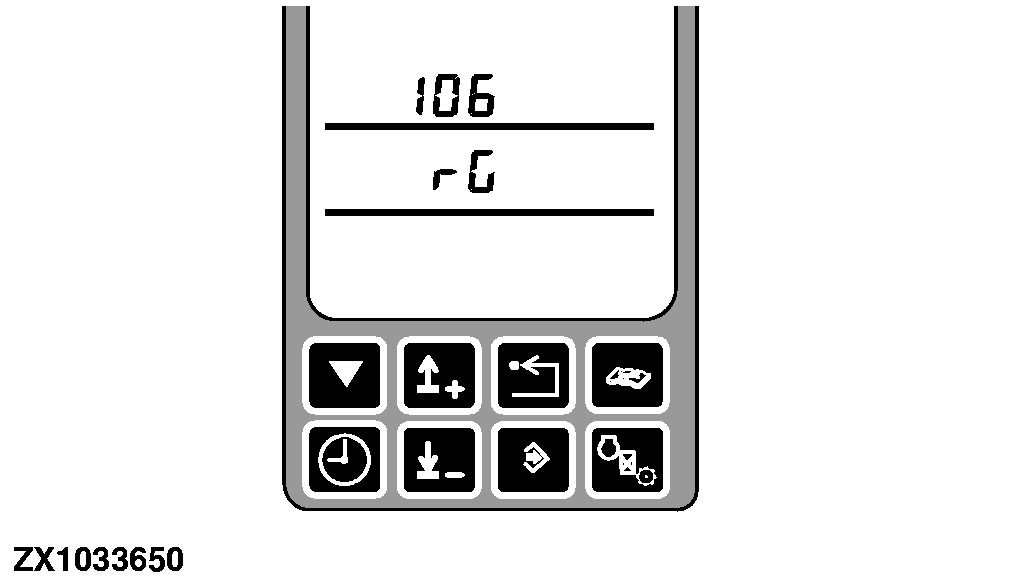
The middle display line shows rG if the control panel has not enabled the row guidance control unit. |
|
OUCC020,0001EFD -19-12AUG04-2/5 |
|
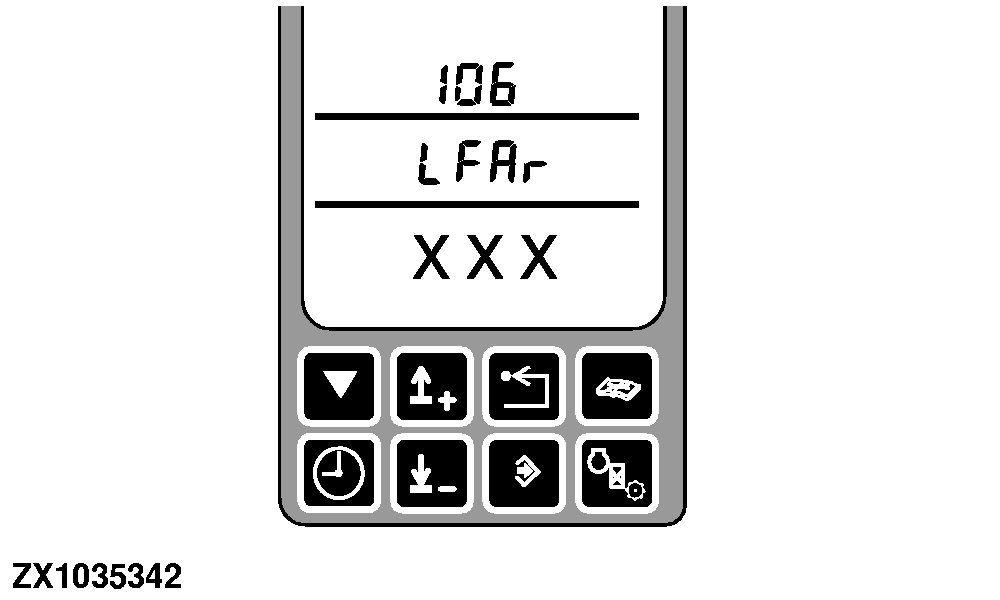
Enable row guidance control unit, LFAr (Left Feeler At Rest) is displayed. Make sure the left feeler is in the rest position and is not disturbed by crop or anything else. Press the calibration switch. A number corresponding to the current left feeler position is displayed. |
|
OUCC020,0001EFD -19-12AUG04-3/5 |
|
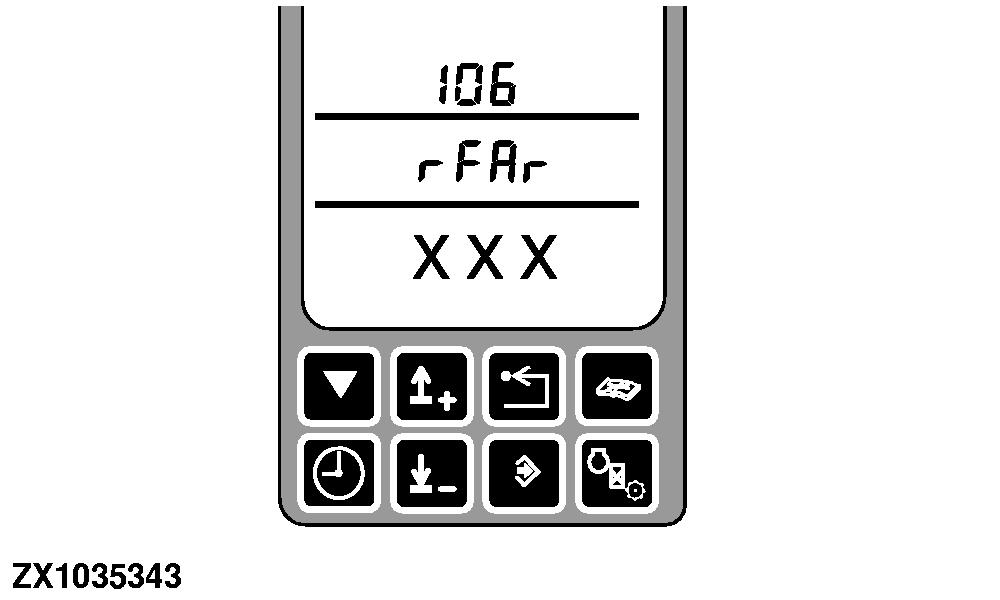
Press the calibration switch again to accept this position. rFAr (Right Feeler At Rest) is displayed. Make sure the right feeler is in the rest position and is not disturbed by crop or anything else. Press the calibration switch. A number corresponding to the current right feeler position is displayed. Press the enter switch to record the potentiometer reading and to finish the calibration. |
|
OUCC020,0001EFD -19-12AUG04-4/5 |
|
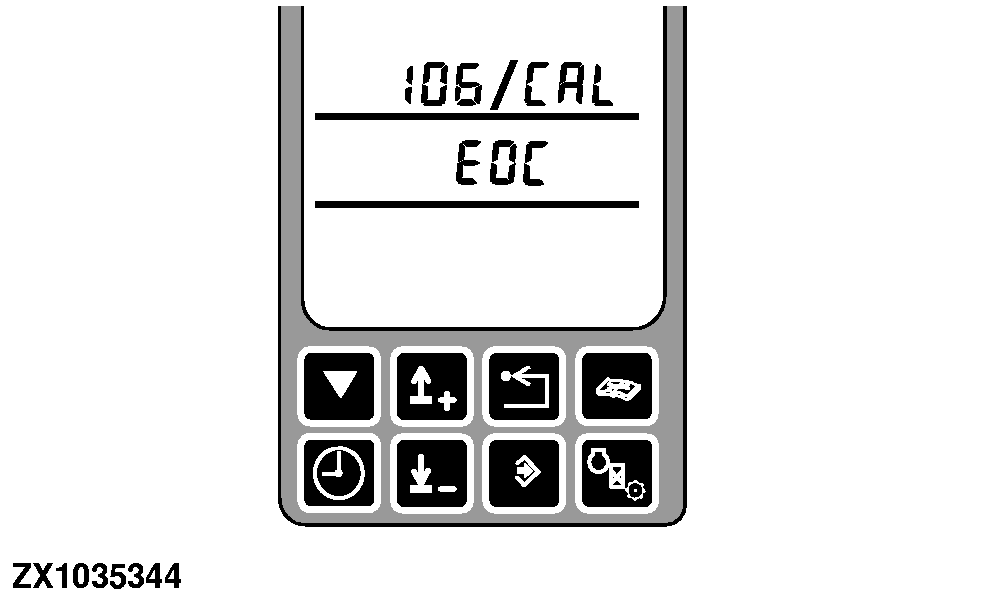
EOC is displayed after successful calibration. Proceed to the Feeler Maximum Deflect Position Calibration-Go to Address RGC 107. |
|
OUCC020,0001EFD -19-12AUG04-5/5 |