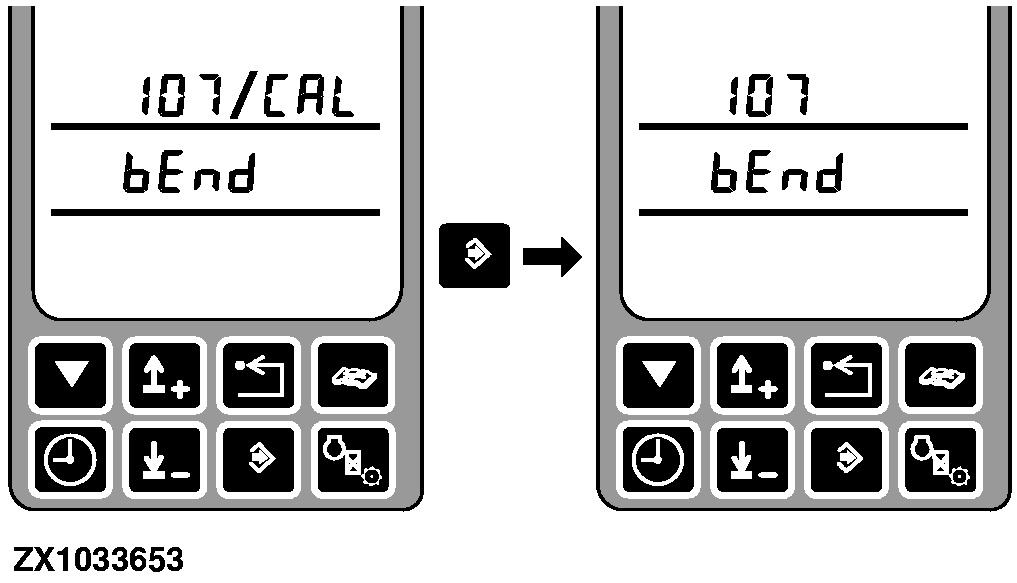
Address RGC 107 Calibration - Feeler Maximum Deflect PositionAfter entering this address the display shows the address and bEnd. |
|
OUCC020,0001EFE -19-12AUG04-1/5 |
|
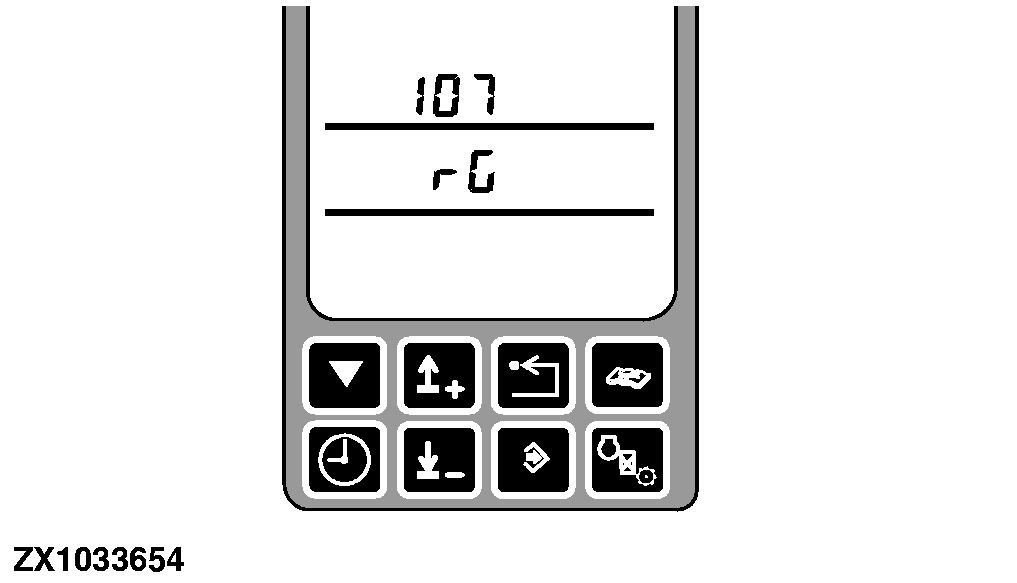
The middle display line shows rG if the control panel has not enabled the row guidance control unit. |
|
OUCC020,0001EFE -19-12AUG04-2/5 |
|
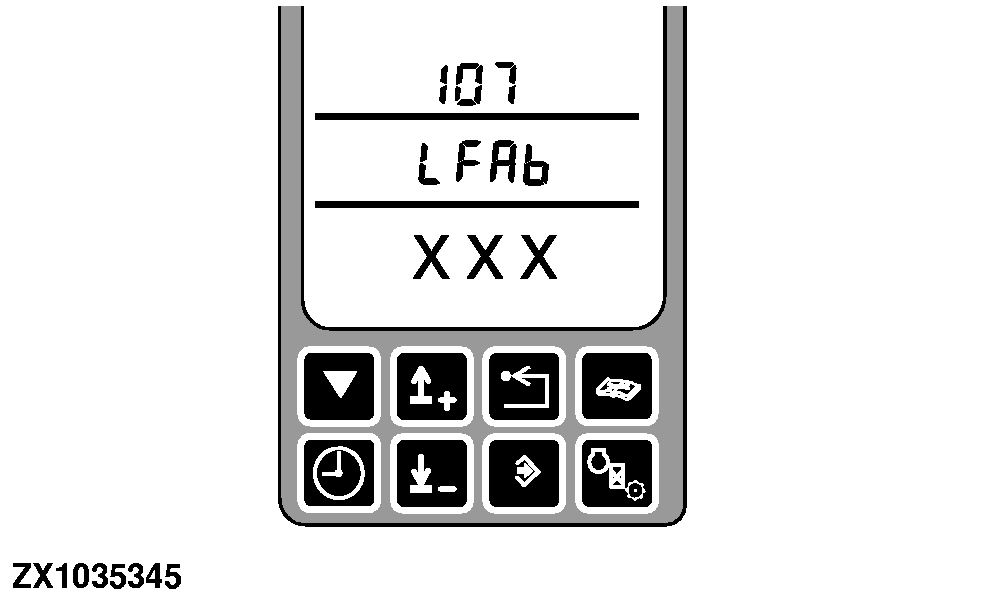
If row guidance control unit is enabled, LFAb (Left Feeler At Bend) is displayed. Move the left feeler to its fully deflected position and hold it there (move feeler arm towards inside of gatherer point). Press the calibration switch. A number corresponding to the current left feeler position is displayed. |
|
OUCC020,0001EFE -19-12AUG04-3/5 |
|
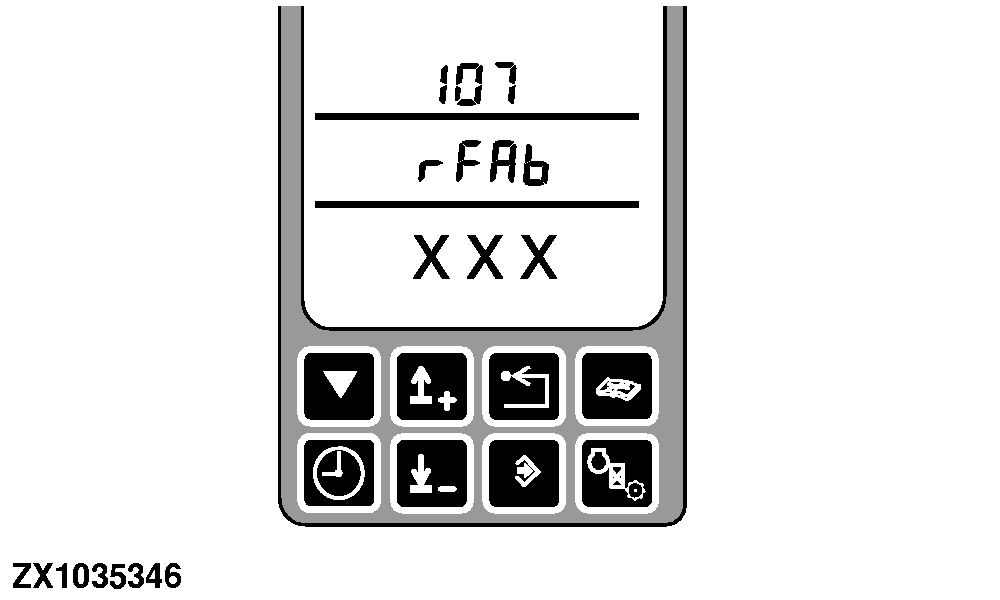
Press the calibration switch again to accept this position. rFAb (Right Feeler At Bend) is displayed. Using a second person, move the right feeler to its fully deflected position and hold it there (move feeler arm towards inside of gatherer point). Press the calibration switch. A number corresponding to the current right feeler position is displayed. Press the enter switch to record the potentiometer reading and to finish the calibration. |
|
OUCC020,0001EFE -19-12AUG04-4/5 |
|
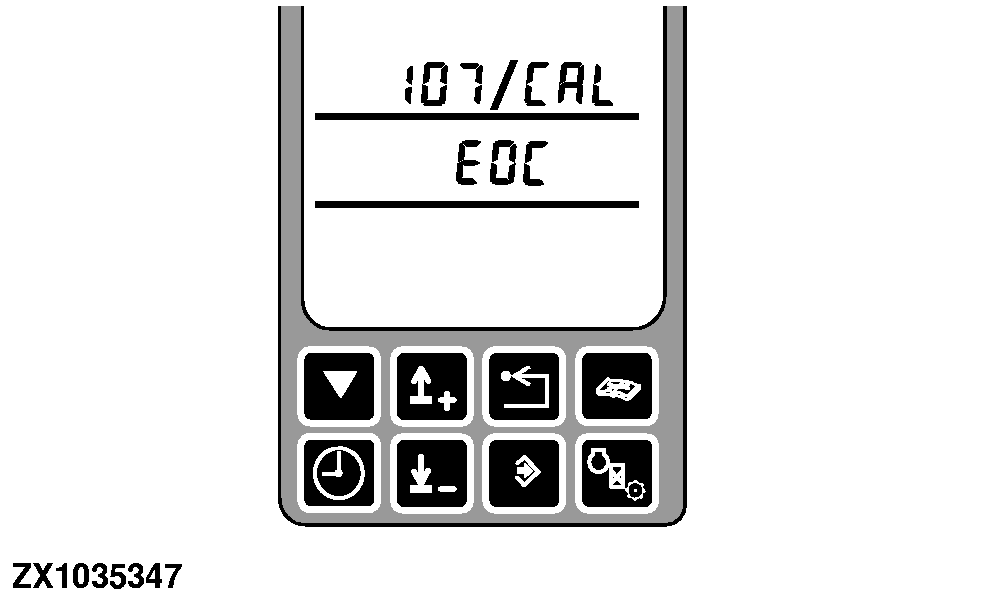
EOC is displayed after successful calibration. Release the feelers. Press back switch twice to return to the tachometer display. Turn the ignition switch to OFF. Wait at least 10 seconds. Run the engine with a speed of at least 1500 rpm. Shift transmission to second gear then drive forward until a ground speed of 6-8 km/h (4-5 mph) is obtained. IMPORTANT: Note the position of the multi-function lever at this point. This will be needed during the calibration of the following addresses as you will not be able to see the ground speed. Keep engine speed constant. Locate an open area that is wide and long enough to proceed to the Steering Offset Calibration. Place multi-function lever to neutral position then go to Address RGC 104. |
|
OUCC020,0001EFE -19-12AUG04-5/5 |