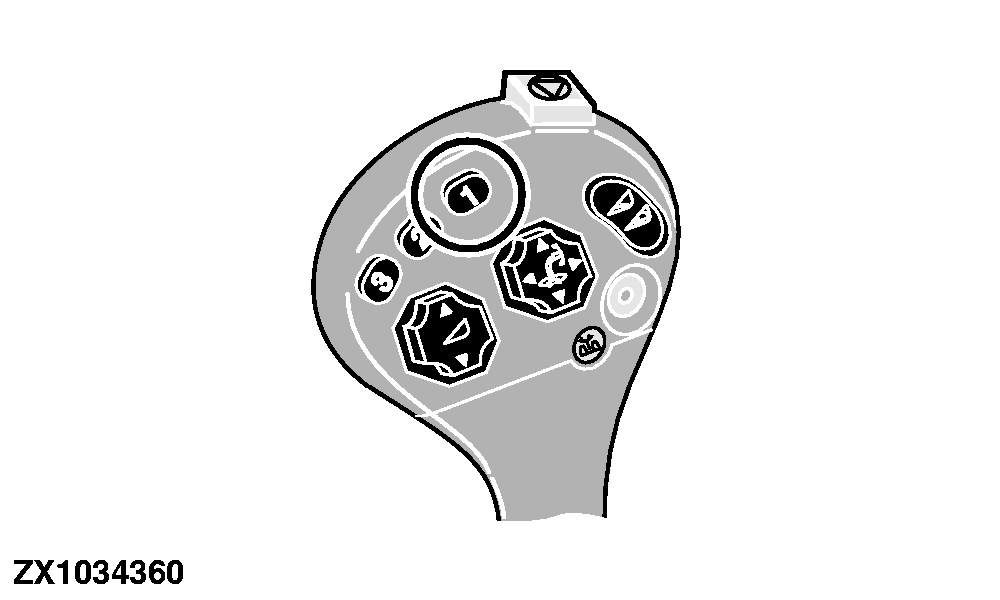
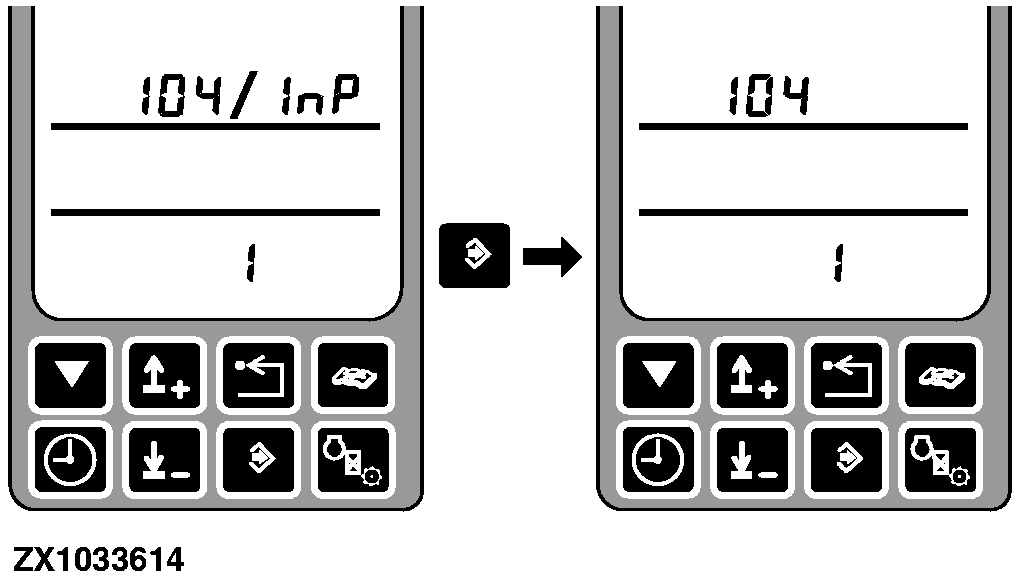
Address ARC 104 Calibration - Button 1 ConfigurationAfter entering this address the display shows the address and the value. 0 - No function 1 - Return to upper position 2 - Return to lower position 3 - Return to pressure 4 - Row guidance enable 5 - Selective control valve I control (single click drives SCV I + and a double click drives SCV I -) 6 - Sound communication horn Default value - 1 Use the calibration switch and the arrow switches to change the value. Press the enter switch to store the value. |
|
OUZXMAG,0001BA9 -19-27OCT03-1/1 |