Liquid Injection Pump Switch (With Indicator Light)
|
|
|
Engaging / disengaging the liquid injection pump. The liquid injection pump will be engaged if:
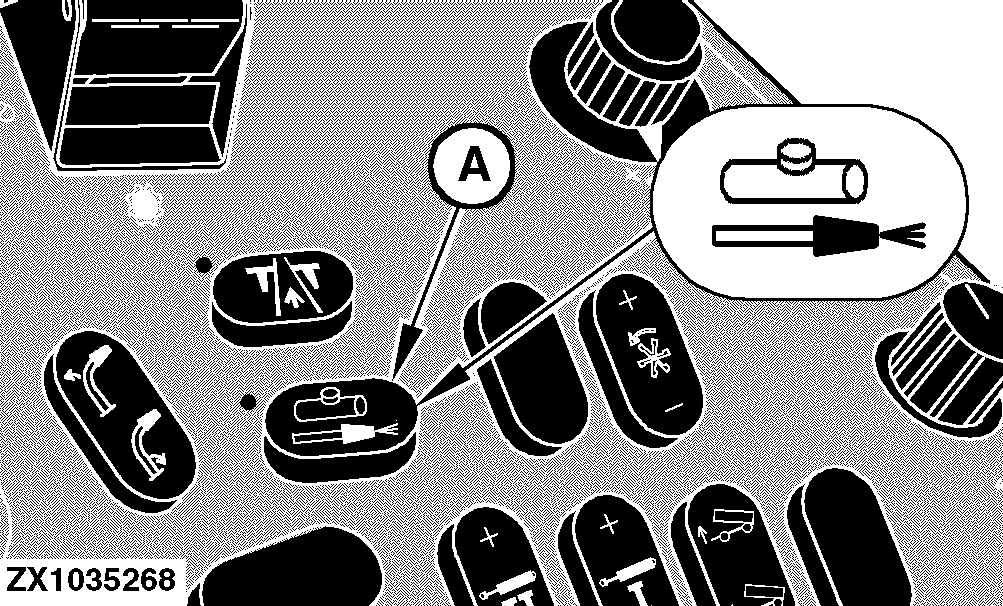
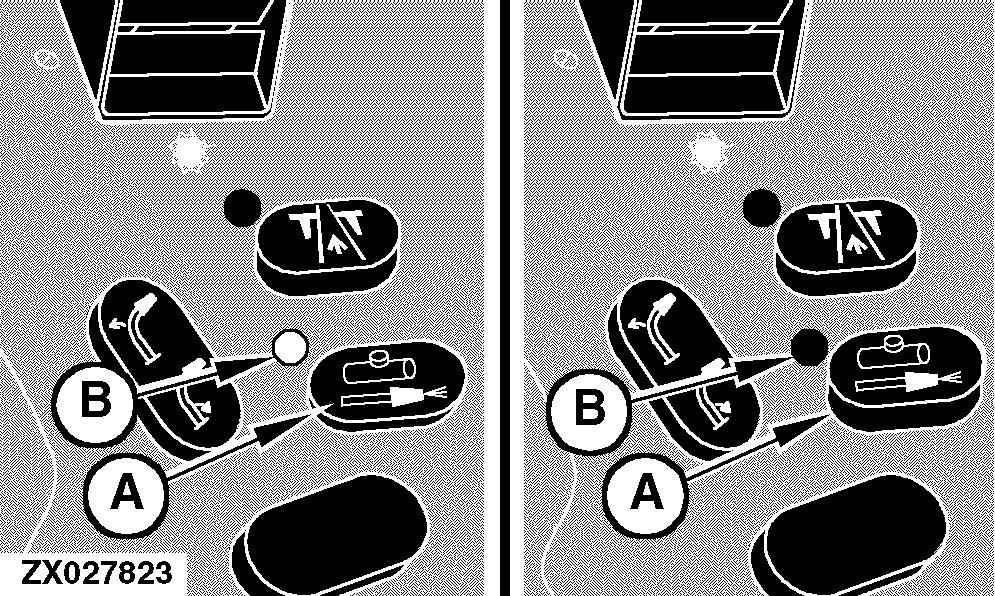
If the liquid injection pump switch (A) is pressed, the indicator light (B) will come on indicating the request for liquid injection pump. If one of the above conditions is not met, the electronic system will release the power control relay and thus power for the injection pump will be interrupted. In this situation switched battery power will still be available to supply timer units that will sometimes be supplied with the liquid injection pump kit. |
NOTE: The status of the liquid injection switch will be stored in the electronic control unit after ignition is off to keep the liquid injection in the same state after re-cycling the ignition key. Also an icon at the corner post lights up. To drain the liquid tank (forage harvester is not traveling and feed rolls are not turning forward) press the liquid injection pump switch (A) twice. Kernel Processor Electric Lift Function (Option) Pressing the liquid injection pump switch (A) twice (double press), the liquid injection output of the control unit will be powered regardless whether field operating mode is active or not. This double click is used to power the line to an optional harness for kernel processor lift to connect a separate lift motor for kernel processor mounting or dismounting. NOTE: Disconnect the liquid injection pump when using the kernel processor electric lift function. NOTE: For detailed description of kernel processor electric lift function see "Switches - Underneath The Operator's Station" in section Operator's Station. |
OUZXMAG,0001D46 -19-26AUG04-1/1 |