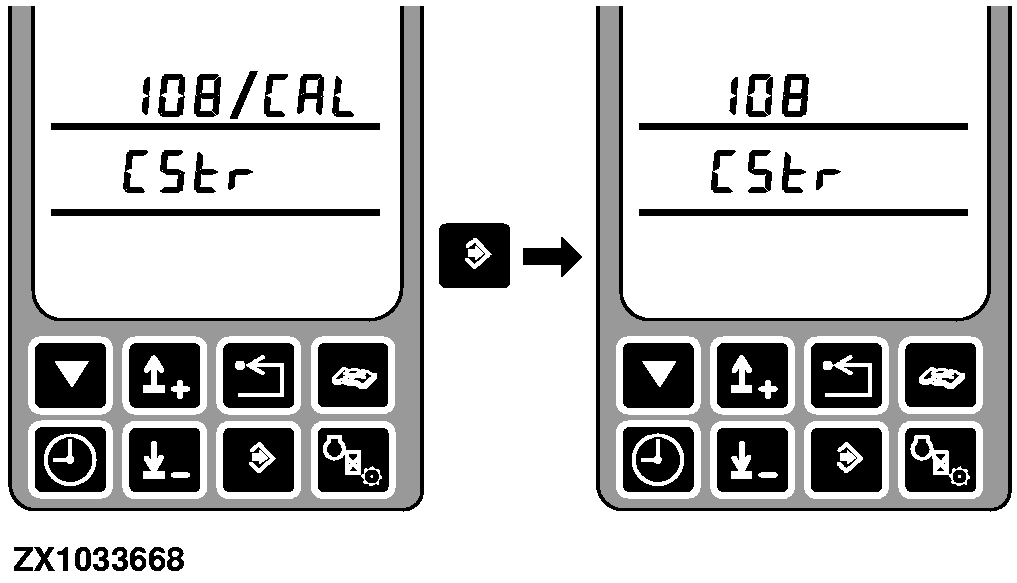
Address RGC 108 Calibration - Steering Test ModeAfter entering this address the display shows the address and cStr. Run the engine with a speed of at least 1500 rpm. Shift transmission to second gear then drive forward until a ground speed of 6-8 km/h (4-5 mph) is obtained. Press the enter switch to begin calibration. |
|
OUZXMAG,0001D61 -19-27AUG04-1/3 |
|
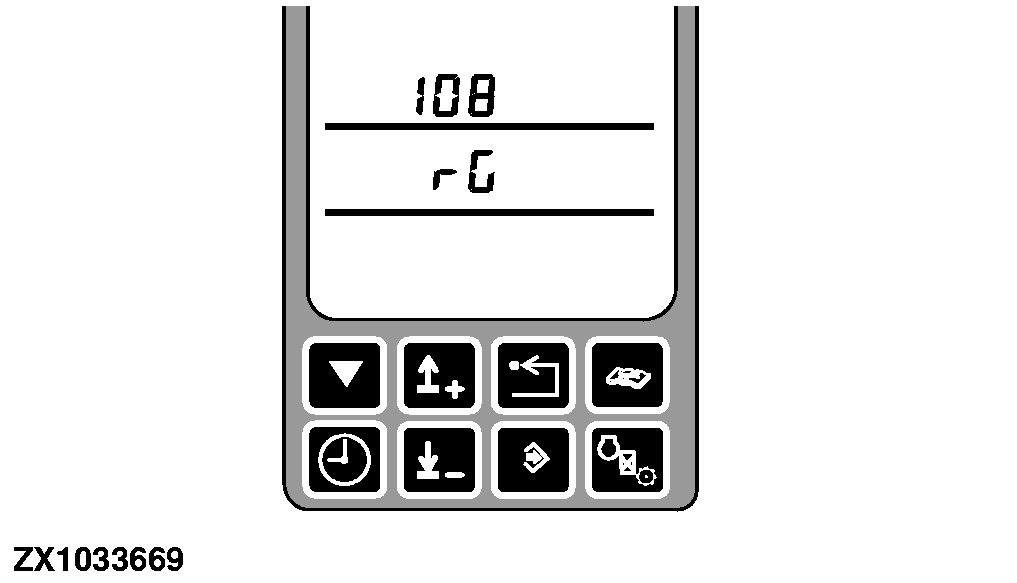
The middle display line shows rG if the control panel has not enabled the row guidance control unit. Enable the row guidance control unit, the display shows a number which corresponds to the analog channel value of the rear axle potentiometer. Steer the machine left to right using the row guidance potentiometer on the armrest control panel to vary the PWM applied to the left and right steering valves. NOTE: Do not move the steering wheel while you are attempting this since the pressure valve switch in the steering will override the calibration control and you will not be able to tell if the system is functioning. The value displayed on the middle display line should change as the rear wheel angle changes. If this is happening, the row guidance steering is functioning. |
|
OUZXMAG,0001D61 -19-27AUG04-2/3 |
|
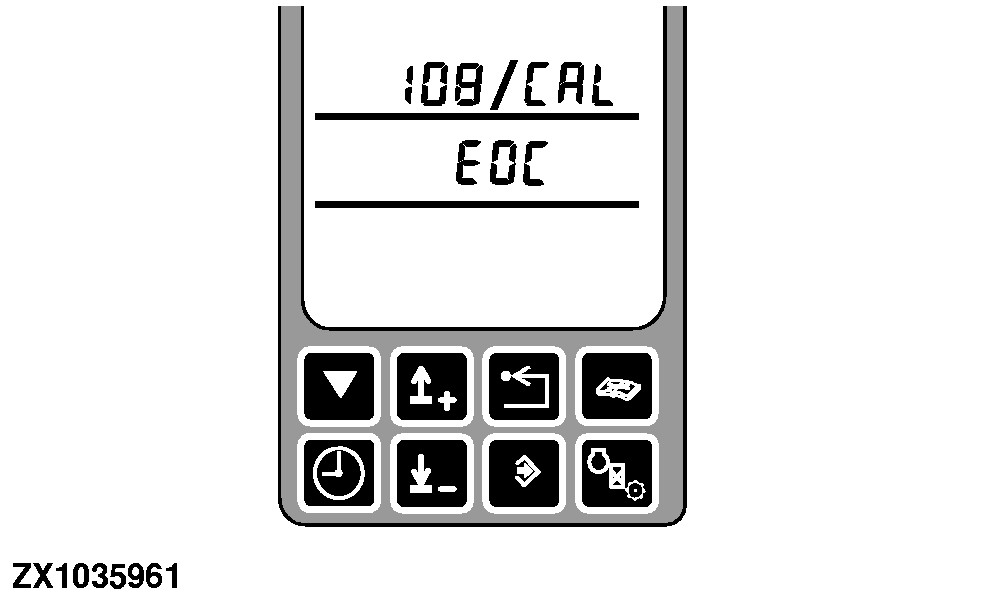
Press the enter switch to exit the calibration. EOC is displayed after successful calibration. Test row guidance in a corn field. If the operation of the machine is opposite to desired operation then feeler side needs to be swapped. Go to Feeler Side Swap-Address RGC 109. |
|
OUZXMAG,0001D61 -19-27AUG04-3/3 |