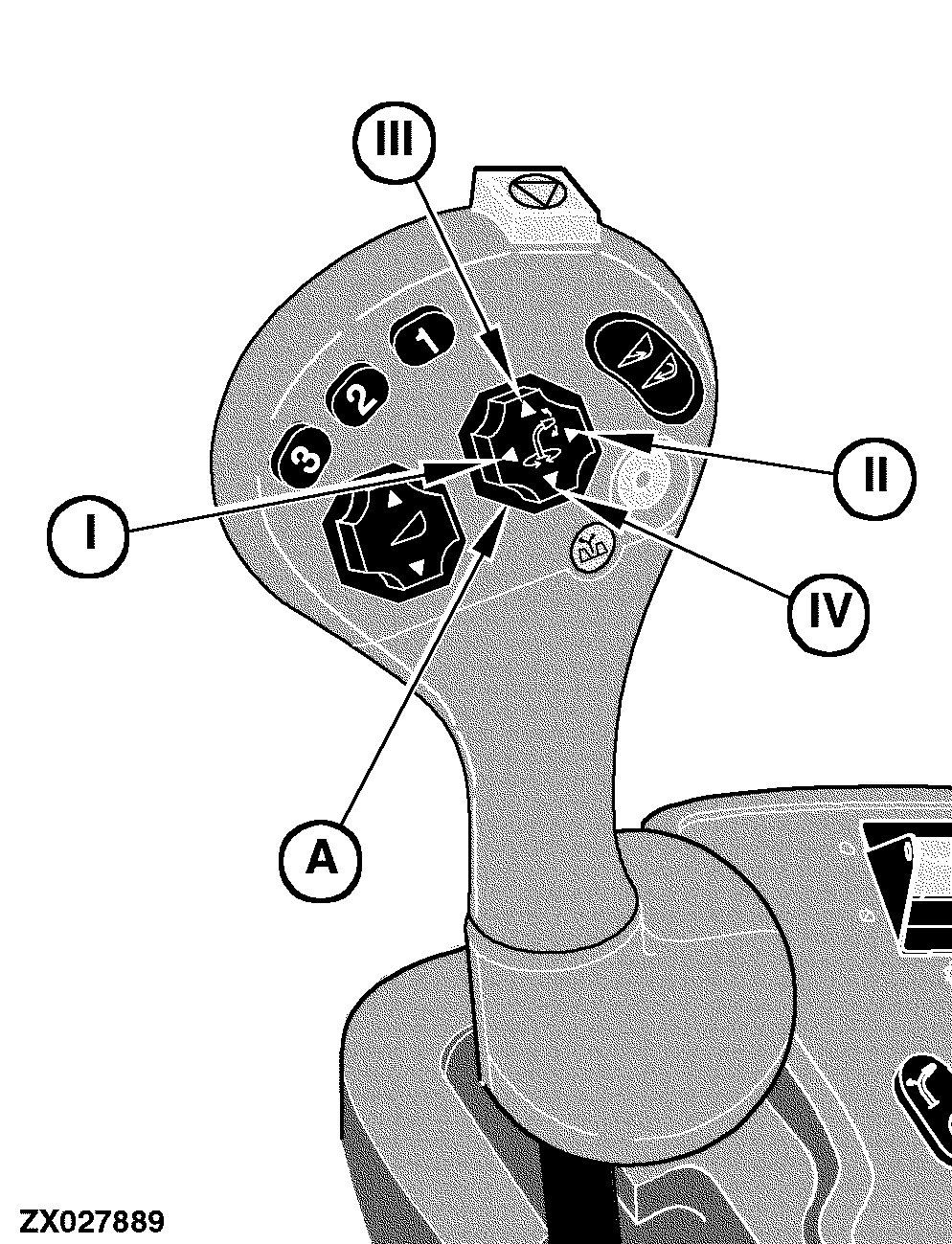
Discharge Spout Turn and Spout Flap Raise / Lower SwitchDischarge spout flap adjustment Press symbol (III) to raise the spout flap. Press symbol (IV) to lower the spout flap. Turning discharge spout Turning discharge spout is only possible with:
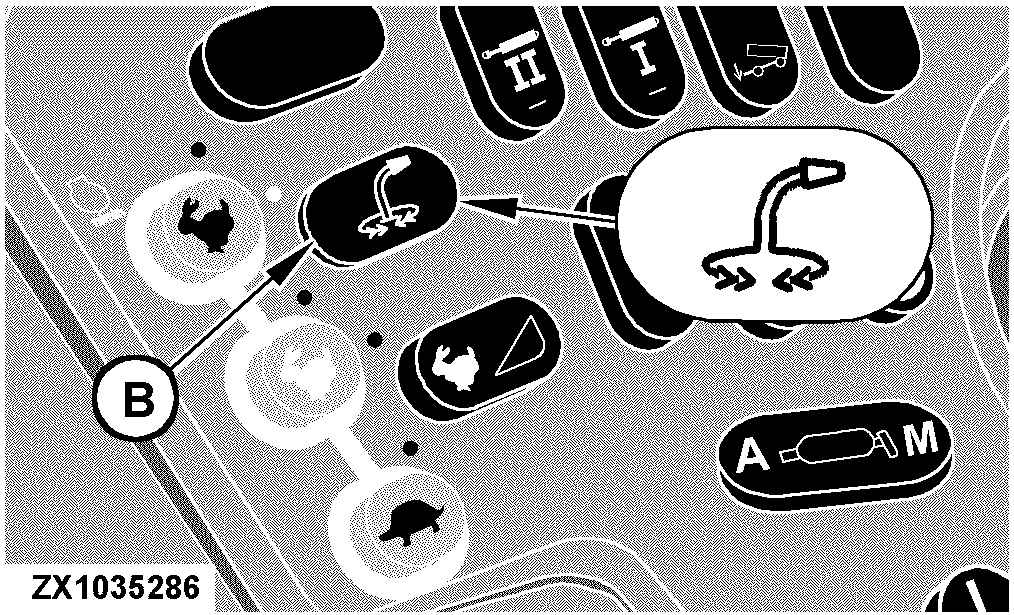
If switch (B) is not pressed: If the symbols (I) or (II) of switch (A) are pressed, the spout rotates at slow speeds (spout slow rotate mode). While operating in spout slow rotate mode, if the spout rotate function is configured to switch over to the spout fast rotate mode, the electronic system automatically enters spout fast rotate mode when a configurable delay time has expired. The delay time before entering the spout fast rotate operating mode can be selected between zero and 25 seconds. If zero is selected, only the spout slow rotate mode is available. If a value greater than zero has been chosen, the system automatically enters the spout fast rotate mode when the selected delay time has expired. As a consequence, the spout works in slow rotation mode as long as the delay time selected by the operator has not expired. When the delay time has expired, the spout slow rotate mode alternates to the spout fast rotate mode, provided that the spout rotate request is still active (symbols (I) or (II) are still pressed). If switch (B) is pressed: An additional hydraulic valve provides increased oil flow to the spout rotate motor. This results in an increased spout rotation speed. If switch (B) is pressed, the system works with the fast rotate operating mode only. While in this mode an operator selected delay time (as described above) has no effect on the spout rotation speed. |
|
OUZXMAG,0001DB1 -19-03NOV05-1/2 |
|
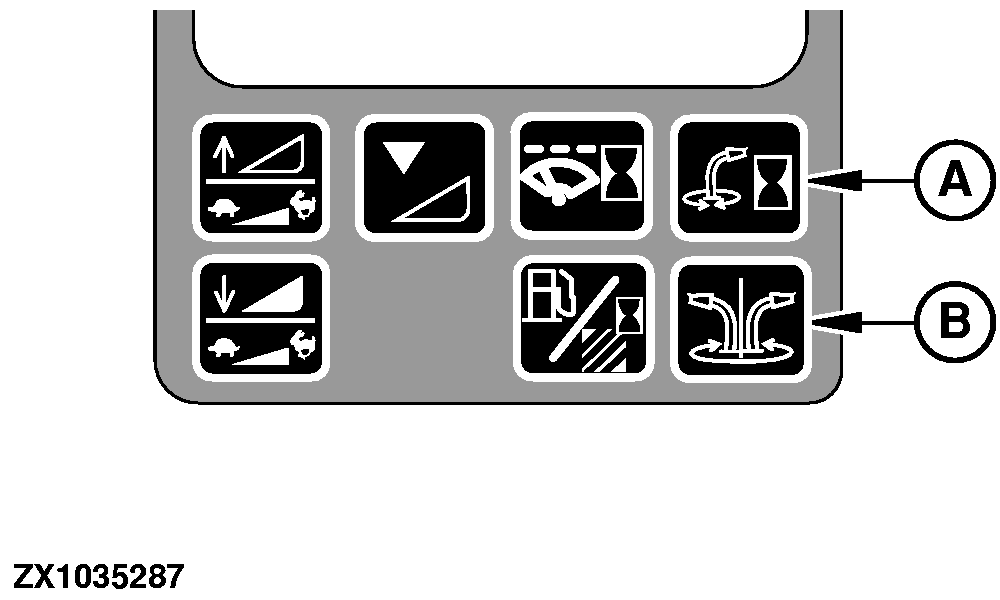
NOTE: For detailed calibration information, see Section "Calibration Procedures" at the appropriate addresses. To calibrate the spout fast rotate delay use quick calibration switch (A) or manually enter the following address:
Press auto spout rotate switch (B) to enable or disable the auto spout rotate function (see "Auto Spout Rotate Switch" in this section). To setup the spout rotate time, manually enter the following address (see On-Board Diagnostic Addresses):
|
|
OUZXMAG,0001DB1 -19-03NOV05-2/2 |