Auto Spout Rotate Switch
|
|

|
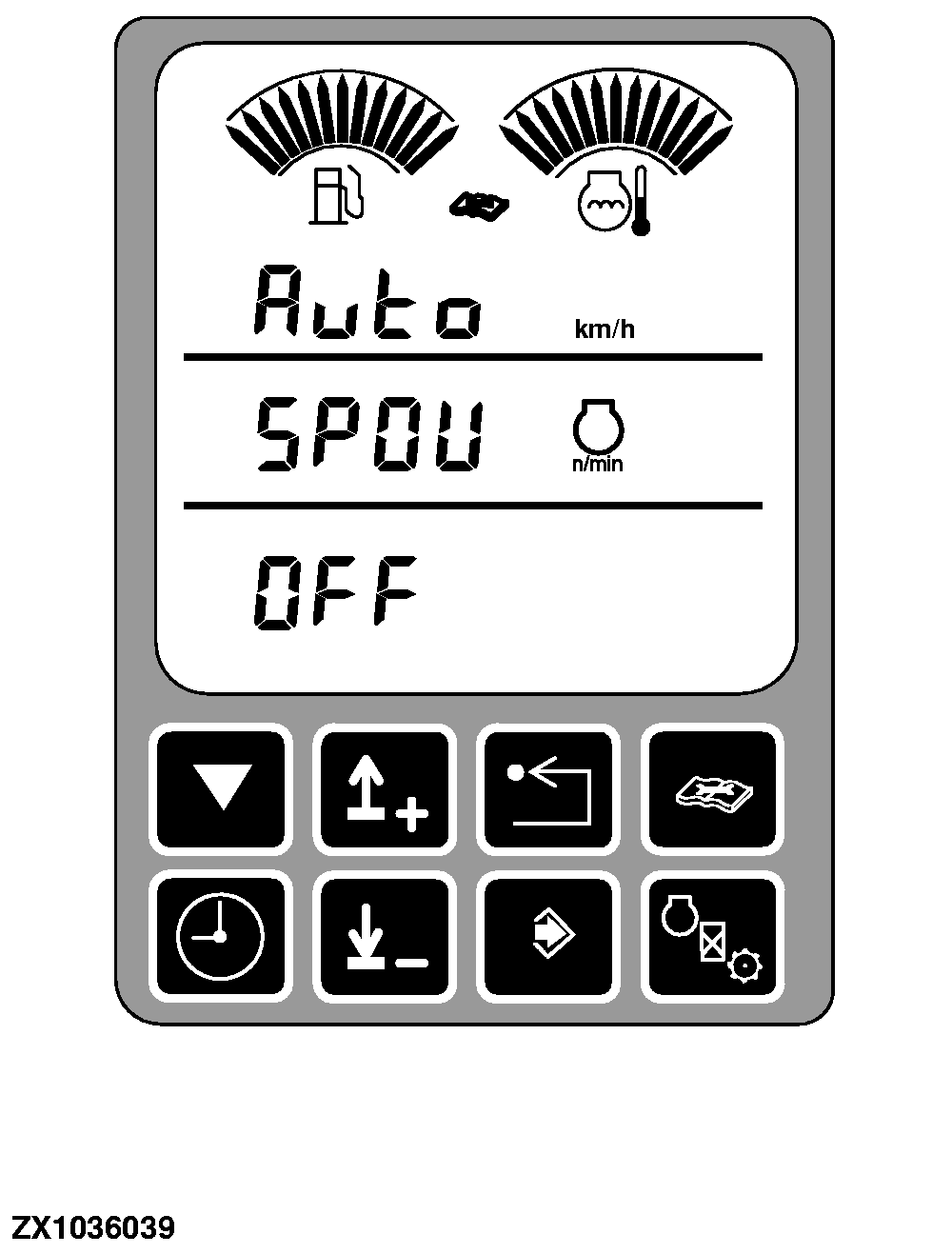
Auto spout rotate switch (A) allows to enable the automatic spout rotate timeout and spout tilt up/down timeout function. Once this function is enabled, press the spout rotate switch on multi-function lever twice or the spout raise/lower switch on armrest to automatically place the spout to the desired position.
Auto spout rotate functions can be activated if following conditions are met: |
Press switch (A) once to display function state. Default setting at start up is "OFF" (disable). Press switch (A) again to set function to "ON" state (enable). To setup the spout rotate time or spout raise/lower time, manually enter the following addresses (see On-Board Diagnostic addresses):
|
OUZXMAG,0001DB2 -19-08SEP04-1/1 |