Automatic / Manual Header Control
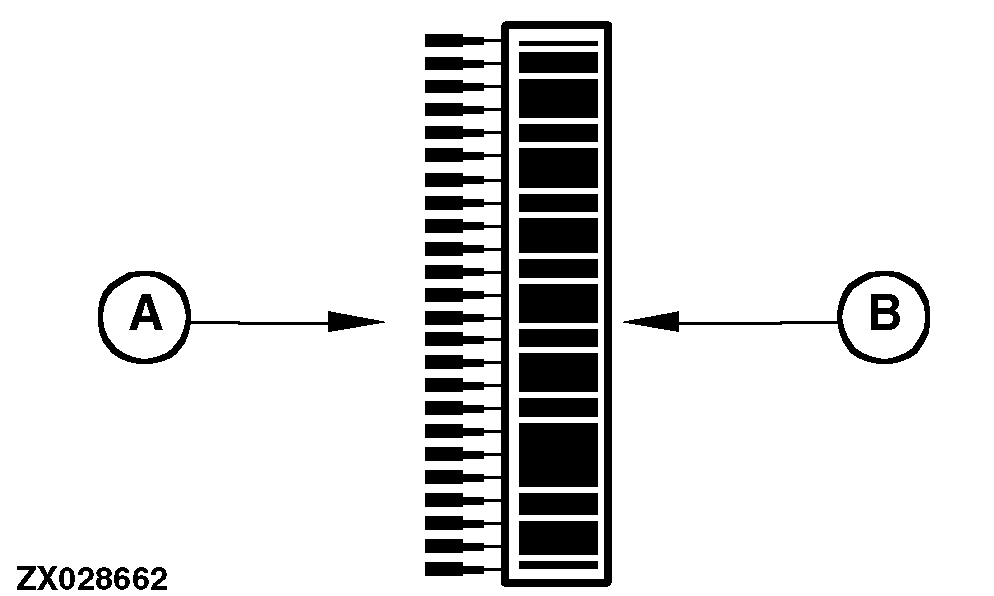
The upper left portion of the display will provide information regarding the automatic / manual header control system. On the left side are two bar graphs with 24 elements each.
-
The outer bar graph elements (A), shaped as pointers, will indicate the set point for the currently active automatic header control mode (position or pressure).
-
The inner bar graph elements (B), surrounded by a green border, will represent the current position or pressure depending on which automatic header control mode is active.
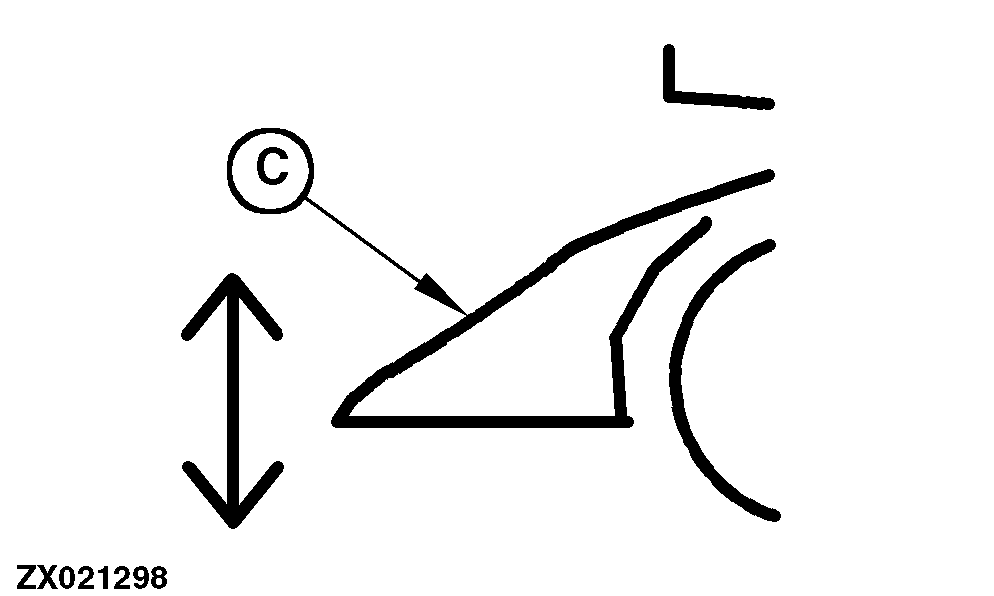
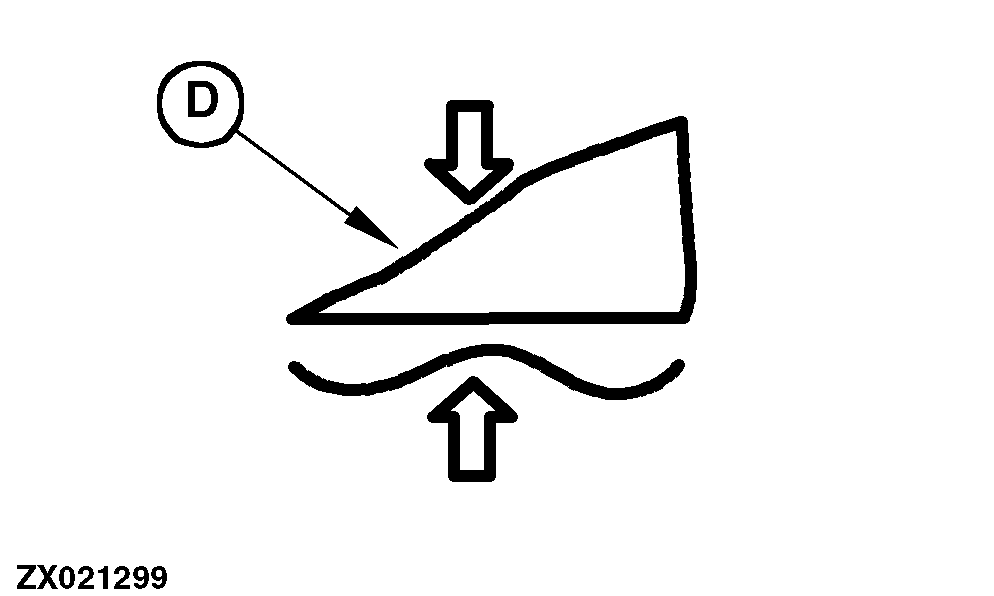
Additionally, the display shows two icons that indicate which mode of operation is activated.
The modes of operation are:
-
Return to position
-
Return to pressure
-
Transport
The automatic header control display is activated when a CAN Bus message is received to indicate that either return to position, return to pressure or transport mode is active.
A-Set Point For The Currently Active Automatic Header Control Mode (Position Or Pressure)
B-Current Position For The Currently Active Automatic Header Control Mode (Position Or Pressure)
C-Return To Position
D-Return To Pressure
|