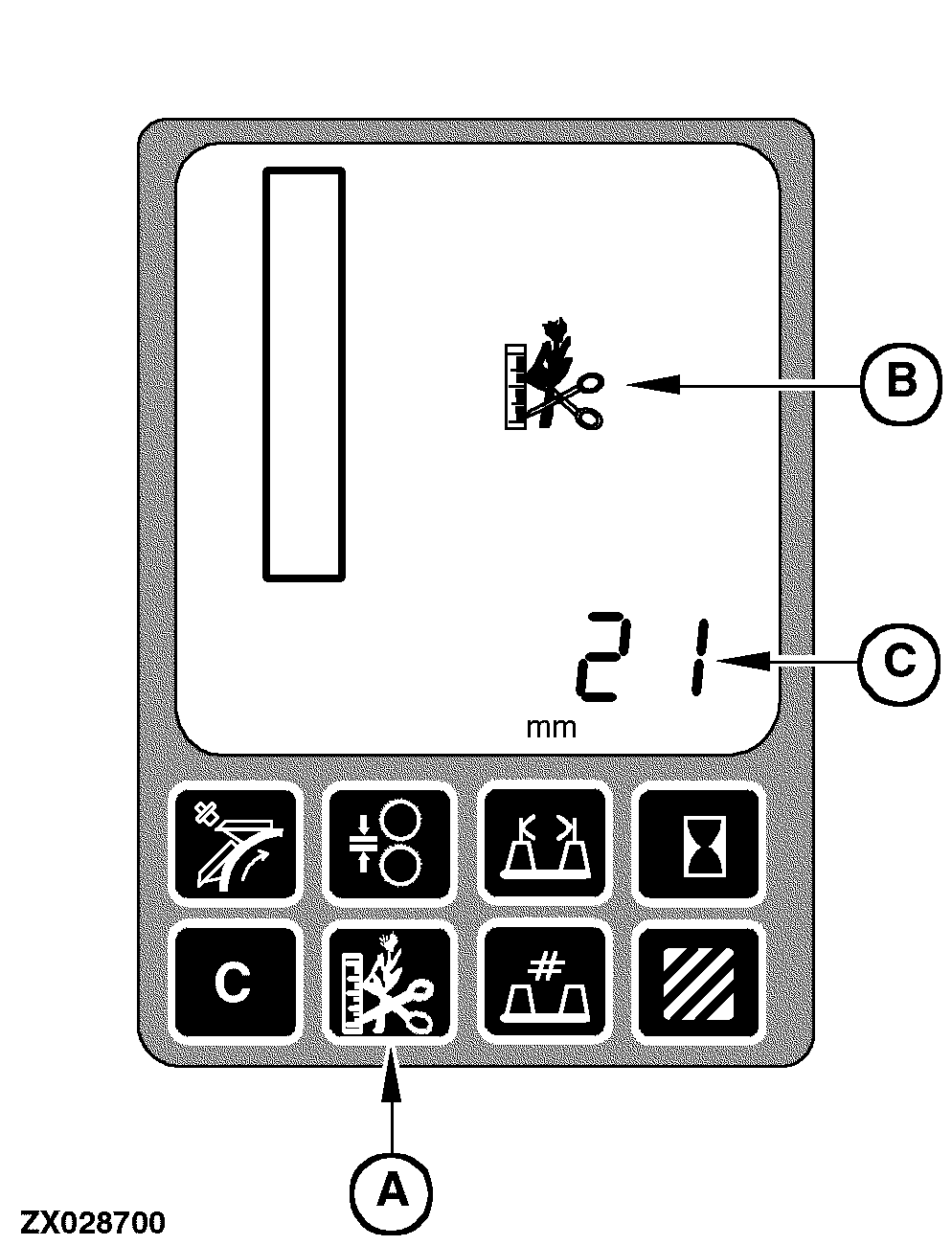
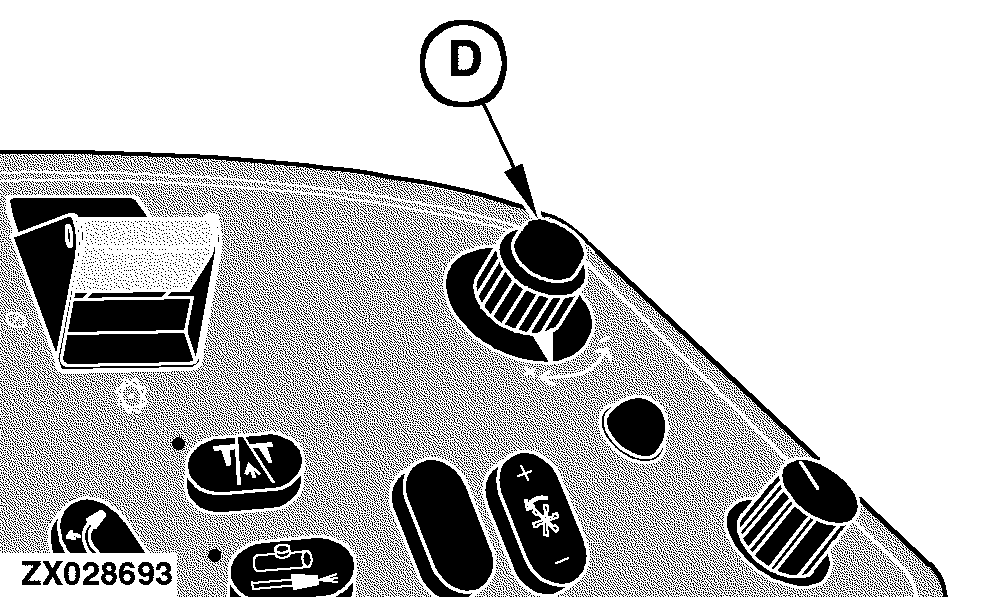
Infinitely Variable Length of Cut Transmission (IVLOC) DisplayTo activate the IVLOC display mode, press the IVLOC switch (A) located on the performance monitor. - If this switch is pressed less than two seconds, the IVLOC icon (B) will be displayed and the current IVLOC information will be displayed on the digital display line (C) along with the appropriate units (mm or in.) for a maximum of 10 seconds. - If this switch is pressed at least two seconds, the IVLOC icon (B) will be displayed and the current IVLOC information will be displayed on the digital display line (C) along with the appropriate units (mm or in.) continuously. To recover the manual header control display (default display), press switch (A) again. To change this setting use the input control knob (D) located on the armrest. While the input control knob is rotated the LOC value setting will change on the display. This will be the new LOC setting. The resolution of the LOC digital display will be mm or 100th of inch. NOTE: Use on-board diagnostic address SPF 105 to set the number of knives installed on the cutterhead. Only values of 20, 24, 28, 30, 36, 40, 42, 48, and 56 knives are allowed. The LOC display indicates the average length of cut resulting from the selected number of knives.
|
|
OUZXMAY,00003CA -19-03OCT03-1/1 |