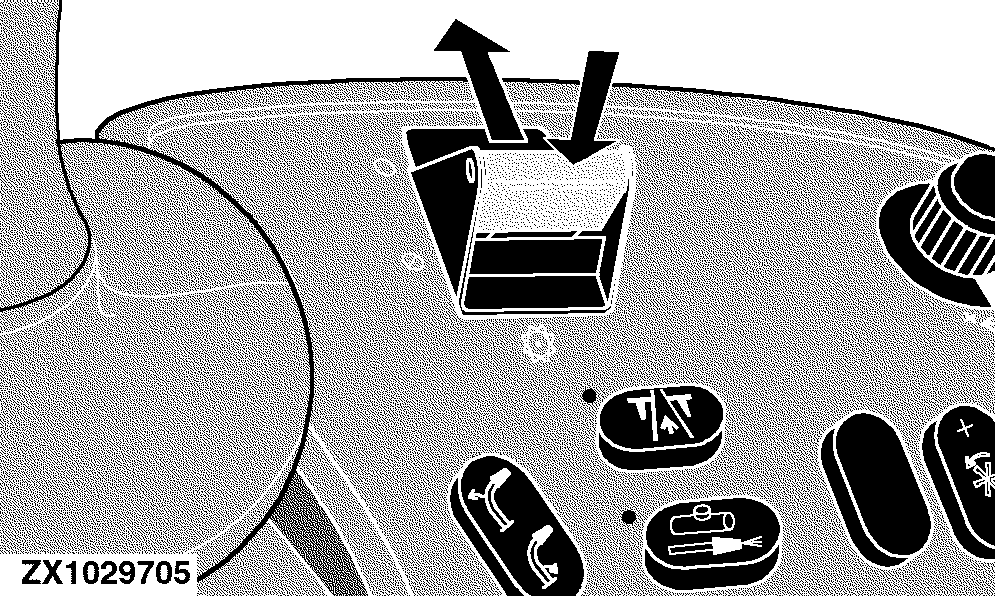
Operating Modes - IVLOCFor the activation of the metal detector, the main clutch has to be turned on and the feedrolls have to be reversed for 2 seconds. |
|
OUZXMAY,0000443 -19-01NOV03-1/8 |
|
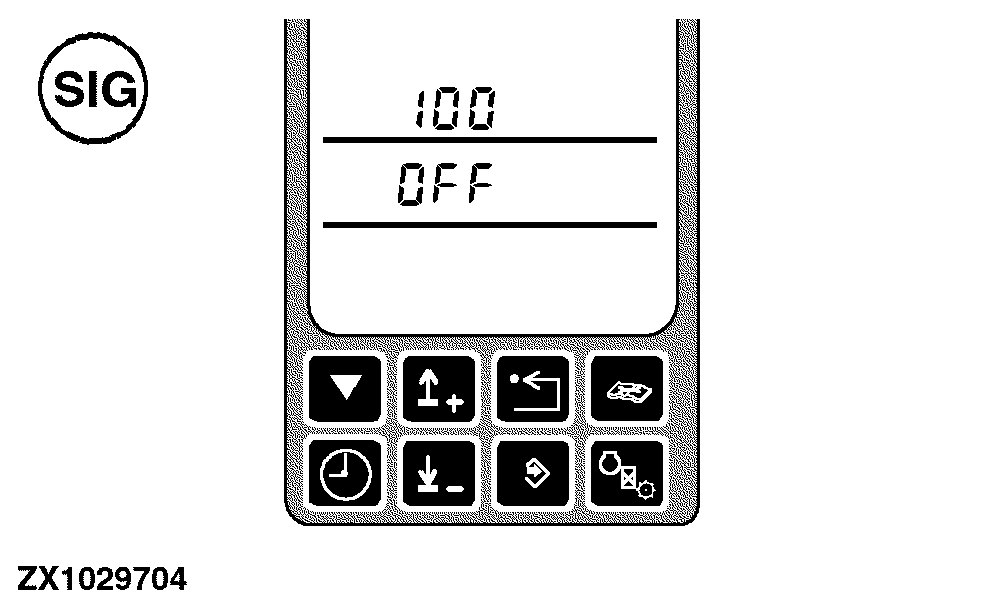
Off Mode The metal detector can be disabled by entering an on-board diagnostic address and setting the metal detector to the disable state - OFF mode (see "Calibration and Diagnosis" in this section). While in this mode it is possible to activate all harvest functions, but no metal detect functionality will be implemented. While in OFF mode, the performance monitor provides the appropriate status information. Each time the ignition switch is cycled, the metal detector will be reactivated. If the forage harvester should be operated in metal detector OFF mode, it will be necessary to re-enter the diagnostic address and turn the system OFF. The metal detector system will track and record the number of times the system has been placed in the OFF position. |
|
OUZXMAY,0000443 -19-01NOV03-2/8 |
|
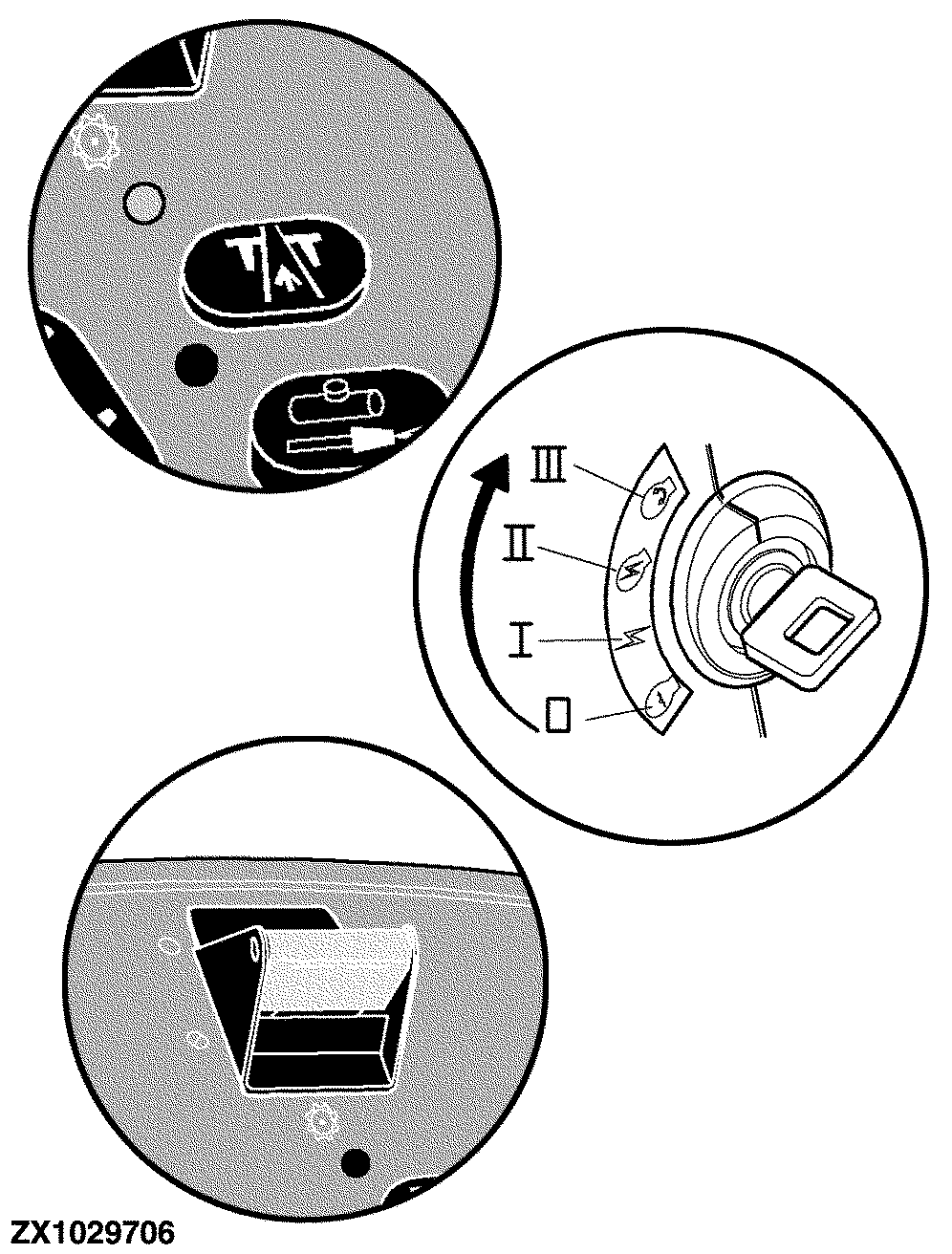
Tripped Mode The metal detector will enter tripped mode whenever the following conditions are true. When the metal detector is enabled (not in OFF mode), it will enter tripped mode if:
When the metal detector is in armed mode, tripped mode will be entered if:
While in tripped mode, the system will control the hydraulic / electric stop pawl solenoids to disengage the feedroll drive. In this state the metal detector will be enabled but not armed and thus no metal detect functionality will be implemented. The transition from tripped to armed mode will automatically be implemented by the metal detector whenever predefined interactions occur (see "Armed Mode" below). For this reason, the electronic system will continuously monitor the state of the:
While in tripped mode, the performance monitor provides the appropriate status information. |
|
OUZXMAY,0000443 -19-01NOV03-3/8 |
|
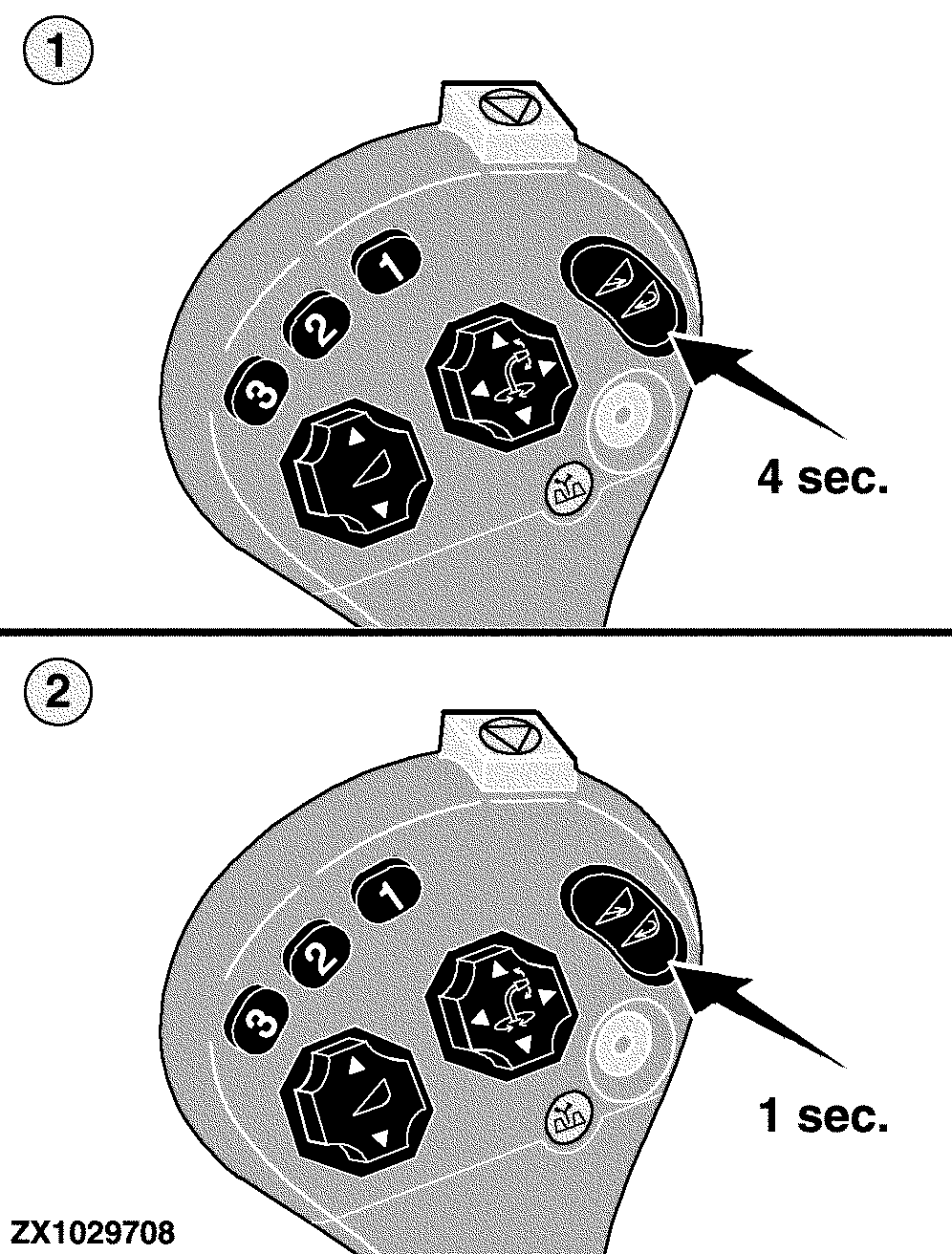
Armed Mode Armed mode can only be entered when the metal detector is in tripped mode. 1.
If tripped mode was entered by pressing the quick stop switch, the metal detect system will enter armed mode whenever it detects a feedroll reverse request for at least 4 seconds.
While in armed mode, the metal detector will control the hydraulic / electric stop pawl solenoids to allow the engagement of the feedrolls. The armed mode is the real metal detect functionality of the Self-Propelled Forage Harvester. Whenever armed mode is active, the metal detect system continuously calculates the metal detect threshold based on current feedroll noise (harvest conditions) and the calibrated initial threshold parameter. As a result, the automatic threshold calculation compensates for feedroll noise signals. While in armed mode, ferromagnetic parts in the crop mat will trip the metal detect system and consequently tripped mode will be entered. In this state the feedroll drive will be disengaged and the metal detector generates a metal location information to help to find the location where the metal entered the feedrolls. To activate armed mode again, reverse the feedrolls for at least 1 second. While operating in armed mode, the performance monitor provides the appropriate status information as well as metal location information. |
|
OUZXMAY,0000443 -19-01NOV03-4/8 |
|
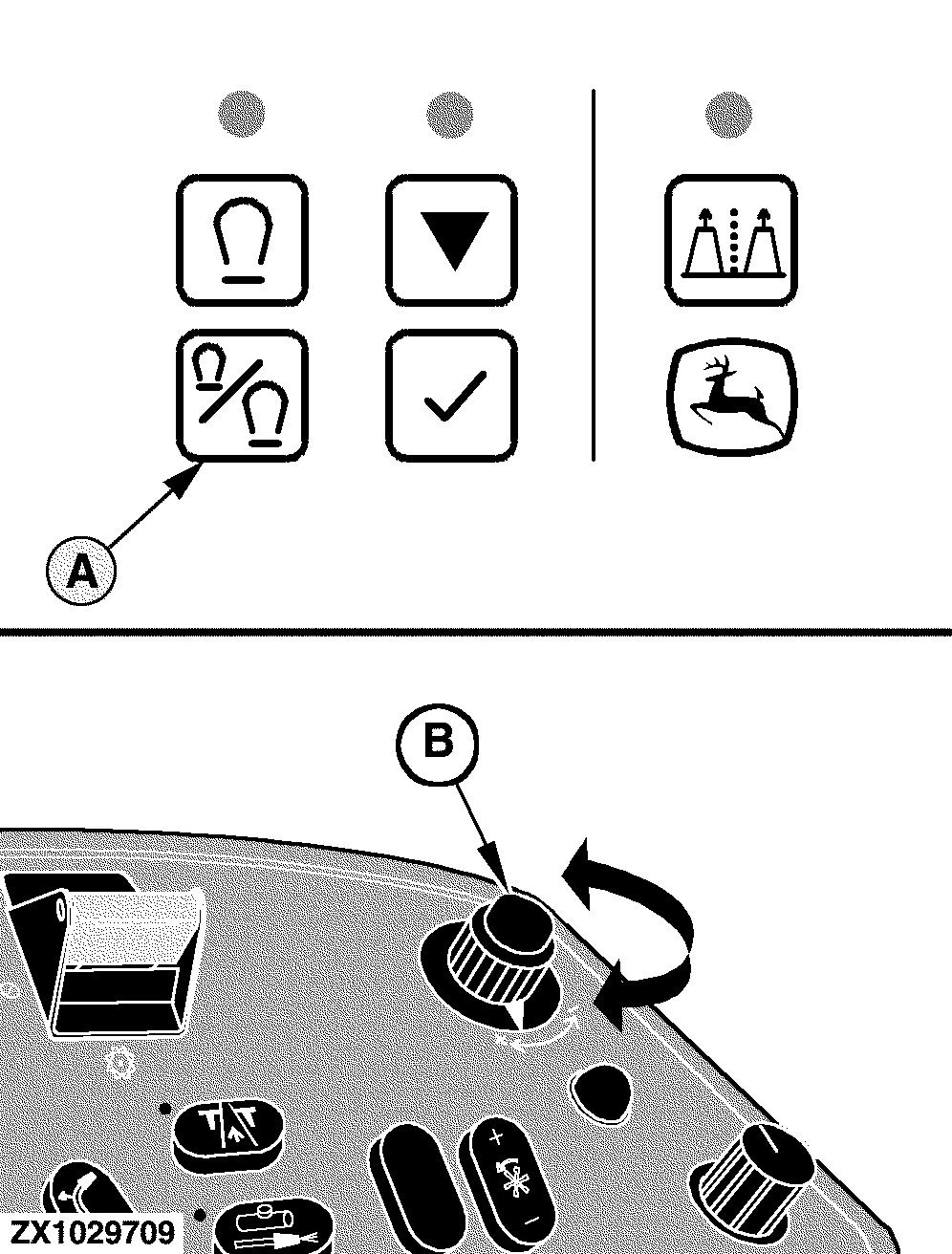
Initial Threshold Adjustment (Sensitivity) Calibration Press the metal detector initial calibration switch (A) and turn the input control knob (B) to determine a new value for the headroom parameter. While in this state, the performance monitor provides actual threshold information. NOTE: The higher the selected value is, the lower the sensitivity height will be, and vice versa. If the metal detector trips too often with no metal found (false tripping), first change the threshold parameter to a higher value, see "Manual Threshold Calibration". If armed mode is then activated again, the metal detector will use the new threshold value for the calculation of the automatic threshold. The value is settable using OBD address SIG 101. Default value: 2000 mV. |
|
OUZXMAY,0000443 -19-01NOV03-5/8 |
|
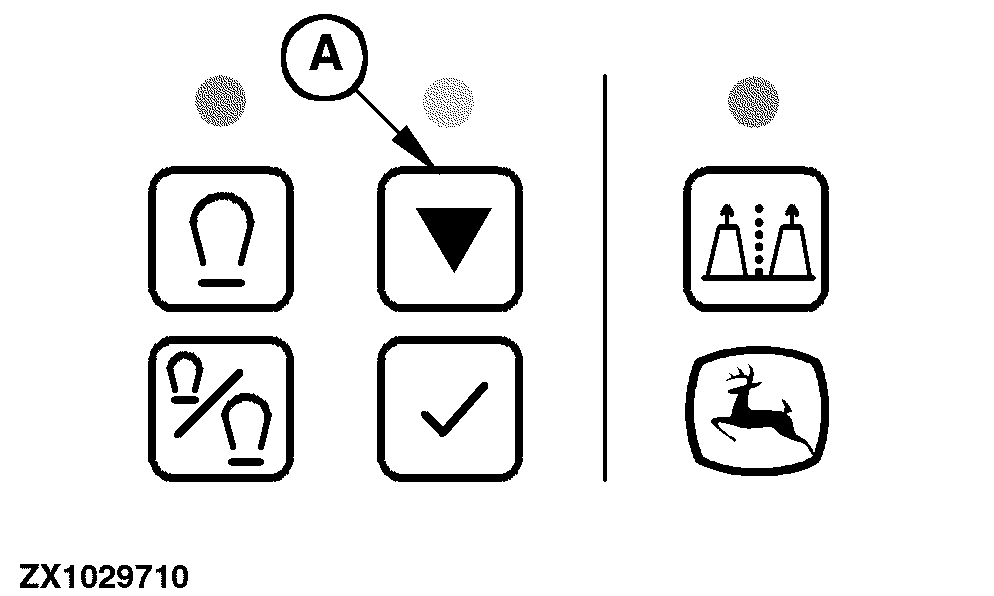
Emergency Mode In some cases it might happen that a new initial threshold adjustment (changing the sensitivity) will still not prevent the system from false tripping. Under such harvest conditions it is possible to initiate a emergency mode process. To enter the emergency mode press the metal detector emergency mode switch (A). While in this mode a new metal detector threshold will be determined as follows:
Example: During the 15 second calibration of emergency mode, the sensor threshold is automatically set to 4000 mV. After 15 seconds, the threshold is adjusted to a new value. This new value is the peak signal recorded during the 15 seconds, plus the operator adjusted headroom. This new value may be much higher than actually required to prevent false tripping. If the peak signal is approximately 2800 mV during the 15 seconds calibration, the system will limit this to 2500 mV, so the maximum threshold after calibration will not be above 5000 mV. If this peak were less than 2500 mV, the system would take this actual value and add it to the adjusted headroom. Reduce the adjusted headroom AFTER the 15 second calibration. The metal detector system has recorded the highest peak during the calibration (in the example described above 2500 mV even though it is actually 2800 mV). To this value the system will add what ever the operator has the headroom adjusted to. The new threshold value will be calculated by adding the initial threshold value to this maximum machine noise. Although this will result in a higher threshold, it still allows to continue harvest operation with the metal detector activated. |
|
OUZXMAY,0000443 -19-01NOV03-6/8 |
|
The emergency mode should be performed whenever false tripping events cannot be solved by initial threshold adjustment. If the metal detector trips each time when attempting to put the feedrolls in forward, entering the emergency mode is also possible with the feedrolls in reverse. During emergency mode, the performance monitor provides current function status information. |
OUZXMAY,0000443 -19-01NOV03-7/8 |
|
Metal Detector Diagnostic Modes For the three coil metal detector sensor, a diagnostic mode and a continuously running diagnosis are available. Continuously running diagnosis is available while operating in armed mode. While in this mode the metal detector continuously checks for a disconnected sensor whenever the feedrolls are turning in forward direction. If the metal detect sensor is disconnected, appropriate information is displayed by the performance monitor. Furthermore the metal detector system provides a metal detector diagnostic mode. Preconditions to perform the metal detect test: 1.
Turn on the cutterhead
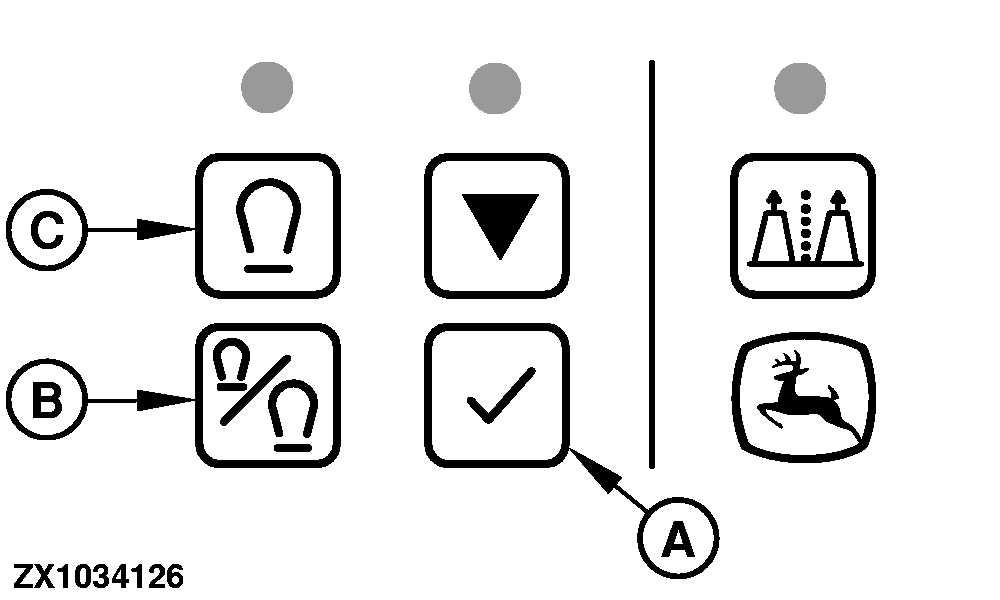
Press the metal detect test switch (A) to enter the diagnostic mode. While in this mode the system will check for an open circuit in the sensor coils or the harness. If the test has been successfully terminated, the metal detector enters tripped mode. If the test has failed, appropriate information is provided by the performance monitor. Status information on the following switches are provided in on-board diagnostic addresses:
First press the metal detector initial calibration switch (B) followed by the metal detector peak /average signal switch (C) to display the metal detector trip values (actual and maximum value). |
|
OUZXMAY,0000443 -19-01NOV03-8/8 |