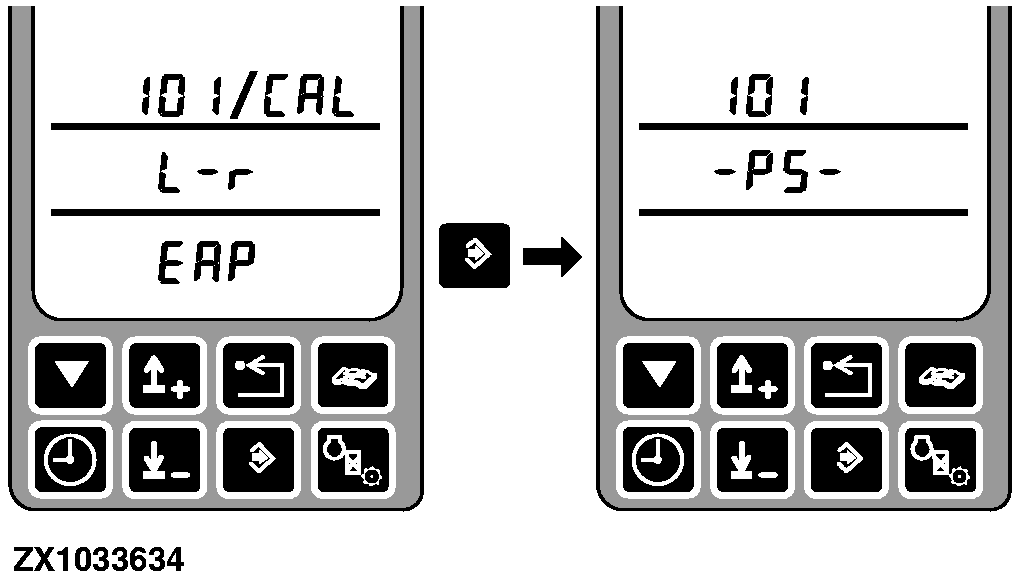
Address SPF 101 Calibration - Control The Kernel Processor Clearance With Input Control KnobAfter entering this diagnostic address the display will show the address and PS (Powr-Savr). |
|
OUZXMAY,0000633 -19-01NOV03-1/4 |
|
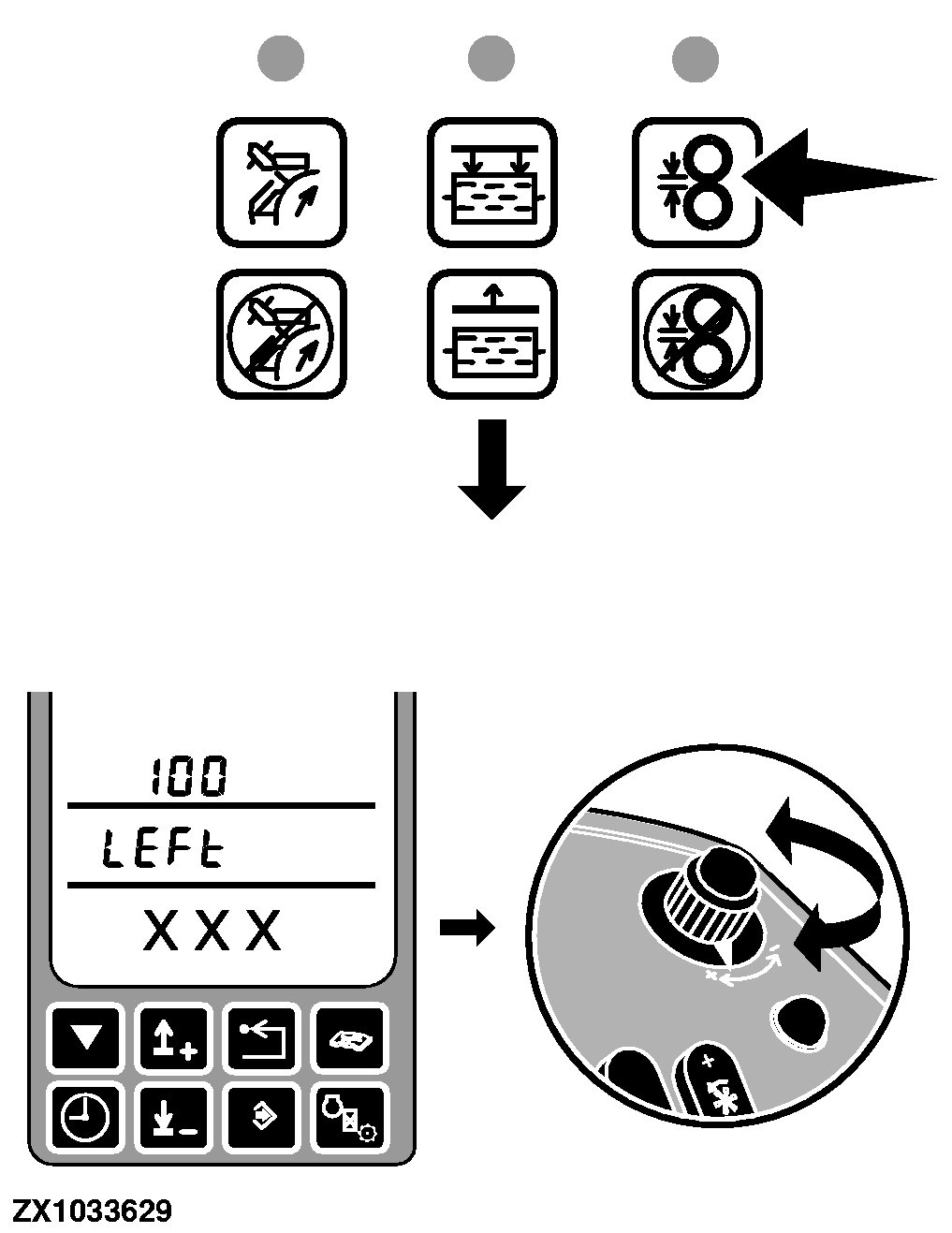
Press and hold the kernel processor clearance switch until the display changes to LEFt and displays the current left clearance pulse count on the lower line, indicating the SPFH control unit is in kernel processor clearance control mode. Once in kernel processor clearance control mode, turn the input control knob clockwise to increase the kernel processor clearance and turn the input control knob counter-clockwise to decrease the kernel processor clearance. |
|
OUZXMAY,0000633 -19-01NOV03-2/4 |
|
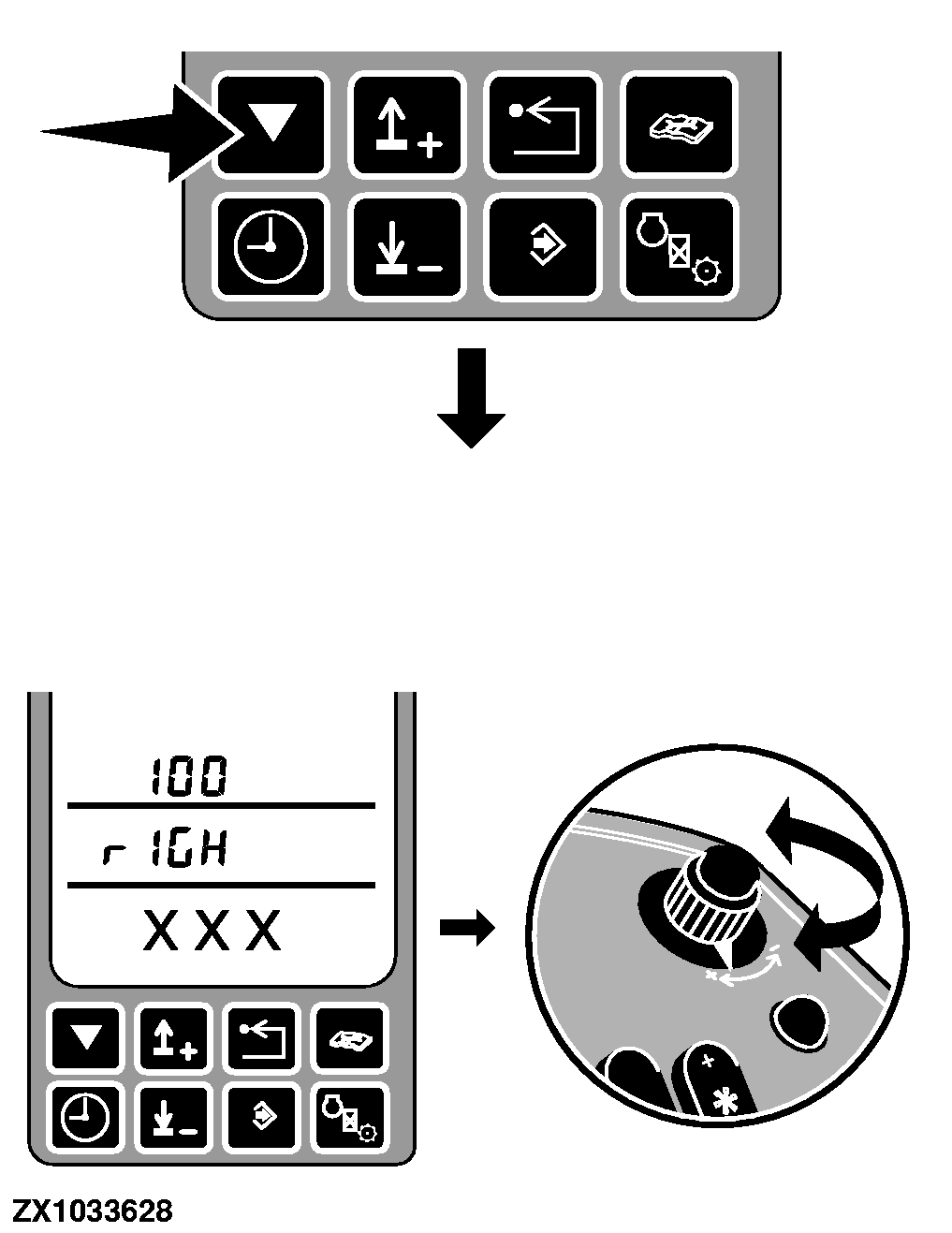
Push the Cal switch to toggle to the right side. The display will change to rIGH and displays the current right clearance pulse count on the lower line. (Pressing the Cal switch again will change to the left side.) Once in kernel processor clearance control mode, turning the input control knob clockwise to open or increase the kernel processor clearance and turning the input control knob counter-clockwise to close or decrease the kernel processor clearance. |
|
OUZXMAY,0000633 -19-01NOV03-3/4 |
|
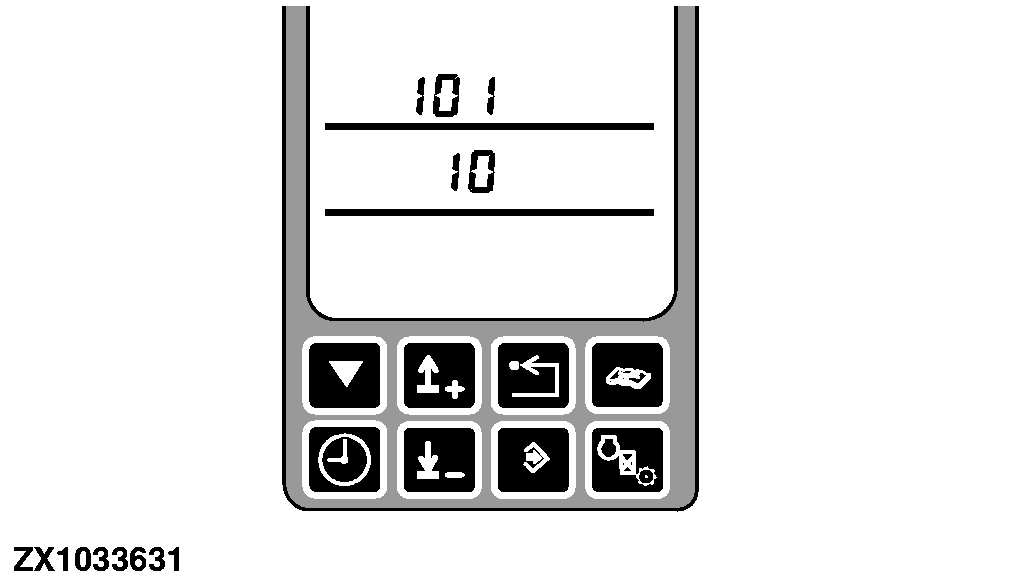
While in kernel processor clearance control mode, the middle display line will display the clearance in mm of the side that is currently controlled. IMPORTANT: The kernel processor clearance control will not allow clearances below 1 mm or above the maximum. Each side of the kernel processor can only be changed 2.0 mm before the opposite side must be changed as well to ensure the kernel processor rolls remain parallel to each other. |
|
OUZXMAY,0000633 -19-01NOV03-4/4 |