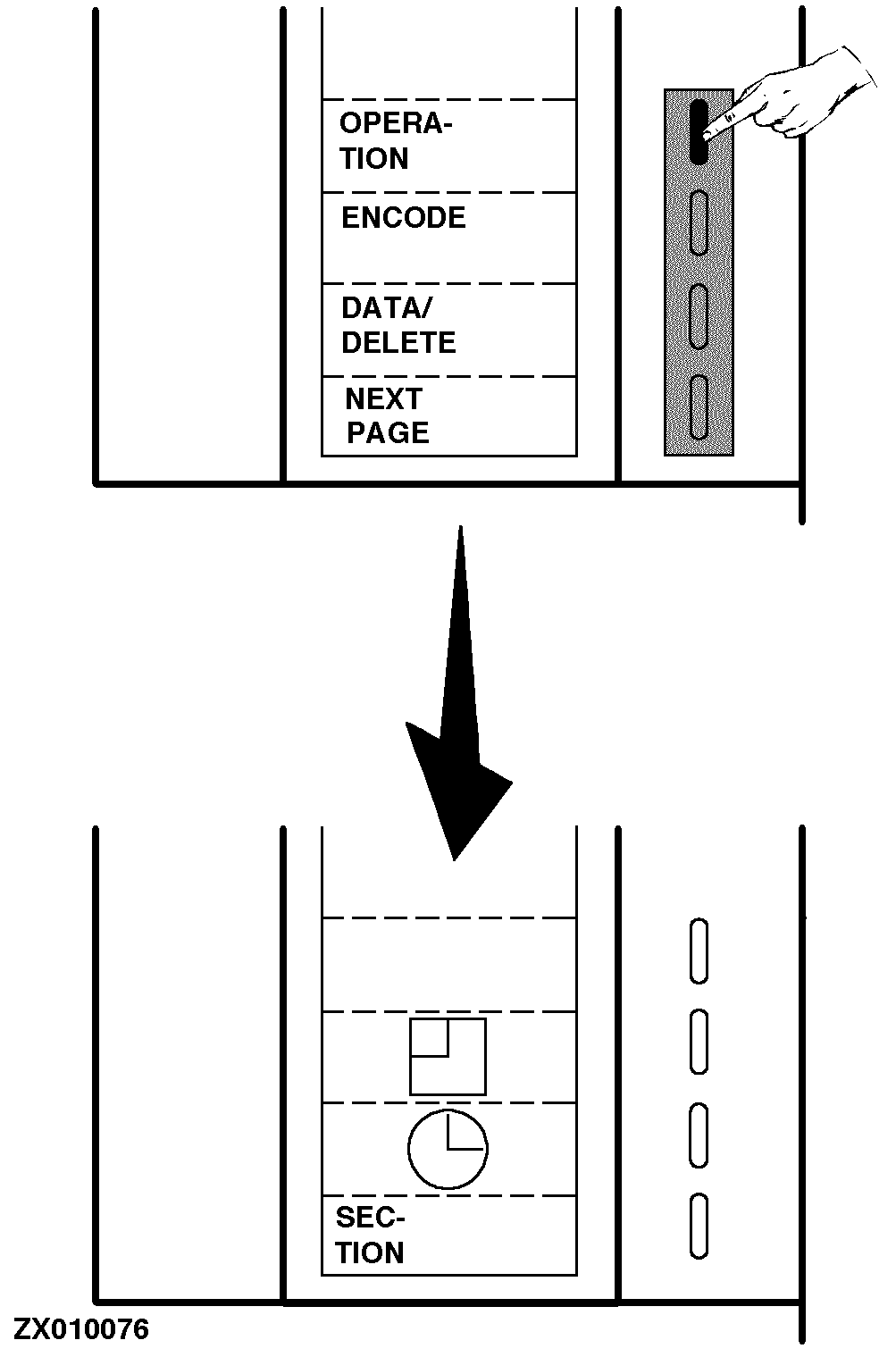
Combine Harvester Computer Function Key DescriptionThe operation of the Combine Harvester Computer is very simple due to the 4 function keys (softkeys) to the right of the display (the four keys each marked with a white vertical dash). The present function of these keys is displayed on the left of the key. When a key is pressed, the 4 function keys can change to a new function, as shown. |
|
ZX,OMSLC007293 -19-19NOV96-1/9 |
|
Return Key
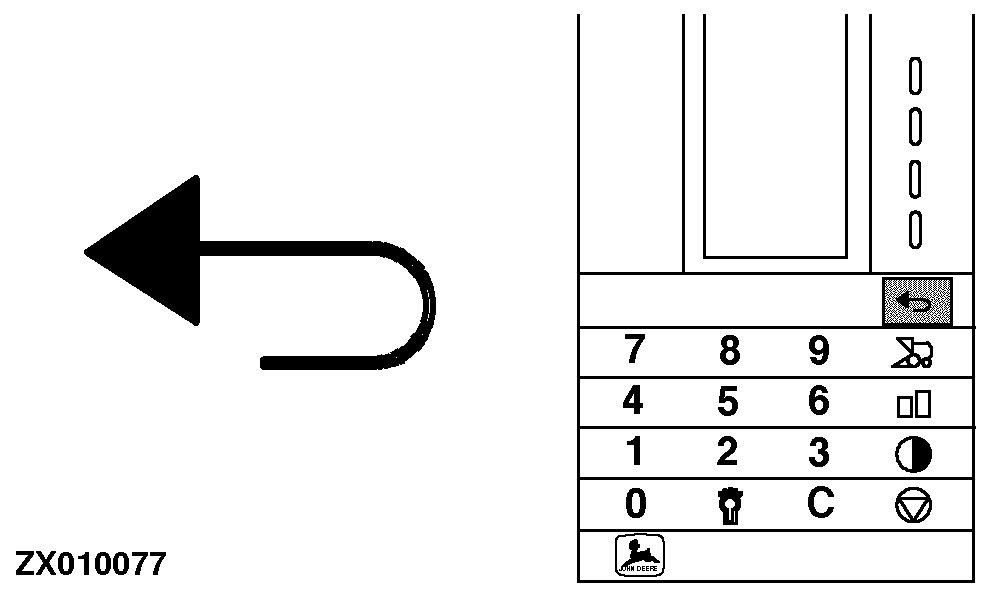
This key is used if you want to return to a previous menu/function. One "full screen page" is changed each time the key is pressed. The key is also used to accept a RPM warning if it does not require a stop. See "Encoding Stop Warnings" in this Section. |
|
ZX,OMSLC007293 -19-19NOV96-2/9 |
|
RPM Control Key
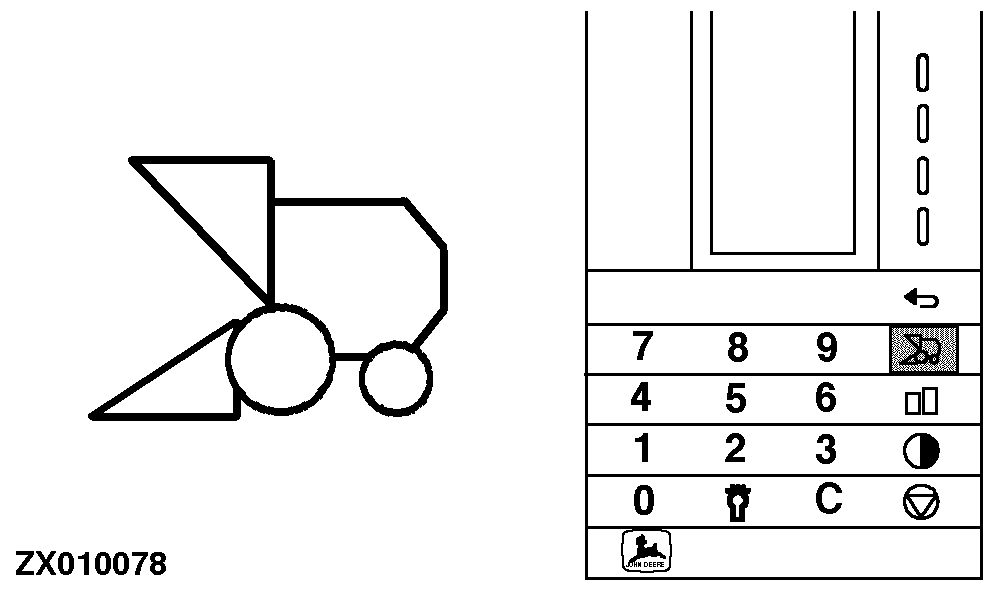
This key is used to show the revolutions of the following 5 shafts, irrespective of which function is selected: 1: Straw walker 2: Straw chopper 3: Fan 4: Grain elevator 5: Tailings elevator A warning can be encoded for each of the above shafts so that a sound alarm shall be heard when shaft speed is below the encoded limit. See "Encoding Stop Warnings" in this Section. |
|
ZX,OMSLC007293 -19-19NOV96-3/9 |
|
Zoom Display Key
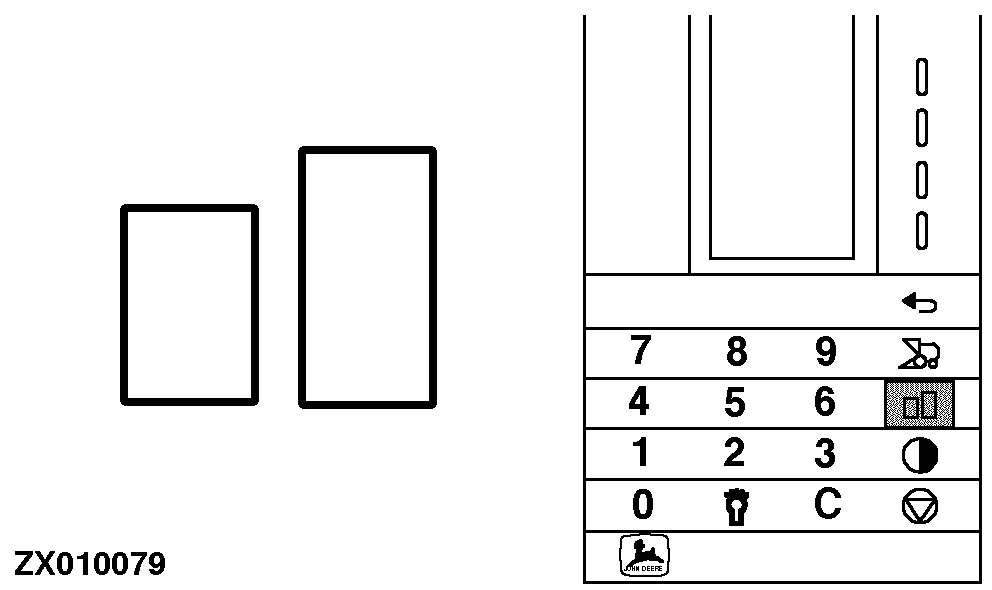
The primary function of the Combine Harvester Computer is to show grain loss. In normal operation it is therefore possible to make the bars bigger by the zoom key. Press the "Zoom" key and the reading of the function keys will disappear. Press the "Return" key to return to the previous page displayed. See "Return Key" in this Section. |
|
ZX,OMSLC007293 -19-19NOV96-4/9 |
|
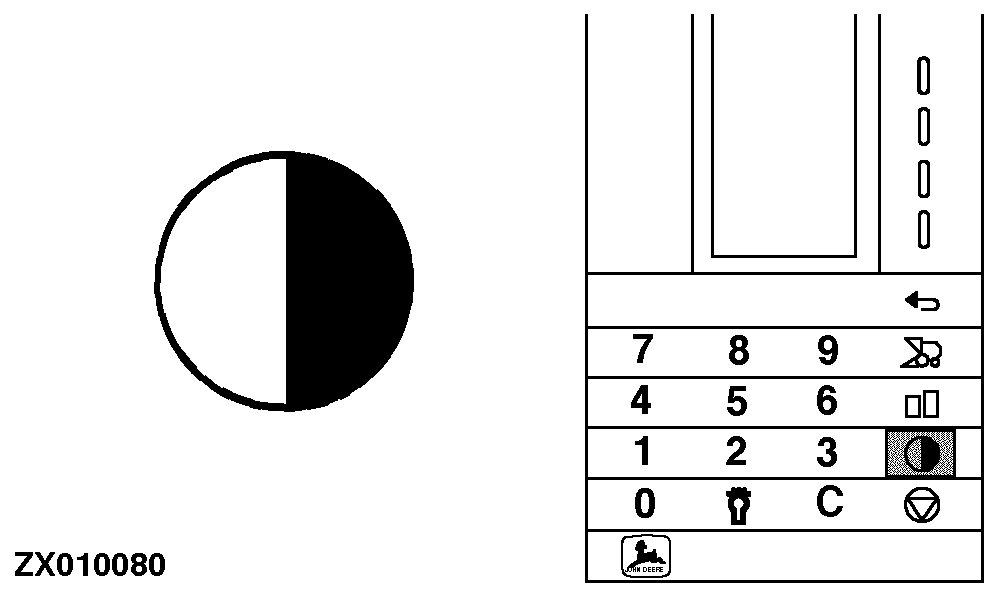
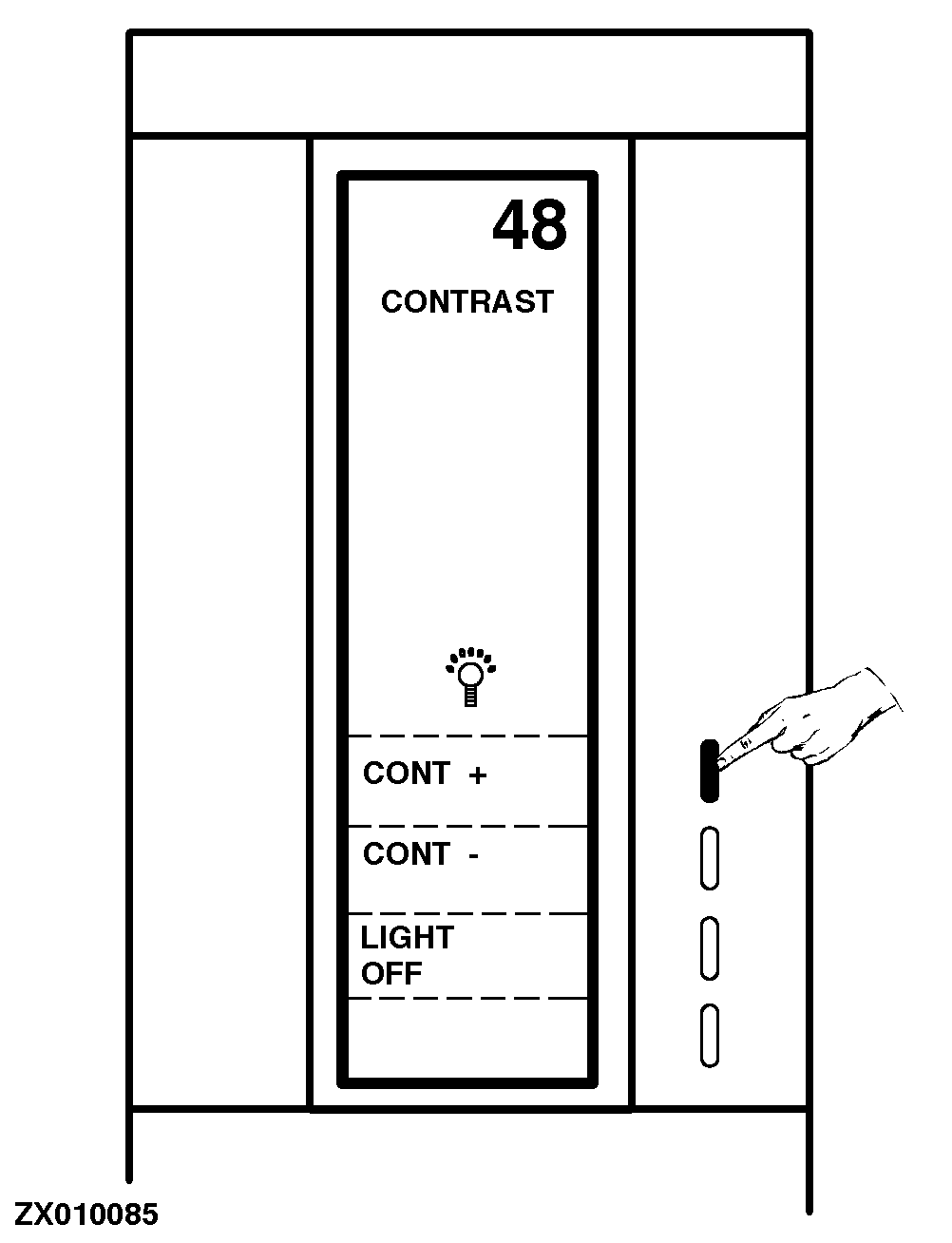
Display Contrast Key
Press this key to adjust the contrast of the display (bright/dark). This ensures optimum contrast in all conditions. NOTE: The reading of the display is normal when temperature is between -10° and +60°C. Under extremely cold or hot conditions, it may occur that the screen becomes blank or black. In this case, it is possible to compensate for this by using the contrast key. At the top of the display a counter is shown. Normal contrast is 45-50. Use function keys to adjust contrast or to turn light OFF. Cont + = Darker display. Cont - = Brighter display. Press "Delete" key to get back to normal value. See "Delete Key" in this Section. |
|
ZX,OMSLC007293 -19-19NOV96-5/9 |
|
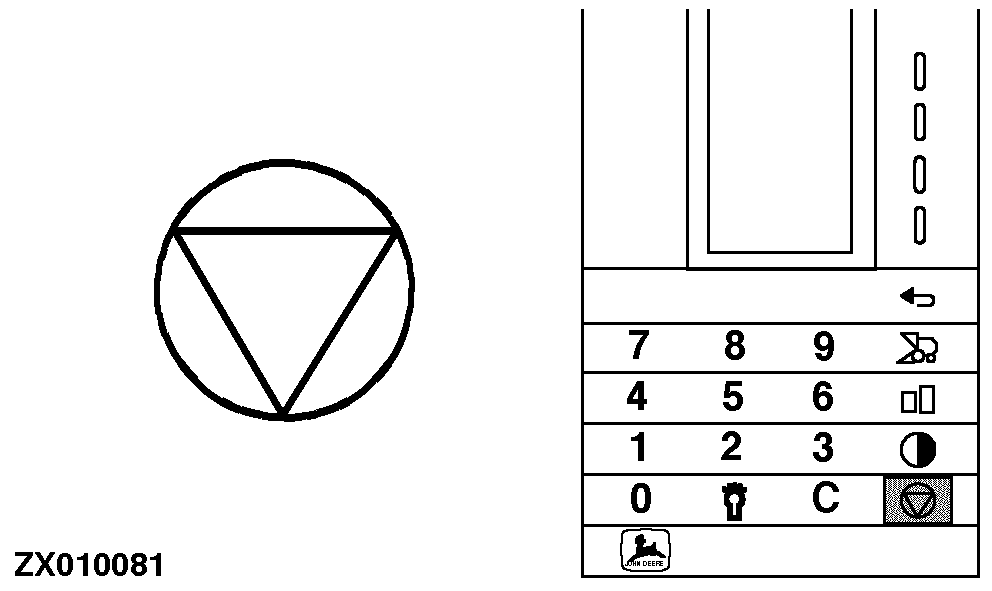
Undefined Key
This key is not activated for the operation of the Combine Harvester Computer. |
|
ZX,OMSLC007293 -19-19NOV96-6/9 |
|
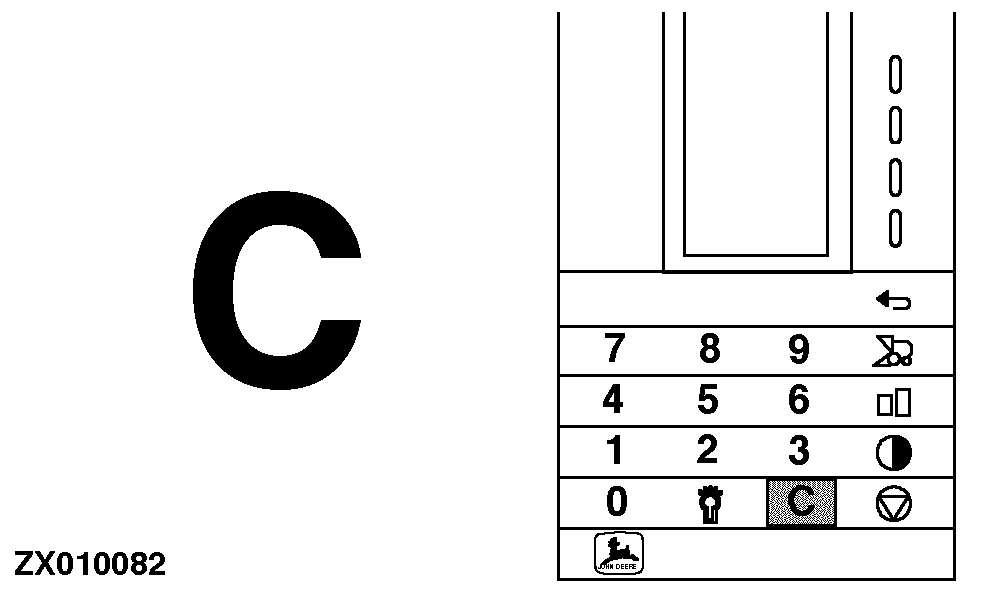
Delete Key
The "Delete" key is used together with the numeric keys when encoding. See "Encoding Combine Harvester Computer" in this Section. The "Delete" key is also used to get back to normal contrast value. See "Display Contrast Key" in this Section. |
|
ZX,OMSLC007293 -19-19NOV96-7/9 |
|
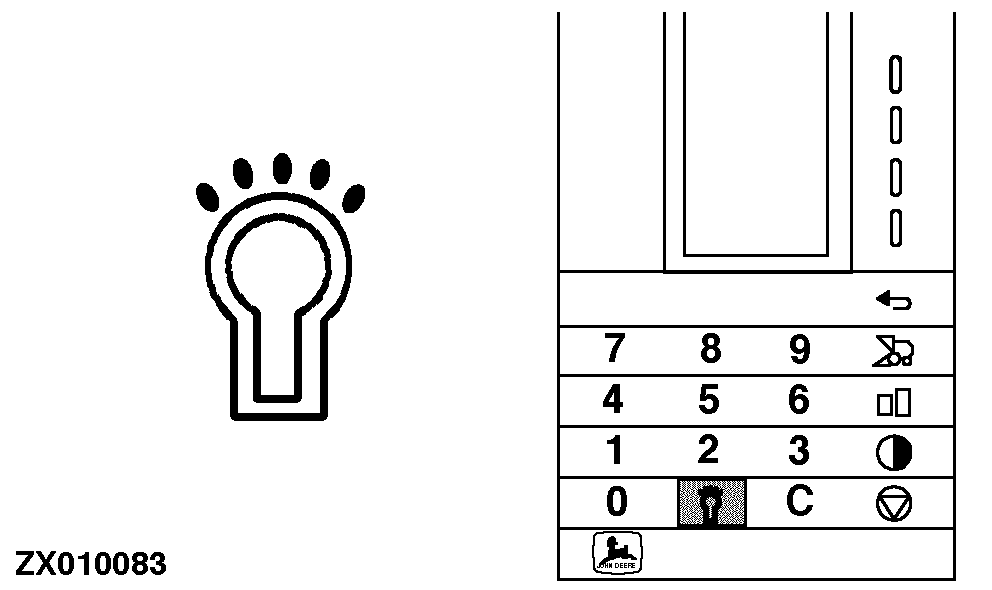
Background Light Key
This key is used to turn the background light ON or OFF. When switching ON the Combine Harvester Computer the background light is always OFF. NOTE: The background light can also be turned ON or OFF by using "Contrast" key. See "Display Contrast Key" in this Section. |
|
ZX,OMSLC007293 -19-19NOV96-8/9 |
|
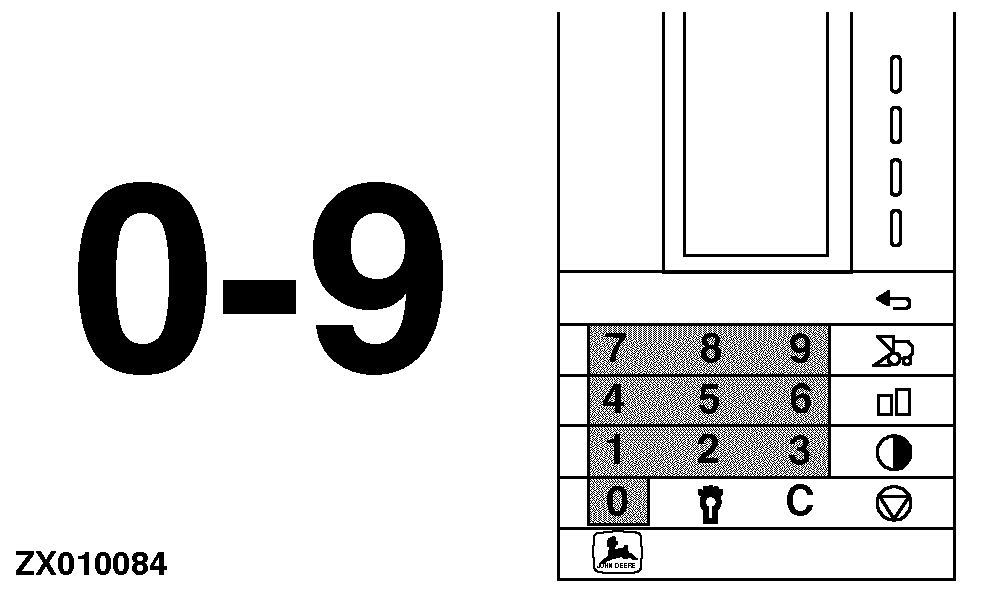
Numeric Keys
These keys should be used only for encodings. See "Encoding Combine Harvester Computer" in this Section. |
|
ZX,OMSLC007293 -19-19NOV96-9/9 |