Switching on the Combine Harvester Computer MonitorThe monitor is automatically switched ON via the starter switch key of the combine. See "Starting The Engine" in "Operating the Engine" Section.
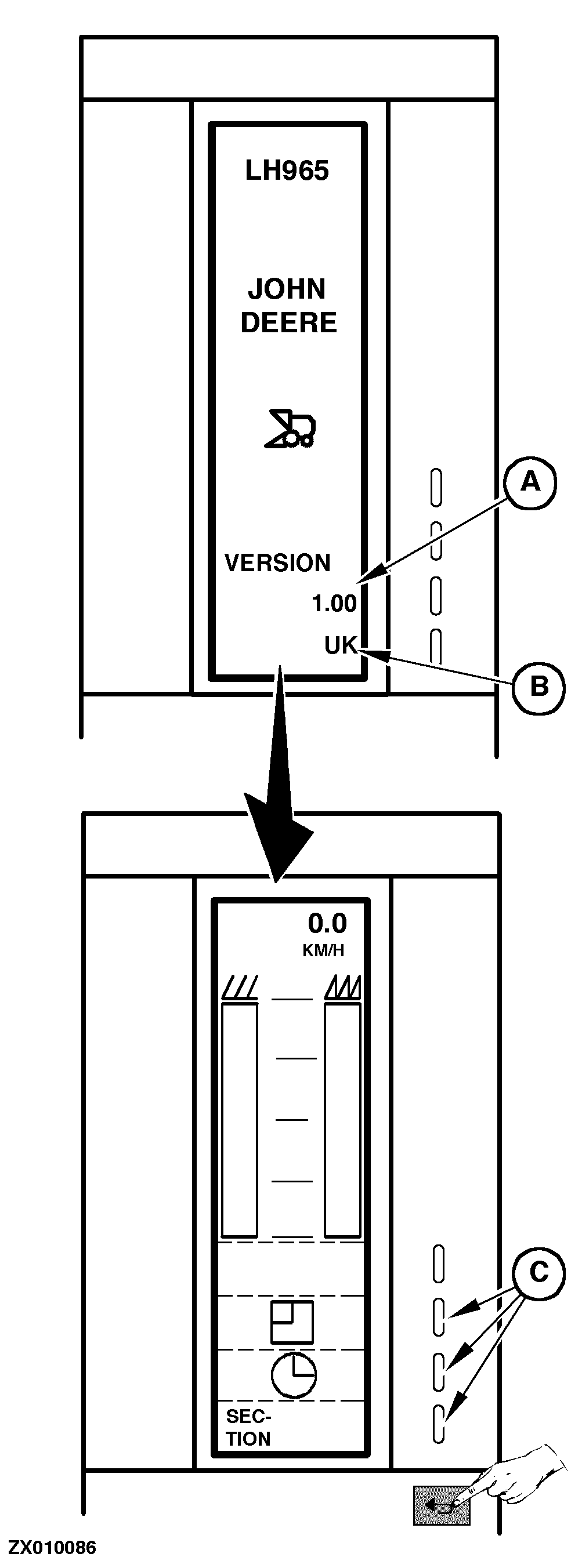
Once switched ON, the screen displays a page with: After a few seconds, the screen is cleared and displays a second page which corresponds to the "Operation" function as the normal use of the computer is to display and control grain loss. Refer to "Operating Combine Harvester Computer" in this Section for the use of "Operation" function keys (C) or press "Return" key to go to the "Main Menu" page (See "Combine Harvester Computer Main Menu" in this Section) where all main functions are accessible. |
|
ZX,OMSLC007294 -19-01DEC96-1/1 |